01
Built into every style
We use a special instruction built into every style.
Upload one selfie to try a vikas editing look right here, or copy the prompt into ChatGPT or Gemini.
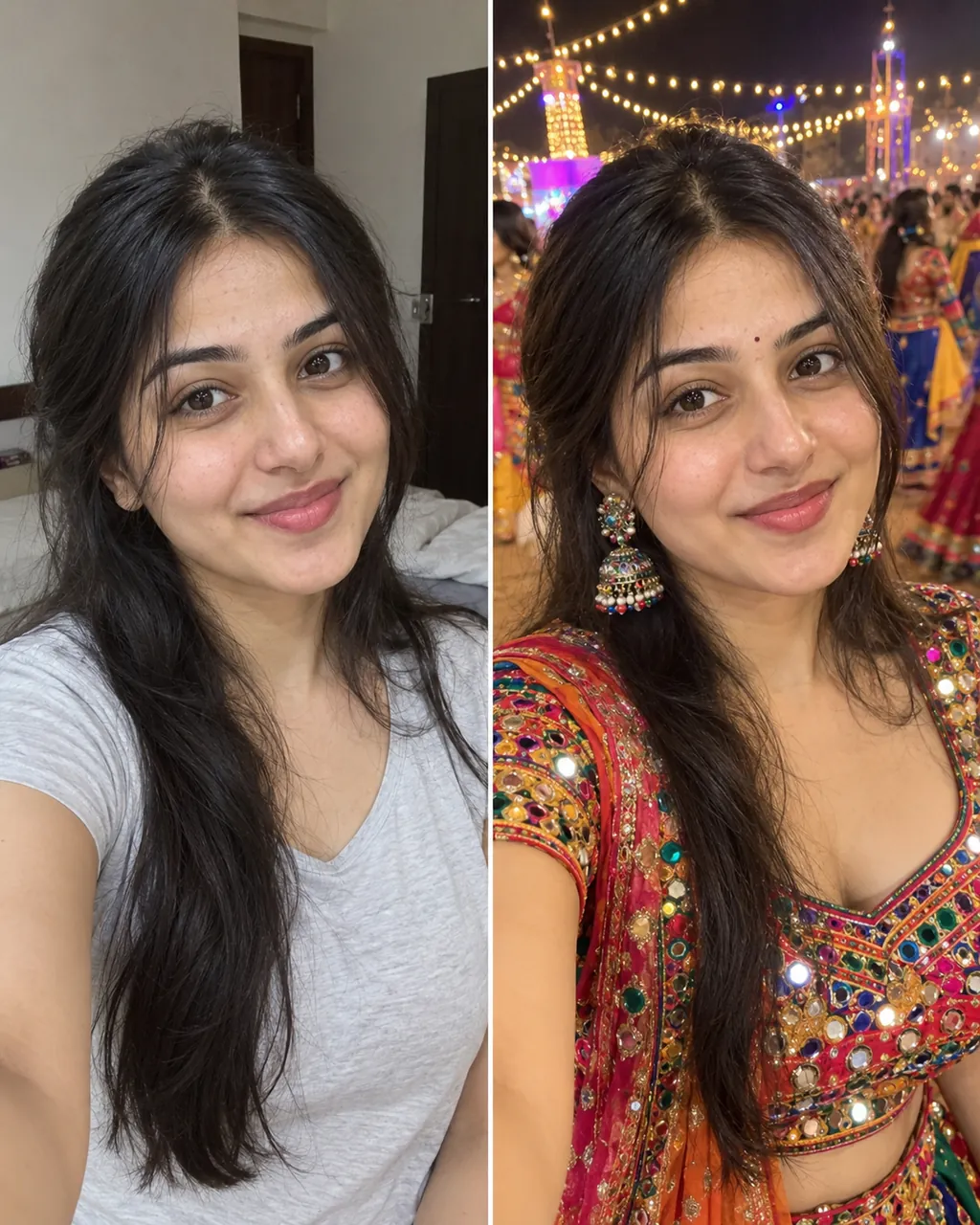
Tap any card to see its prompt. Copy it or generate here.
THE TREND
The vikas editing trend is all over Instagram Reels right now. It takes a normal selfie and turns it into a high-quality, moody photo. People use vikas editing styles like a dark luxury car night or a warm Navratri scene. If you search for a vikas editor app, you will see many videos showing these exact looks. We built this tool so you can get the same results without learning complex software. Just upload your picture and our system handles the prompt. You get a clean, social-media ready photo that keeps your face in the final image.
Make My PhotoPHOTO TIPS
VN CODE AND CAPCUT
Many people search for a vikas edit vn code or a capcut template to do vikas editing. Those files are only for video editing. If you want the photo look, you do not need them. We do not offer VN code or CapCut template files. You can make the image right here. Ricebowl AI is not affiliated with Vikas, vikasedit.com or editingbyvikas.com.
YOUR FACE
01
We use a special instruction built into every style.
02
You do not have to write "keep the face" in the prompt.
03
AI results vary slightly each time, so your face will not be 100% identical.
04
If the picture looks a little off, you can just regenerate it. Each new try uses 8 credits.
CHOOSE YOUR WORKFLOW
Copy our prompts to use in your favorite chatbot, or generate the photo right on this page.
Tap any style card to see its prompt, copy it, and paste it into ChatGPT or Gemini with your selfie attached. If your face drifts, send the photo again and ask it to keep your face unchanged.
On this page, the face-keeping line is already added to every vikas editing style automatically.
Skip pasting between apps. You get your photo here, usually under a minute.
Pick a 9:16 size for Reels covers or 1:1 for feed posts before you generate. The image is created directly at your chosen size.
01
Pick one clear selfie from your phone.
02
Choose from twelve vikas editing styles like Lofi Flash, Mirror Selfie, or Cinematic Portrait.
03
Choose 9:16 for Reels or 1:1 for a square post.
04
Click the button and wait. It is usually under a minute.
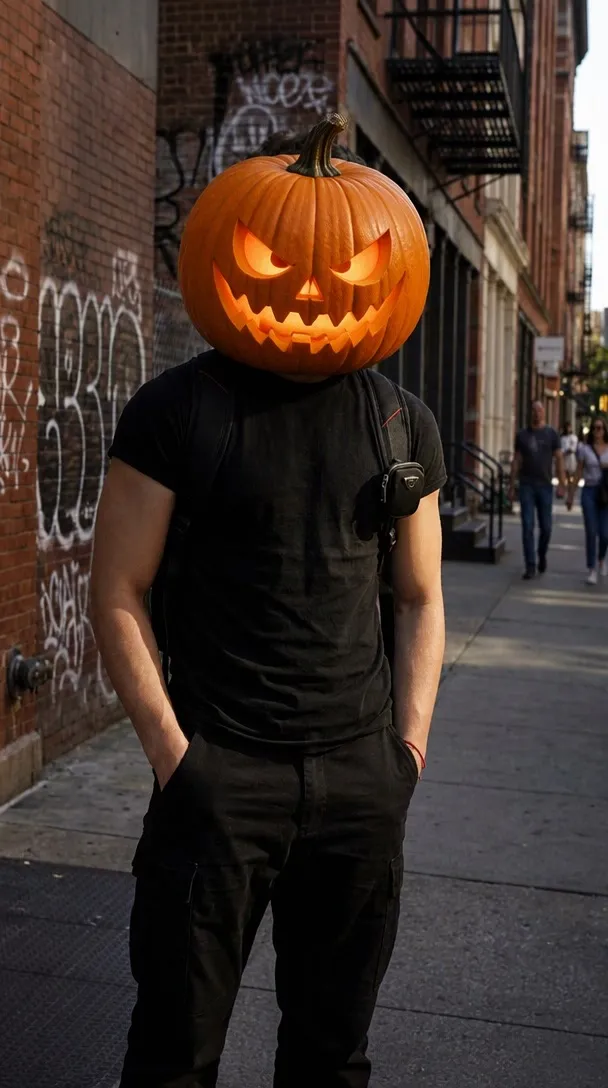
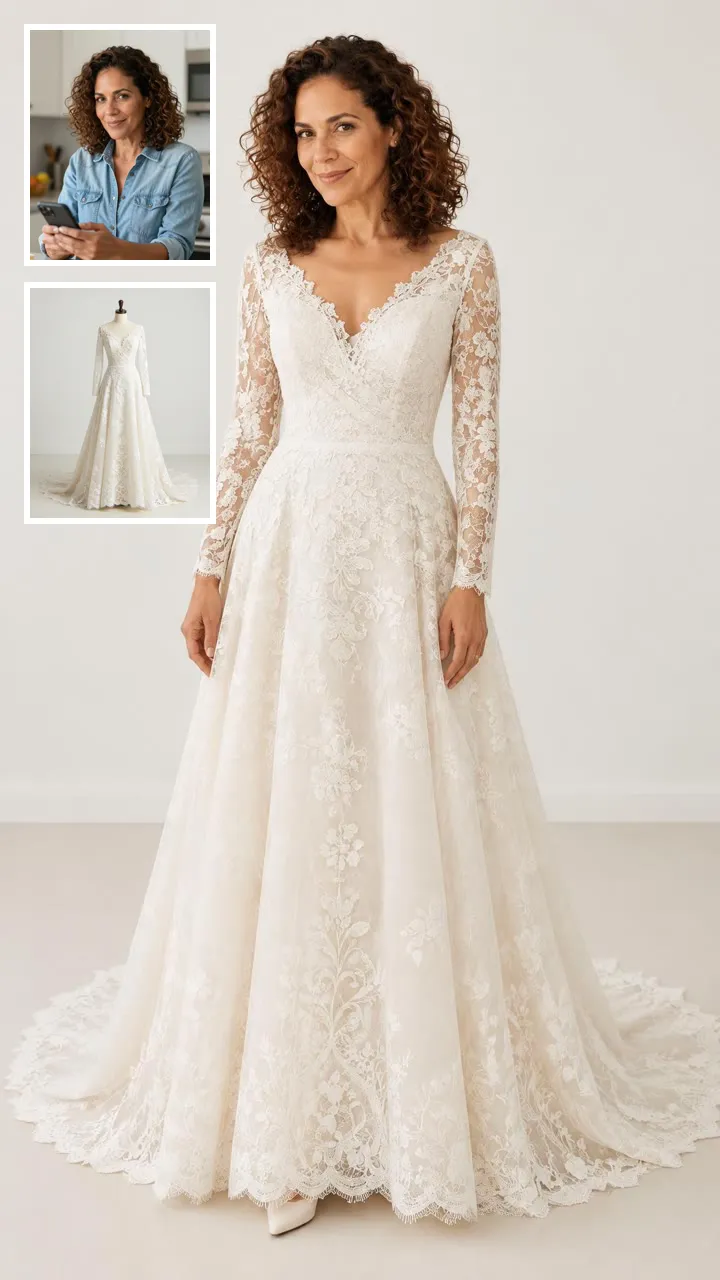
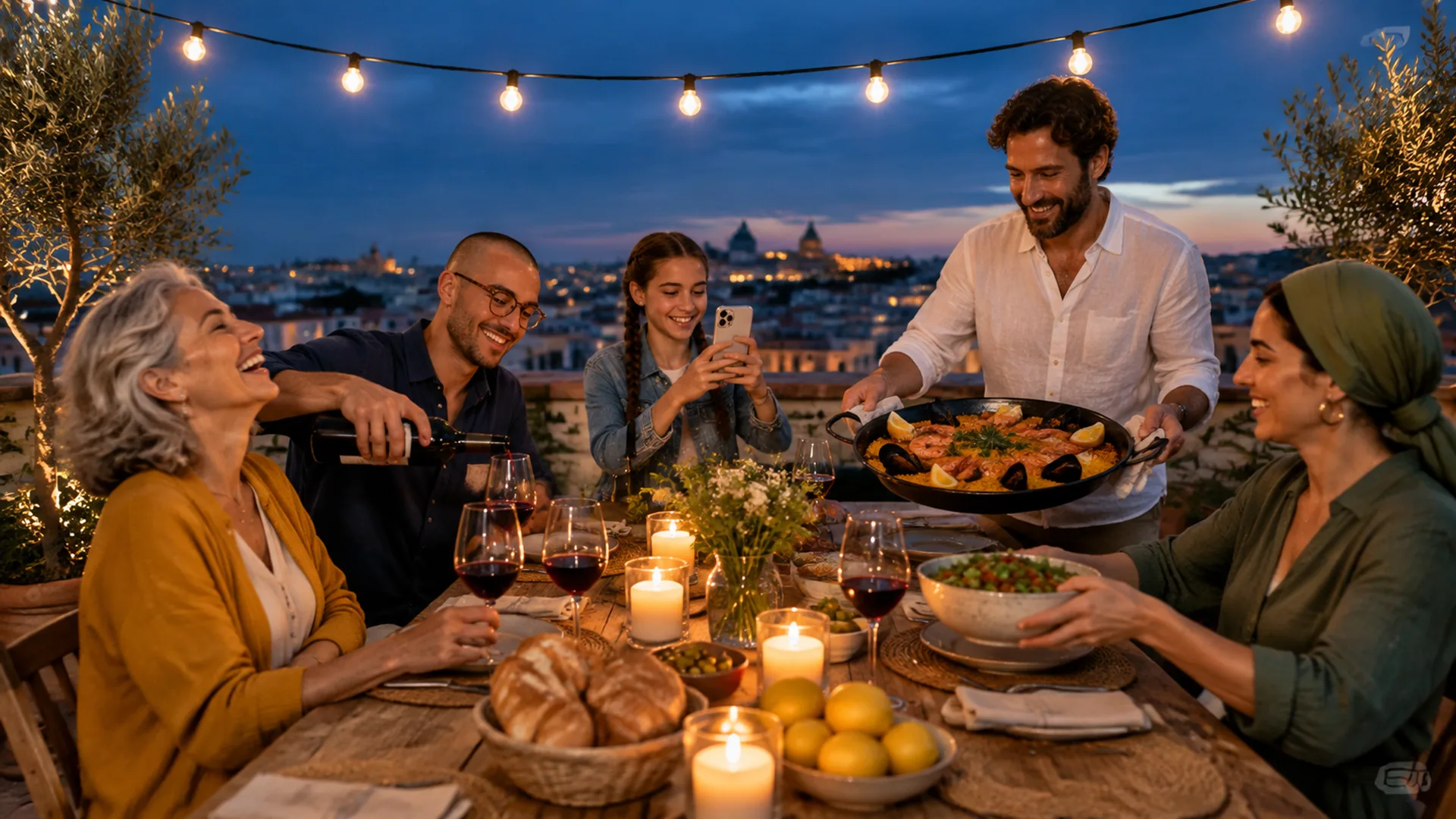
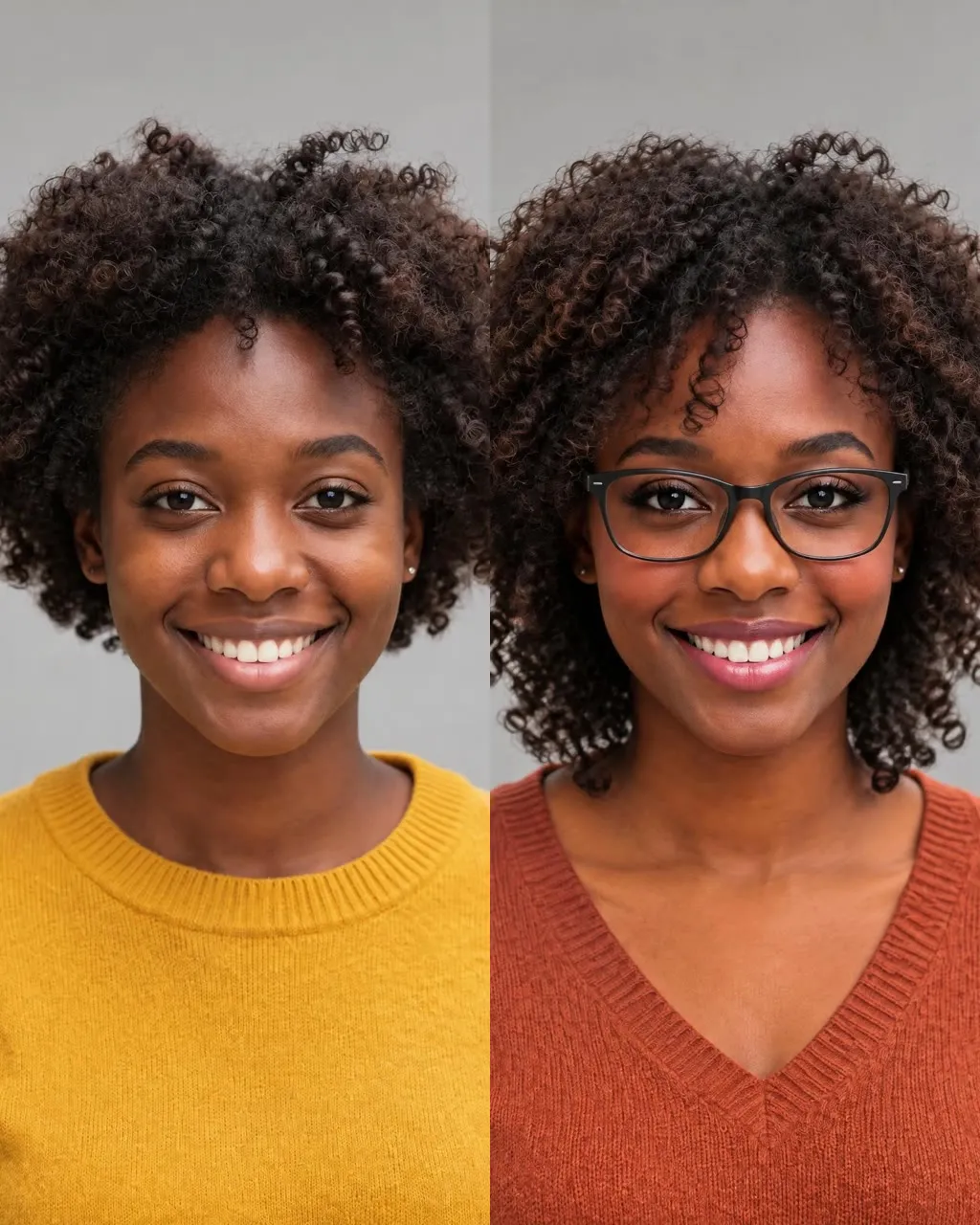
One selfie into a new haircut, glasses, colors, beard or makeup
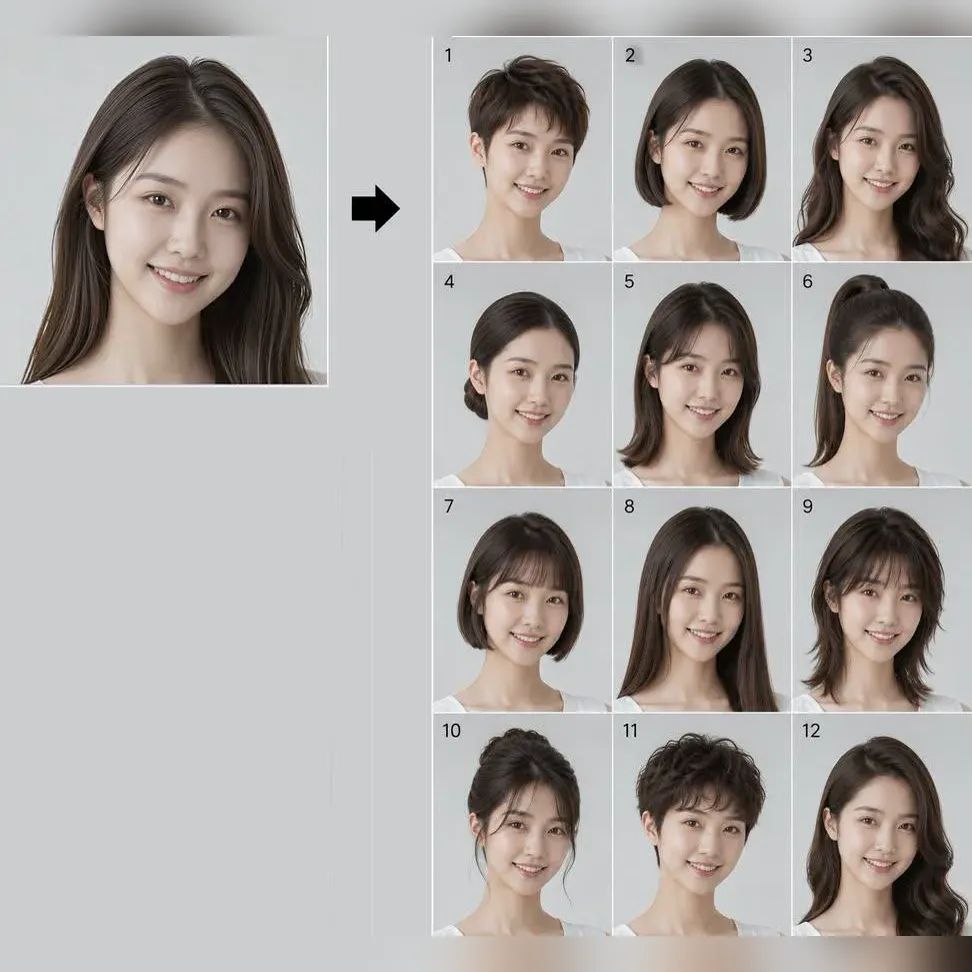
Try 34 haircuts and hair colors on your own photo

One photo into a Halloween costume photo

Two parent photos into one imagined baby photo
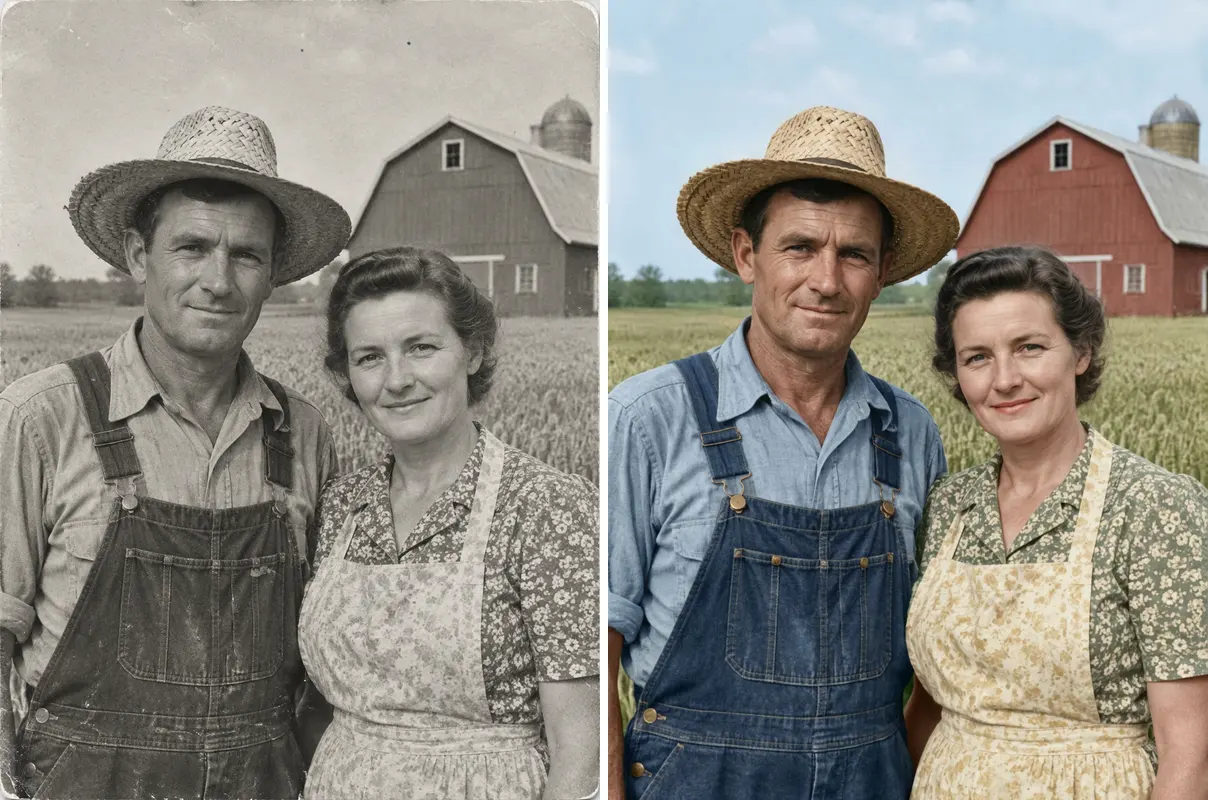
One old photo repaired, sharpened or colorized
Check a photo against official ID rules
No, this is not the official app. Ricebowl AI is not affiliated with Vikas, vikasedit.com or editingbyvikas.com. We simply provide tools to get this popular look.
Copying a prompt to use in ChatGPT or Gemini costs nothing from us. Generating on our page uses credits: new accounts get 20 credits, which is enough for about two photos at 8 credits each. Paid plans start from $7.99/month.
Yes, every style shows its exact text. You can copy the prompt with one click and paste it into ChatGPT or Gemini. You can also generate it directly on our page.
We do not provide a vikas edit vn code or video files. If you just want the vikas editing photo style, you can make it here without downloading extra apps.
Yes, the selfie you upload is only used to make your edit. The images you make here are not posted on any public page.
Our system is built to keep your face, but AI results vary slightly each time. We never promise a 100% identical face. If you do not like a result, you can make another one.
You get 20 credits when you make a new account. Since each image costs 8 credits, you can make two photos.
When you press the button, the system starts working right away. It usually takes under a minute to finish your photo. You can download it as soon as it appears.
Yes, you can use your download as an Instagram post, a Reels cover, or a WhatsApp status. Just make sure to only edit photos of yourself, or of people who have agreed.
MORE TO TRY
Upload your selfie and get the exact look you want.
Create Vikas Editing PhotoRicebowl AI is not affiliated with Vikas, vikasedit.com or editingbyvikas.com. Each generation uses 8 credits.
Start Your Vikas Editing Now
Make My Photo