ครีเอเตอร์วิดีโอสั้น
สเก็ต ตลกสัตว์พูดได้ และสัมภาษณ์ปลอมจะอยู่หรือตายที่มุกปิดท้ายที่พูดออกมา Veo 3.1 เรนเดอร์เสียงไปพร้อมกับตัวละคร คลิปจบปุ๊บก็ได้ Reel ทันที ไม่ต้องเสียเวลาทั้งคืนทำเสียงพากย์และออกแบบเสียง
Ricebowl รัน Veo 3.1 Fast, Veo 3.1 และ Veo 3.1 Pro ซึ่งเป็นรุ่นปัจจุบันของ Google Veo 3 พิมพ์ฉากหรืออัปโหลดภาพอ้างอิงสูงสุดสามภาพ แล้วได้คลิปที่มีบทสนทนา เสียงเอฟเฟกต์ และบรรยากาศผสมไว้แล้ว
เลือกระยะเวลาวิดีโอ
เลือกความละเอียด
เลือกอัตราส่วนภาพ
ความสามารถ
คุณสมบัติ 01
เสียงออกมาจากการเรนเดอร์เดียวกัน
Google Veo 3 เป็นเวอร์ชันแรกของ Veo ที่สร้างเสียงไปพร้อมกับภาพ และ Veo 3.1 ทำให้เสียงนั้นสมบูรณ์ยิ่งขึ้น เพียงใส่บทสนทนาในเครื่องหมายคำพูด อธิบายบรรยากาศแวดล้อม และระบุเสียงเอฟเฟกต์ คลิปที่ได้จะมีการขยับปาก ฝีเท้า เสียงลม และดนตรีที่ซิงก์มาแล้ว ไม่ต้องมีขั้นตอนพากย์เสียงแยกต่างหาก และไม่ต้องไปหาแทร็กสำเร็จรูป นี่คือเหตุผลที่วิดีโอสั้นที่ดูสมบูรณ์ใช้การสร้างเพียงครั้งเดียวแทนที่จะต้องใช้สามเครื่องมือ
ฟีเจอร์ 03
พรอมป์ต์ยาวยังคงครบถ้วน
Google อธิบายว่า Veo 3.1 มีการทำตามพรอมป์ต์ที่แข็งแกร่งกว่า Veo 3 และเห็นได้ชัดในคำสั่งที่มีหลายส่วน พรอมป์ต์ที่ระบุขนาดภาพ การเคลื่อนกล้อง ตัวละครสองตัว บทสนทนาหนึ่งบรรทัด และเสียงพื้นหลัง จะถูกทำตามตามลำดับแทนที่จะยุบรวมเป็นคำนามที่เด่นที่สุด เขียนฉากเหมือนที่ผู้กำกับบรีฟทีมงาน: ภาพ ตัวแบบ การกระทำ เสียง ยิ่งบรีฟเจาะจงมาก ยิ่งเสียเครดิตกับการสร้างซ้ำน้อยลง
ฟีเจอร์ 04
ใบหน้าเดิมในทุกคลิป
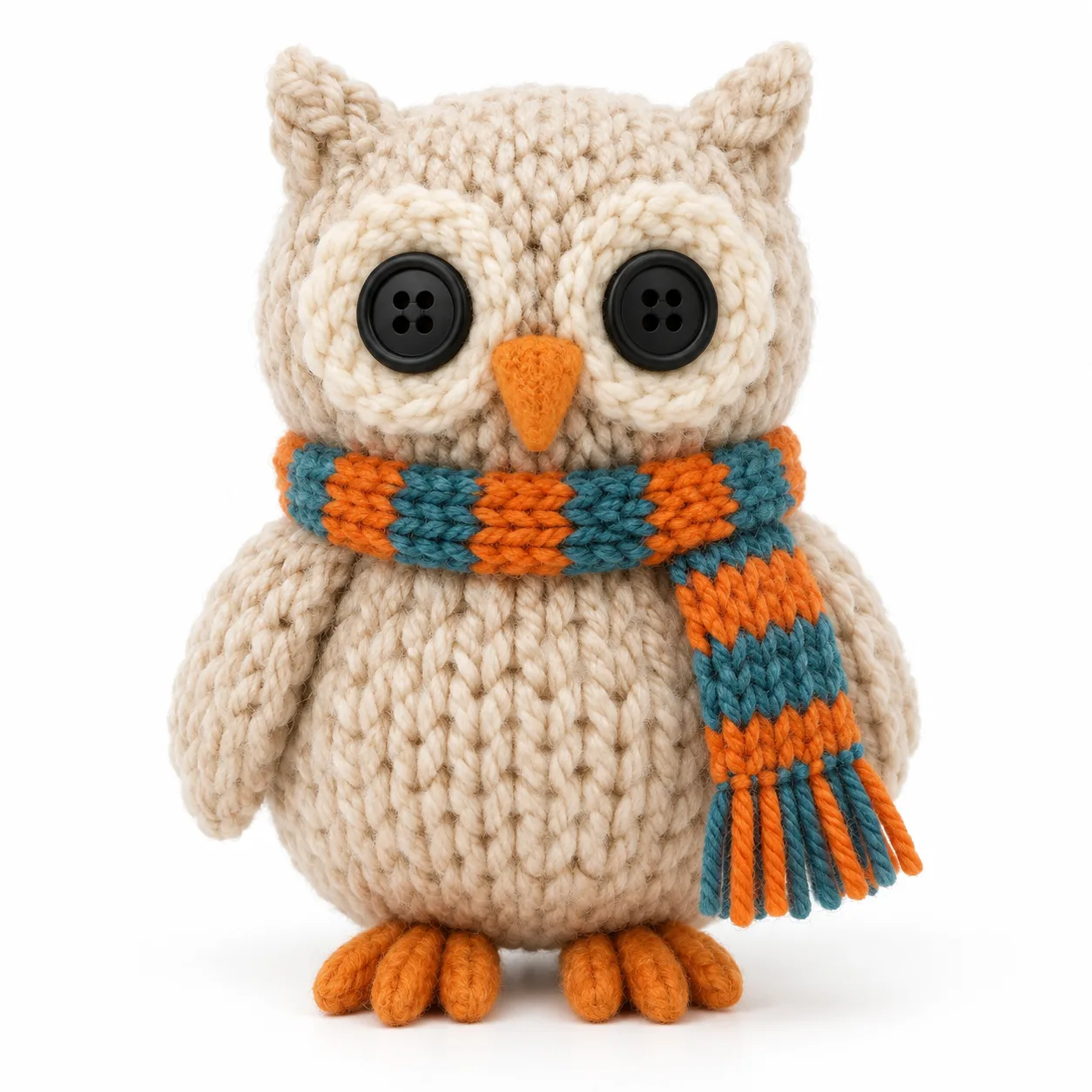
อัปโหลดภาพอ้างอิงได้สูงสุดสามภาพ แล้วโมเดลจะรักษาตัวละคร ชุด หรือสินค้านั้นให้จดจำได้ขณะเคลื่อนผ่านฉากใหม่ นี่คือทางแก้สำหรับข้อร้องเรียนที่พบบ่อยที่สุดเกี่ยวกับวิดีโอ AI นั่นคือตัวเอกที่ใบหน้าเปลี่ยนไปมาระหว่างช็อต ใช้ภาพเดียวสำหรับมาสคอต สองภาพสำหรับบุคคลและชุดของเขา และสามภาพเมื่อสินค้า ตัวละคร และสถานที่ทั้งหมดต้องตรงกับบรีฟ
ฟีเจอร์ 05
จากสมจริงถึงงานกระดาษ
โมเดลนี้ขึ้นชื่อเรื่องความสมจริง แต่ก็รักษาลุคที่มีสไตล์ได้เมื่อคุณขอ เช่น อนิเมะ 2D ดินน้ำมัน งานกระดาษ ฟิล์มนัวร์ VHS วินเทจ ระบุสไตล์ในพรอมป์ต์ หรืออัปโหลดภาพอ้างอิงสไตล์แล้วอธิบายตัวแบบใหม่ พื้นผิว โทนสี และแสงจะถ่ายทอดตามมา สำหรับงานแบรนด์ นี่หมายความว่าแคมเปญหนึ่งสามารถรักษาทิศทางศิลป์เดียวไว้ได้ตลอดหลายสิบคลิปโดยไม่ต้องวาดเฟรมใหม่
ฟีเจอร์ 06
กำกับเลนส์ด้วยคำพูด
แพน ทิลต์ ดอลลี่อิน เครนอัป ออร์บิท แฮนด์เฮลด์ มุมสูงจากด้านบน: คำศัพท์เรื่องกล้องที่ช่างภาพใช้ ก็เป็นคำศัพท์ที่ Google Veo 3 เข้าใจ เก็บคำอธิบายฉากให้เหมือนเดิมแล้วเปลี่ยนแค่การเคลื่อนกล้อง คุณจะได้มุมที่สองของไอเดียเดิม ไม่ใช่ไอเดียใหม่ ทำให้สร้างลำดับภาพแบบมีคัตเวอร์เวิร์ดได้จริง เริ่มจากภาพกว้างเพื่อปูฉาก แล้วค่อย ๆ ดันเข้าไปหาตัวแบบ
ฟีเจอร์ 07
กำหนดจุดเปิดและจุดปิด
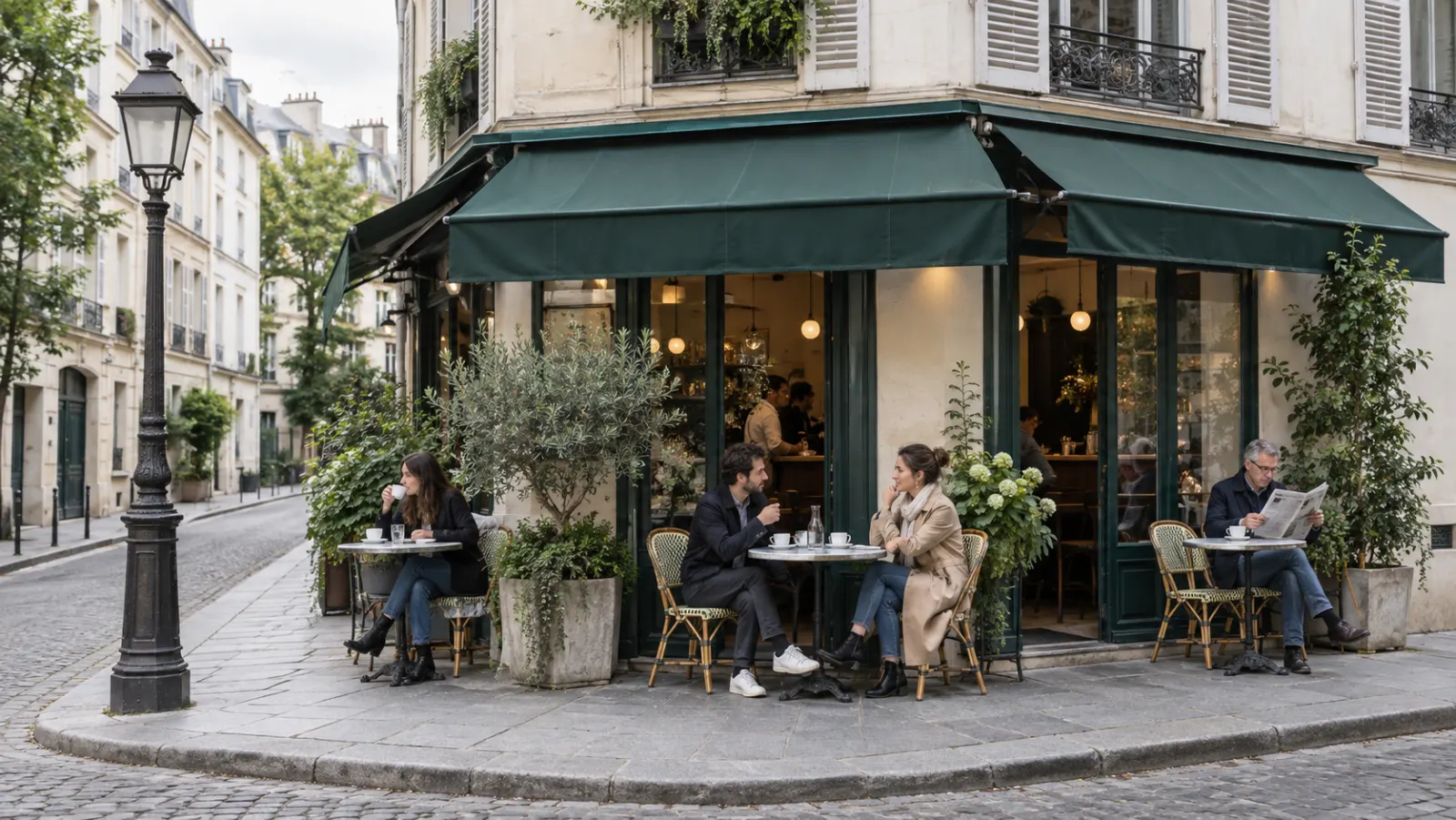
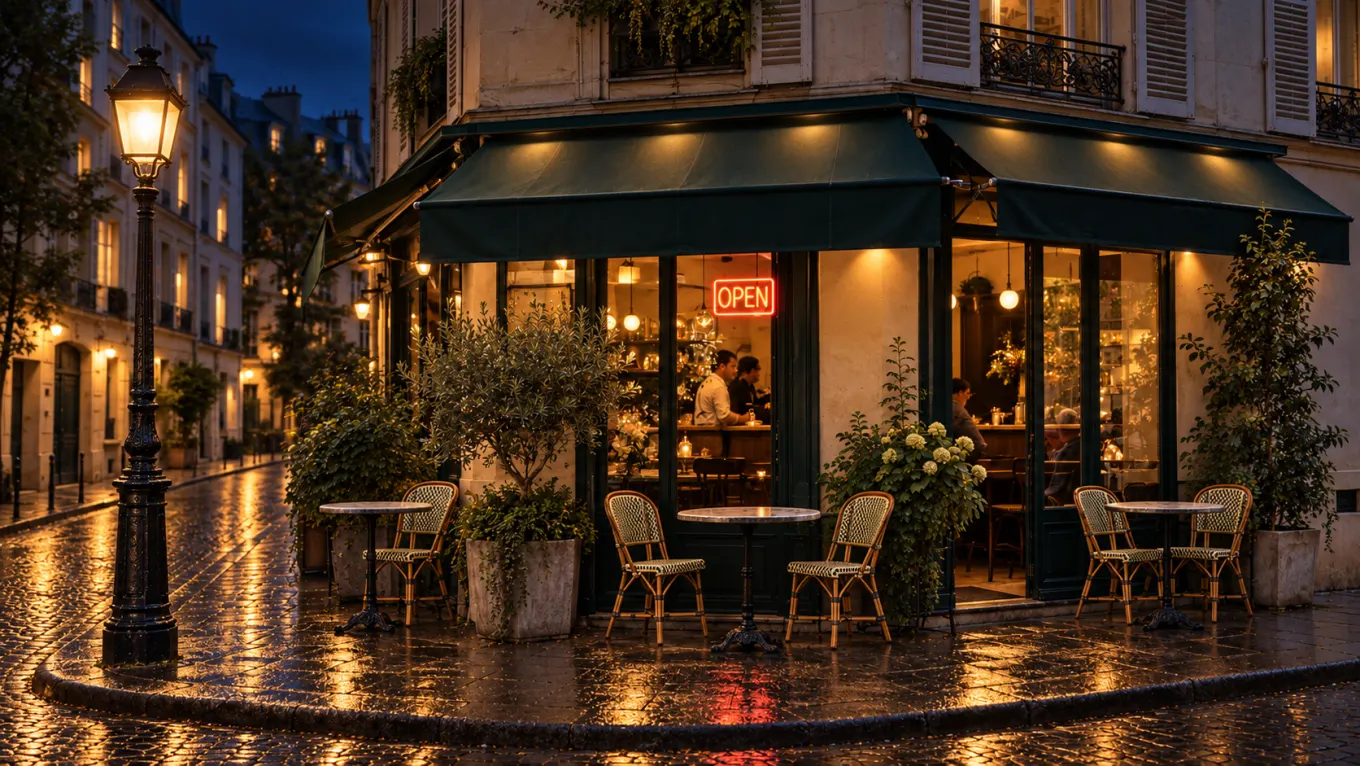
Frames to Video ให้คุณใส่ภาพเริ่มต้นและภาพสิ้นสุด แล้ว Veo 3.1 จะสร้างการเคลื่อนไหวที่เชื่อมระหว่างสองภาพนั้น พร้อมเสียง แท่งหินอ่อนกลายเป็นรูปปั้นที่เสร็จสมบูรณ์ กล่องที่ปิดอยู่กลายเป็นสินค้าที่แกะกล่องแล้ว ถนนยามกลางวันกลายเป็นกลางคืน Google เพิ่มเสียงให้โหมดนี้ในอัปเดต Veo 3.1 โหมดนี้ใช้ได้ใน Google Flow และ Gemini API ส่วน Ricebowl จะเปิดใช้งานในตัวสร้างที่นี่เมื่อเราปล่อยฟีเจอร์นี้ในฝั่งของเรา
ฟีเจอร์ 08
แก้รายละเอียดจุดเดียว เก็บเทคเดิมไว้
Google เปิดตัว Insert ใน Flow ควบคู่กับ Veo 3.1: เพิ่มองค์ประกอบใหม่ลงในคลิปที่มีอยู่ แล้วเงาและแสงจะปรับตามให้ดูเหมือนมีอยู่ตั้งแต่แรก ส่วน Remove ซึ่งทำตรงกันข้าม จะสร้างพื้นหลังขึ้นใหม่หลังลบวัตถุหรือบุคคลออก Google ประกาศว่ากำลังจะเปิดให้ใช้ ทั้งสองการแก้ไขยังไม่เปิดผ่าน Gemini API ตอนนี้จึงมีเฉพาะใน Flow ระหว่างนี้ วิธีแก้ที่ทำได้จริงคือสร้างใหม่ด้วยพรอมป์ที่เจาะจงขึ้นหรือใช้ภาพอ้างอิง
ฟีเจอร์ 09
ฟิสิกส์ที่ดูสมจริง
DeepMind ยกให้ Veo 3 มีฟิสิกส์แบบโลกจริง และเห็นได้ชัดที่สุดในการเคลื่อนไหวที่มักทำให้วิดีโอ AI พัง เช่น ของเหลวที่เท ผ้าในลม ลูกบอลที่กระดอน ผมในภาพสโลว์โมชัน อธิบายความเร็วและน้ำหนักของการเคลื่อนไหว ไม่ใช่แค่คำกริยา ประตูที่บานช้าและหนักให้ความรู้สึกต่างจากบานเร็ว ๆ อย่างชัดเจน และ Veo 3.1 รักษาความต่างนี้ไว้ ทำให้เดโมสินค้าและจังหวะแอ็กชันไม่ดูลอย
ฟีเจอร์ 10
แอปสร้างภาพยนตร์ของ Google กับตัวสร้างนี้
Flow เป็นเครื่องมือสร้างภาพยนตร์ของ Google เองที่สร้างบน Veo; Google รายงานว่ามีวิดีโอที่สร้างในเครื่องมือนี้มากกว่า 275 ล้านชิ้นภายในห้าเดือนหลังเปิดตัว Flow ผูกกับแพ็กเกจ Google AI ส่วน Ricebowl เรียกใช้โมเดล Veo 3.1 เดียวกันและคิดค่าบริการตามคลิป คุณจึงสร้างวิดีโอได้โดยไม่ต้องสมัครแพ็กเกจ Google รายเดือน และสลับไปใช้ Seedance, Kling หรือ Gemini Omni ในตัวเลือกเดียวกันได้เมื่อฉากหนึ่งต้องการสิ่งที่ Veo ทำไม่ได้
ฟีเจอร์ 11
หลายภาพ หนึ่งฉาก
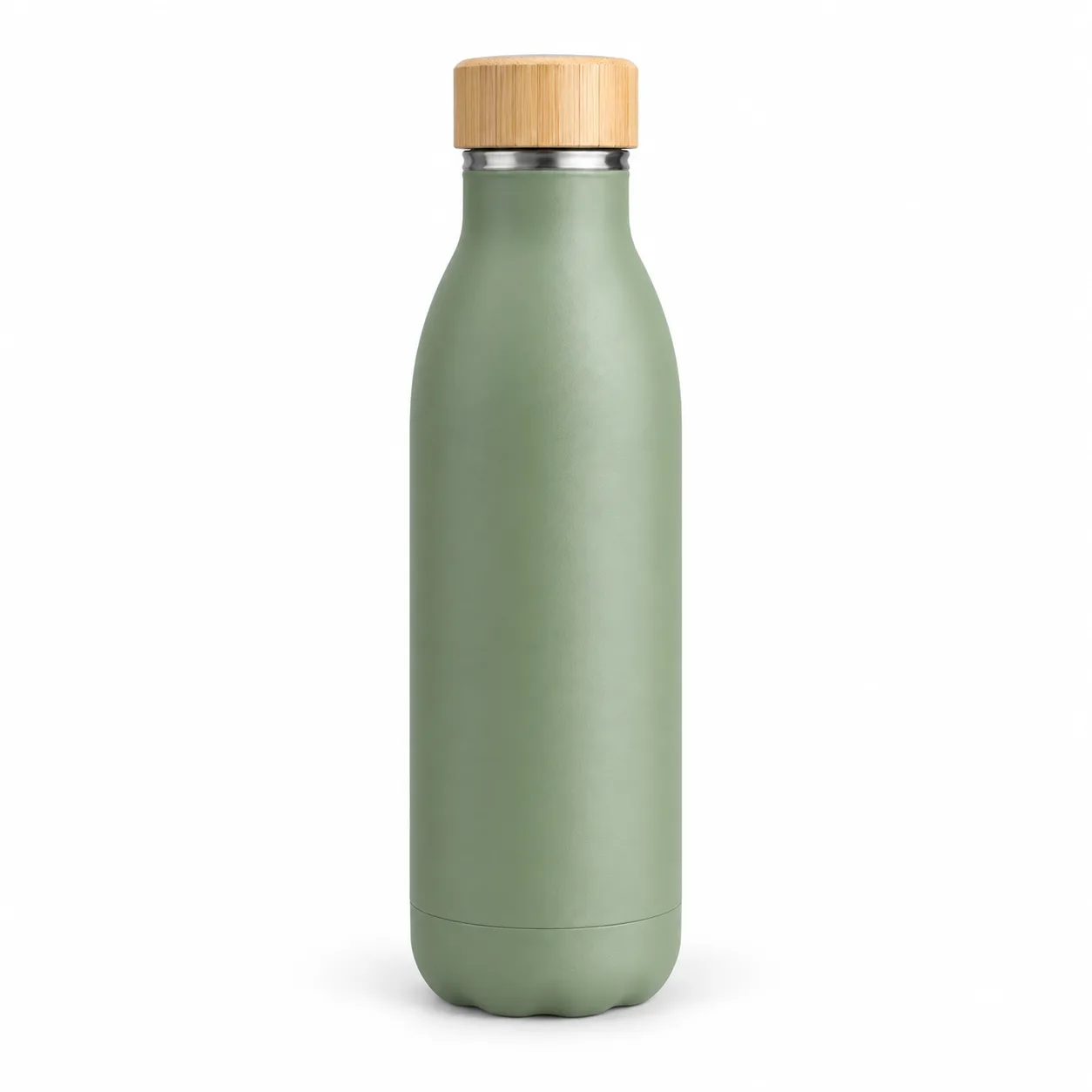
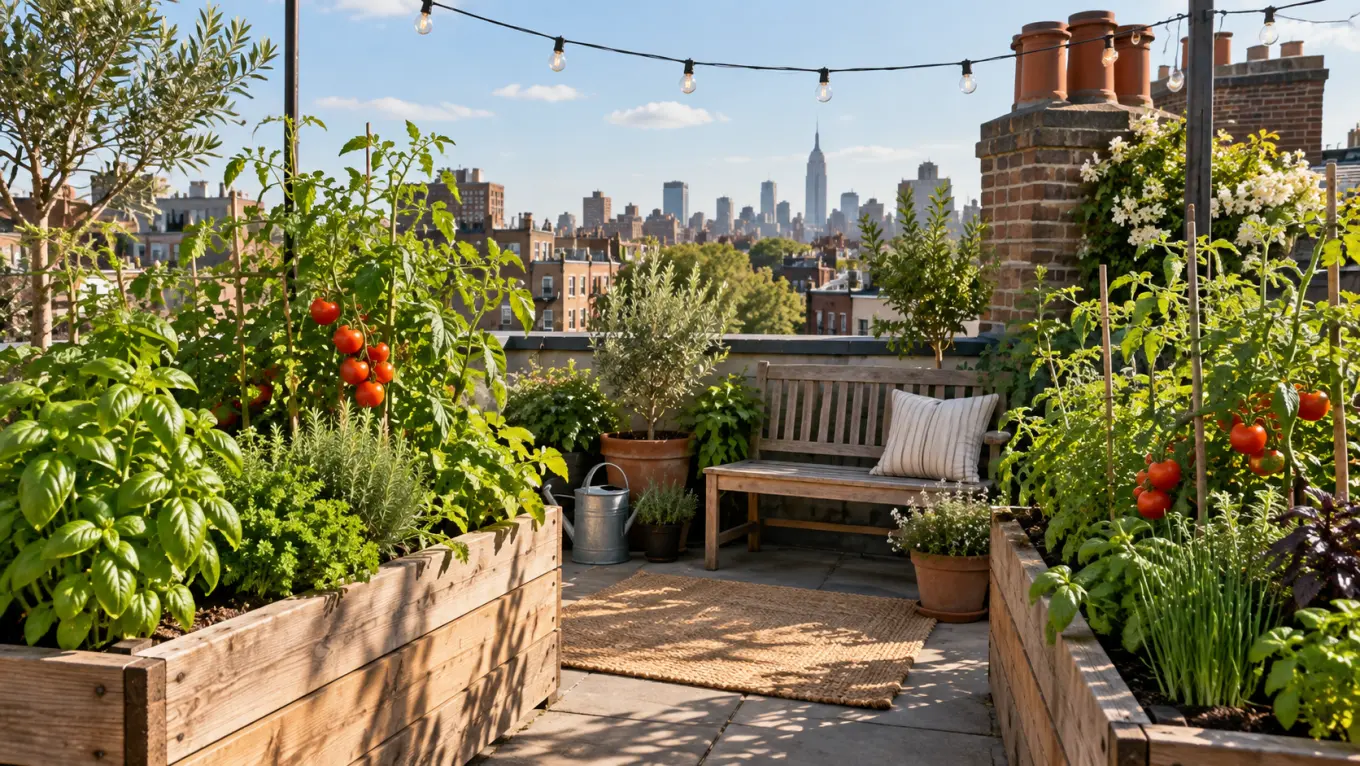
Ingredients to Video เป็นชื่อที่ Google ใช้เรียกการสร้างฉากจากภาพอ้างอิงหลายภาพ: ตัวละครจากภาพหนึ่ง เครื่องแต่งกายจากอีกภาพ และสถานที่จากภาพที่สาม Veo 3.1 นำเสียงมาสู่โหมดนี้ ในตัวสร้างด้านบน เพิ่มภาพอ้างอิงได้สูงสุดสามภาพ แล้วอธิบายว่าพวกมันมาบรรจบกันในฉากอย่างไร นี่เป็นวิธีที่เร็วที่สุดในการนำสินค้าจริงมาอยู่ในมือของพิธีกรที่สม่ำเสมอโดยไม่ต้องถ่ายทำ

ฟีเจอร์ 12
เกินขีดจำกัดคลิปเดียว
บน Ricebowl การสร้าง Veo 3.1 หนึ่งครั้งจะได้ 10 วินาที หรือ 6 วินาทีสำหรับ Fast การขยายจะต่อคลิปจากวินาทีสุดท้าย: API ของ Google เพิ่มเจ็ดวินาทีต่อการขยายหนึ่งครั้ง และต่อวิดีโอ Veo ได้ถึง 148 วินาทีที่ 720p ใน Flow Google กล่าวว่าฉากที่ขยายแล้วสามารถยาวได้หนึ่งนาทีหรือมากกว่า การขยายยังไม่เปิดใช้งานในตัวสร้างของ Ricebowl ดังนั้นตอนนี้แต่ละคลิปจึงเป็นหนึ่งฉาก วางแผนเรื่องราวที่ยาวขึ้นเป็นลำดับของฉาก หรือใช้ Seedance 2.5 ซึ่งเรนเดอร์ได้ถึง 30 วินาทีในครั้งเดียว
ตัวอย่างพรอมป์ต์
พรอมป์ต์
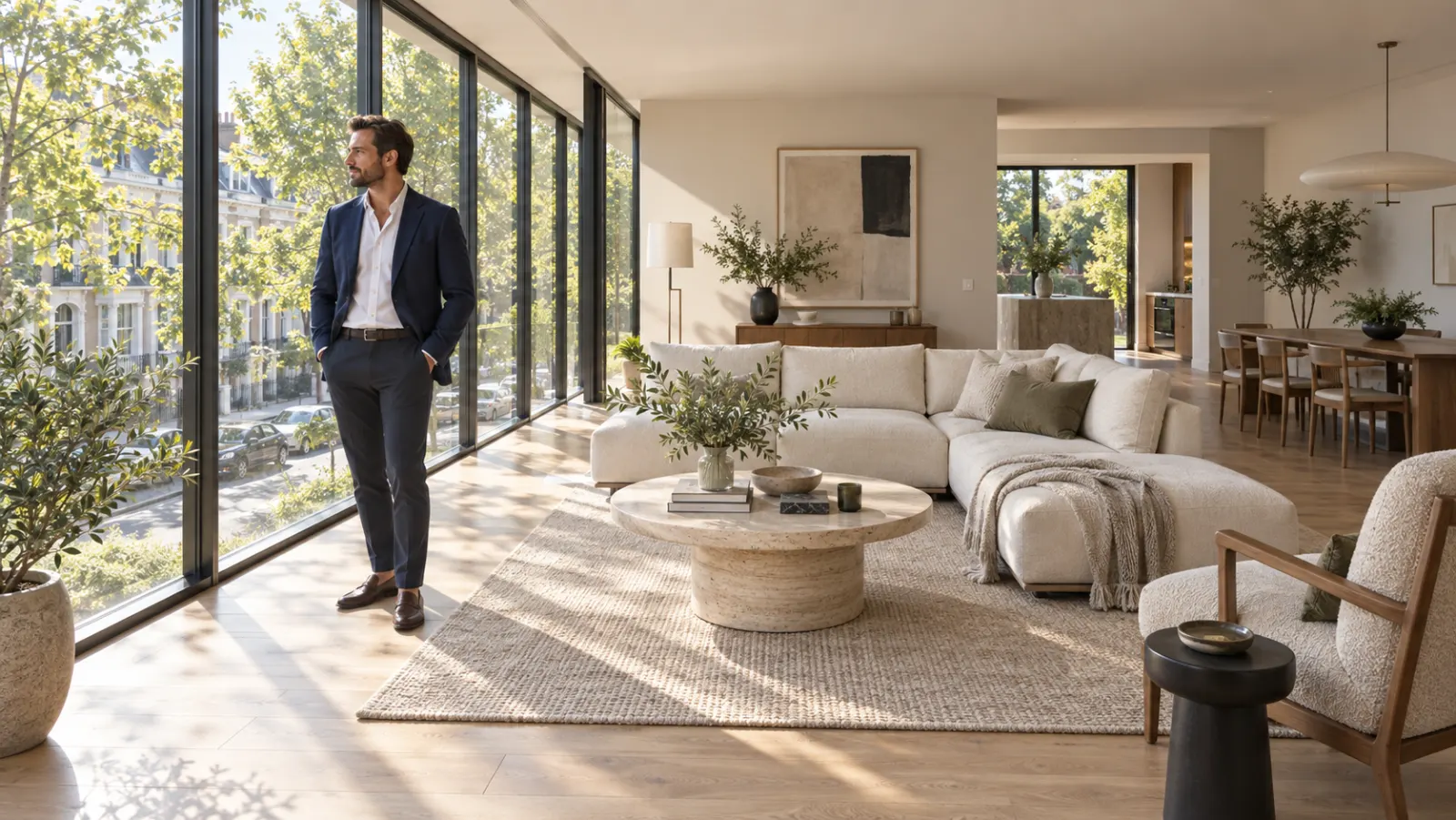
ดอลลี่เข้าช้าๆ ในห้องนั่งเล่นสมัยใหม่ที่มีแสงแดดส่อง นายหน้าอสังหาริมทรัพย์ในเบลเซอร์สีกรมท่าหันมาที่กล้องและพูดว่า: "หน้าต่างสูงจากพื้นจรดเพดาน หันหน้าไปทางทิศใต้ และมันจะเป็นของคุณภายในฤดูใบไม้ผลิ" เปียโนเบาๆ เสียงถนนแผ่วๆ ผ่านกระจก
อ้างอิง
ผลลัพธ์
พรอมป์ต์
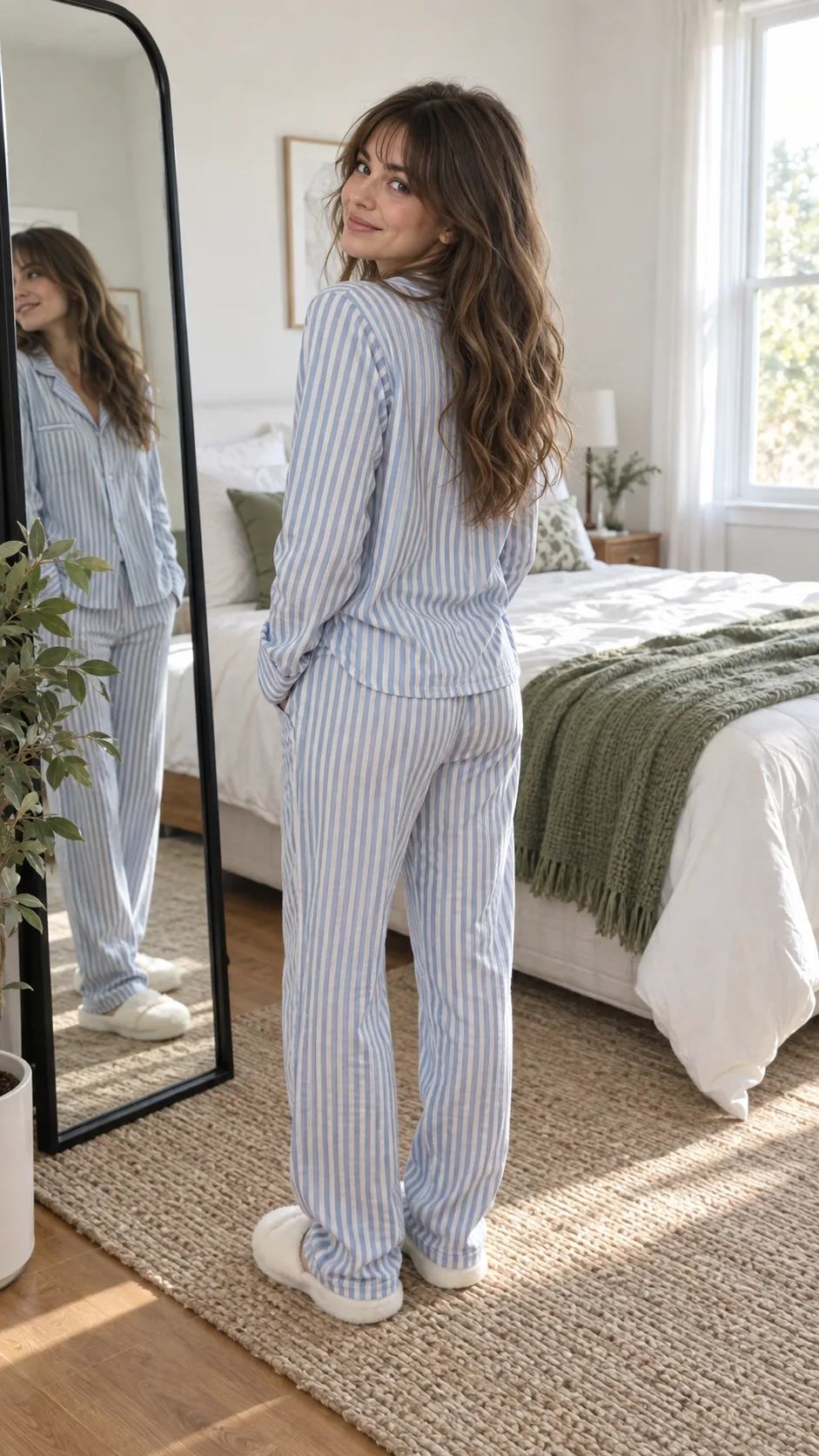
จัดเฟรมแบบภาพบุคคล หญิงสาวหน้ากระจกในห้องนอนดีดนิ้ว แล้วชุดของเธอเปลี่ยนจากชุดนอนเป็นชุดสูทสีครีมตัดเย็บพอดีในคัตเดียว จังหวะป็อปสนุกสนาน พร้อมเสียงดีดนิ้วคมๆ ตอนเปลี่ยนชุด
อ้างอิง
ผลลัพธ์
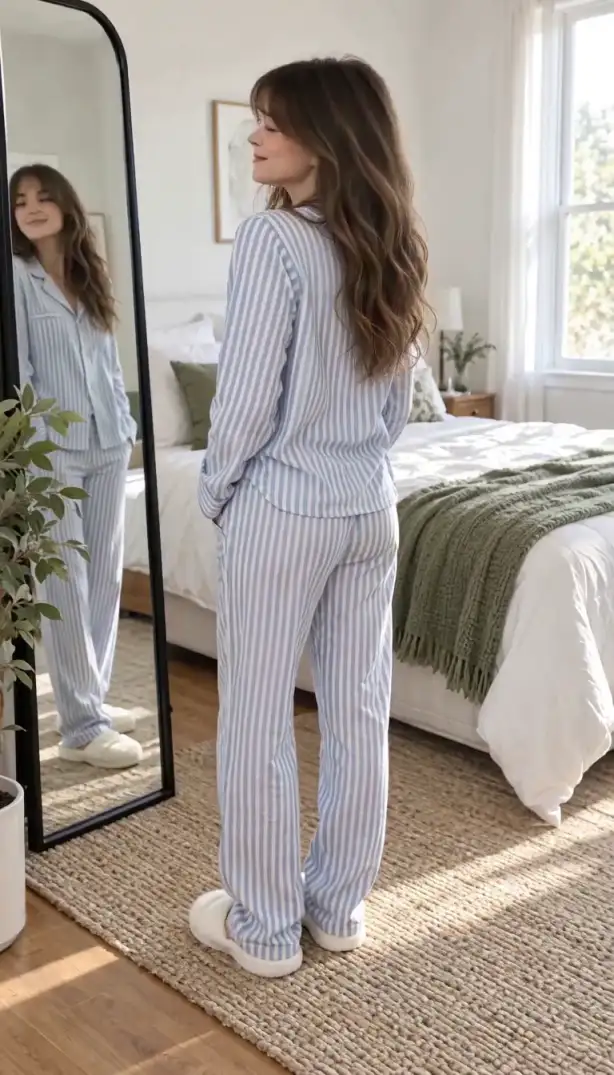
กรณีการใช้งาน
สเก็ต ตลกสัตว์พูดได้ และสัมภาษณ์ปลอมจะอยู่หรือตายที่มุกปิดท้ายที่พูดออกมา Veo 3.1 เรนเดอร์เสียงไปพร้อมกับตัวละคร คลิปจบปุ๊บก็ได้ Reel ทันที ไม่ต้องเสียเวลาทั้งคืนทำเสียงพากย์และออกแบบเสียง
ทดสอบห้าฮุกสำหรับสินค้าเดียวกันได้ในบ่ายเดียว ใส่สินค้าไว้ในภาพอ้างอิง เปลี่ยนประโยคเปิดและฉากในแต่ละพรอมป์ แล้วส่งตัวเลือกเหล่านั้นเข้าไปในชุดโฆษณาได้เลย เสียงอยู่ในคลิปแล้ว ซึ่งสำคัญมากบนแพลตฟอร์มที่เล่นอัตโนมัติพร้อมเสียง
เปลี่ยนภาพสินค้าให้เป็นคลิปไลฟ์สไตล์: พิธีกรถือสินค้า กล้องซูมเข้า ชื่อสินค้าถูกพูดออกมา ภาพอ้างอิงช่วยให้ฉลากและสีแม่นยำ ซึ่งพรอมป์แบบข้อความล้วนรับประกันไม่ได้
พรีวิวฉากด้วยภาษากล้องจริงและเสียงชั่วคราวก่อนถ่ายทำ Google สร้าง Veo สำหรับผู้สร้างภาพยนตร์และนักเล่าเรื่อง และคำศัพท์กล้องอย่าง dolly, crane และ whip pan ก็ทำงานอย่างที่ทีมงานคาดหวัง
คลิป 10 วินาทีที่มีเสียงบรรยายอธิบายหนึ่งแนวคิดได้ดี ต่อหลายคลิป แต่ละคลิปมีเสียงบรรยายของตัวเอง บทเรียนหรือการแนะนำสินค้าก็ได้ทั้งภาพและเสียงจากพรอมป์เดียวกัน
จุดแข็งและข้อจำกัด
จากโมเดลวิดีโอ AI แบบไม่มีเสียง
ผู้ใช้พูดว่าอย่างไร
01
Demis Hassabis อธิบายการเปิดตัว Veo 3 ว่าเป็นช่วงที่วิดีโอ AI ออกจากยุคหนังเงียบ และครีเอเตอร์ก็พูดแบบเดียวกันด้วยคำที่ตรงกว่า: คลิปมาพร้อมเสียง ช็อตที่ขับด้วยภาพอ้างอิงและการควบคุมเฟรมแรกและเฟรมสุดท้ายก็ได้รับคำชมเช่นกัน แต่เสียงคือสิ่งที่เปลี่ยนขั้นตอนการทำงาน
02
เพราะลิปซิงก์ เสียงบรรยากาศห้อง และดนตรีออกมาพร้อมกัน คลิป Veo 3.1 จึงมักเข้าไทม์ไลน์ได้เลย คนที่เคยต้องประกอบคลิปเงียบ เสียง TTS และเพลงสำเร็จรูปเข้าด้วยกัน ตอนนี้ข้ามไปได้สองในสามขั้นตอน
03
ผิวหนัง การลดหลั่นของแสง และการเคลื่อนไหวทางกายภาพคือสิ่งที่คนพูดถึงก่อน ภาพอ้างอิงทำให้ความสมจริงนั้นใช้ทำงานจริงได้ เพราะใบหน้าที่สมจริงก็คือใบหน้าที่ถูกต้องด้วย
04
พรอมป์ที่คลุมเครือได้คลิปที่ธรรมดา บทความช่วงแรกสังเกตว่าโมเดลพูดมุกเดิมซ้ำเมื่อพรอมป์บาง ช็อตที่เจาะจง เสียงที่ระบุชื่อ และบทสนทนาที่ใส่เครื่องหมายคำพูดคือสิ่งที่แยกเทคที่ใช้ได้ออกจากการสร้างใหม่
เวอร์ชันและระดับ
Google เปิดตัว Veo 3 ในเดือนพฤษภาคม 2025 และ Veo 3.1 เมื่อวันที่ 15 ตุลาคม 2025 ต่อยอดจากรุ่นก่อนด้วยเสียงที่สมบูรณ์ขึ้น การทำตามพรอมป์ที่แม่นขึ้น และคุณภาพภาพเป็นวิดีโอที่ดีขึ้น เสียงยังมาถึง Ingredients to Video, Frames to Video และ Extend ด้วย ทุกอย่างที่รุ่นเดิมทำได้ รุ่นอัปเดตทำได้ดีกว่า นี่คือเหตุผลที่ Ricebowl ใช้เฉพาะรุ่น 3.1
บน Ricebowl ระดับ standard ใช้ 45 credits สำหรับคลิป 10 วินาที และ Fast ใช้ 60 สำหรับ 6 วินาที ดังนั้น Fast ไม่ใช่ตัวเลือกประหยัดที่นี่ ร่างและทำขั้นสุดท้ายบน standard เลือก Fast เฉพาะเมื่อความเร็วในการส่งมอบสำคัญกว่า credits และเก็บ Pro (145 credits) ไว้สำหรับช็อตหลัก
ในแอปของ Google เอง การเข้าถึง Veo มาพร้อมแผน Google AI และโควตาที่สูงกว่าอยู่ใน Ultra ที่นี่คุณจ่ายต่อคลิป: 45 credits ไม่มีค่าสมาชิก Google รายเดือน และ credits ยังใช้ได้กับโมเดลอื่นทุกตัวในตัวเลือก
ความเห็นของเรา
เลือก Veo 3.1 บน Ricebowl ราคา 45 credits สำหรับคลิป 10 วินาที ขณะที่ Fast ราคา 60 สำหรับ 6 วินาที และ Google จัดให้เป็นระดับคุณภาพที่สูงกว่า Fast จะคุ้มก็ต่อเมื่อคุณต้องการผลลัพธ์เร็วขึ้นเท่านั้น
สำหรับช็อตเดียวที่มีคนพูด เลือก Veo 3.1: ความสมจริง ฟิสิกส์ และบทสนทนาในเรนเดอร์เดียวคือสิ่งที่ Google สร้างมาเพื่อสิ่งนี้ และราคา 45 credits เทียบกับ 315 สำหรับคลิป Seedance 2.5 ขนาด 720p 5 วินาที เลือก Seedance 2.5 เมื่อฉากต้องยาวกว่า 10 วินาทีหรือต้องใช้ reference มากกว่าสามรายการ
ไม่คุ้มสำหรับคลิปโซเชียล ระดับ Pro 4K ราคา 290 credits เป็นสองเท่าของ Pro ที่ 145 และหน้าจอมือถือแสดงความต่างไม่ได้ ซื้อ 4K เฉพาะเมื่อคลิปจะไปอยู่บนทีวี จอใหญ่ หรือเข้าไปในงานตัดต่อที่จะครอปและจัดเฟรมใหม่
การเปรียบเทียบ
| คุณสมบัติ | Veo 3.1 | Seedance 2.0 | Kling 3.0 |
|---|---|---|---|
| ความยาวคลิปต่อการสร้างหนึ่งครั้ง | 10 วินาที (6 วินาทีบน Fast) | 5, 10 หรือ 15 วินาที | 5, 10 หรือ 15 วินาที (15 วินาทีบน Kling 3.0 Turbo) |
| ความละเอียดสูงสุดบน Ricebowl | 4K (Veo 3.1 Pro 4K) | 1080p | 4K (Kling 3 Omni) |
| เสียงในตัว | เปิดตลอด: บทสนทนา เอฟเฟกต์ บรรยากาศ | เปิดเป็นค่าเริ่มต้น รวมในราคา | เป็นตัวเลือกเสริม |
| อินพุตอ้างอิง | สูงสุด 3 รูปภาพ | สูงสุด 9 รูปภาพ พร้อมวิดีโอและเสียง | สูงสุด 2 รูปภาพ |
| ราคาเริ่มต้นบน Ricebowl | 45 credits ต่อคลิป | 205 credits (5 วินาที, 720p) | 70 credits (Kling 3 Fast, 5 วินาที, 720p, ไม่มีเสียง) |
| เหมาะที่สุดสำหรับ | ช็อตสั้นสมจริงพร้อมบทสนทนา | ฉากที่ใช้อ้างอิงหลายรายการยาวถึง 15 วินาที | ลำดับหลายช็อตและเอาต์พุต 4K |
ทั้งสามตระกูลใช้งานได้บน Ricebowl สลับระหว่าง Veo 3.1, Seedance 2.0 และ Kling 3.0 ได้ในตัวเลือกโมเดลด้านบน ราคา credits มาจากตารางราคาสดและอาจเปลี่ยนแปลงได้
สร้างวิดีโอ Veo 3.101
ตัวสร้างที่ด้านบนของหน้านี้เลือก Veo 3.1 ไว้แล้ว สลับไปที่ Veo 3.1 Fast หรือ Veo 3.1 Pro ได้ในตัวเลือกโมเดล สมัครฟรี คลิปหนึ่งคลิปใช้ 45 ถึง 290 เครดิต ขึ้นอยู่กับระดับ
02
อธิบายขนาดภาพ ตัวแบบ การกระทำ และการเคลื่อนกล้อง ใส่บทพูดในเครื่องหมายคำพูด และระบุเสียงที่ต้องการ เพิ่มภาพอ้างอิงได้สูงสุดสามภาพเพื่อล็อกใบหน้า เครื่องแต่งกาย หรือสินค้า และเลือกแนวตั้งหรือแนวนอน
03
กดสร้าง คลิปจะปรากฏในฟีดของคุณพร้อมเสียงและดาวน์โหลดเป็น MP4 หากมีรายละเอียดที่ไม่ตรง ให้ปรับส่วนหนึ่งของพรอมป์แล้วสร้างใหม่ แทนที่จะเขียนใหม่ทั้งหมด
รีวิว
ความคิดเห็นจากผู้ที่สร้างวิดีโอบน Ricebowl
 Jordan Hale
เสียงออกมาพร้อมกับตัวละคร สกิตของฉันเคยต้องใช้แอปพากย์เสียงแยก ตอนนี้คลิปเสร็จทันทีที่เรนเดอร์
ครีเอเตอร์วิดีโอสั้น
 Ana Ribeiro
ภาพสินค้าเดียวกัน ห้าฮุกที่ต่างกัน ใช้เวลาบ่ายเดียว จ่ายต่อคลิปหมายความว่าฉันจ่ายเฉพาะเวอร์ชันที่ทดสอบจริง
นักการตลาดสายประสิทธิภาพ แบรนด์ DTC
 Marcus Lee
ฉันเขียนพรอมป์เหมือนรายการช็อต และกล้องก็ทำตามที่สั่ง มันใกล้เคียงกับพรีวิสมากที่สุดเท่าที่ฉันเคยเจอ
ผู้กำกับอิสระ
 Sofia Novak
ภาพอ้างอิงทำให้ฉลากถูกต้อง นั่นคือสิ่งที่ทำให้วิดีโอ AI ยังไม่ถูกนำมาใช้ในหน้าสินค้าของเราจนถึงตอนนี้
ผู้จัดการอีคอมเมิร์ซ
 Kenji Watanabe
สิบนาทีที่มีเสียงบรรยายคือหนึ่งไอเดียพอดี ผมสร้างบทเรียนสั้น ๆ จากคลิปไม่กี่ชิ้น
นักการศึกษา
ยอดเครดิตเดียว ใช้ได้ทุกโมเดล เครดิตใช้ได้กับโมเดลวิดีโอทั้ง 19 ตัว ไม่มีลายน้ำ ไม่มีโมเดลที่ล็อกตามแพ็กเกจ และใช้เชิงพาณิชย์ได้ในทุกแพ็กเกจแบบชำระเงิน
ประหยัด 30% เมื่อชำระรายปี
จ่ายรายปีและประหยัดมากขึ้น
วิธีเริ่มต้นที่ถูกที่สุด ทุกโมเดล งบรายเดือนจำนวนน้อย
US$12.99/เดือน
ต่ออายุรายเดือน ยกเลิกได้ทุกเมื่อ
400 เครดิต
≈ 1–20 คลิป ขึ้นอยู่กับโมเดลที่เลือก
≈ 28–133 ภาพ ขึ้นอยู่กับโมเดลที่เลือก
3.25¢ / เครดิต
เครดิตพอให้ลองครบทุกโมเดล และทำคลิปเสร็จได้สองสามชิ้นต่อเดือน
US$29.9/เดือน
ต่ออายุรายเดือน ยกเลิกได้ทุกเมื่อ
1,000 เครดิต
≈ 3–50 คลิป ขึ้นอยู่กับโมเดลที่เลือก
≈ 71–333 ภาพ ขึ้นอยู่กับโมเดลที่เลือก
2.99¢ / เครดิต
2 งานคู่ขนาน
ผลงานต่อเนื่องสำหรับครีเอเตอร์เดี่ยวที่กำลังก้าวสู่มืออาชีพ — ครบทุกโมเดล งบสบาย ๆ
US$49.9/เดือน
ต่ออายุรายเดือน ยกเลิกได้ทุกเมื่อ
2,000 เครดิต
≈ 6–100 คลิป ขึ้นอยู่กับโมเดลที่เลือก
≈ 142–666 ภาพ ขึ้นอยู่กับโมเดลที่เลือก
2.50¢ / เครดิต
3 งานคู่ขนาน
การผลิตปริมาณมากสำหรับครีเอเตอร์ที่ผลิตถี่และทีมขนาดเล็ก
US$89.9/เดือน
ต่ออายุรายเดือน ยกเลิกได้ทุกเมื่อ
5,000 เครดิต
≈ 15–250 คลิป ขึ้นอยู่กับโมเดลที่เลือก
≈ 357–1666 ภาพ ขึ้นอยู่กับโมเดลที่เลือก
1.80¢ / เครดิต
5 งานคู่ขนาน
การสมัครสมาชิกแบบรายเดือนที่ยืดหยุ่น
เครดิตพอให้ลองครบทุกโมเดล และทำคลิปเสร็จได้สองสามชิ้นต่อเดือน
US$19.9/เดือนUS$29.9
เรียกเก็บเงินรายปีที่ $238.8 ต่ออายุรายปี ยกเลิกได้ตลอดเวลา
ประหยัด $120/ปี เมื่อเทียบกับรายเดือน
12,000 เครดิต
≈ 38–600 คลิป ขึ้นอยู่กับโมเดลที่เลือก
≈ 857–4000 ภาพ ขึ้นอยู่กับโมเดลที่เลือก
1.99¢ / เครดิต
2 งานคู่ขนาน
ผลงานต่อเนื่องสำหรับครีเอเตอร์เดี่ยวที่กำลังก้าวสู่มืออาชีพ — ครบทุกโมเดล งบสบาย ๆ
US$34.9/เดือนUS$49.9
เรียกเก็บเงินรายปีที่ $418.8 ต่ออายุรายปี ยกเลิกได้ตลอดเวลา
ประหยัด $180/ปี เมื่อเทียบกับรายเดือน
24,000 เครดิต
≈ 76–1200 คลิป ขึ้นอยู่กับโมเดลที่เลือก
≈ 1714–8000 ภาพ ขึ้นอยู่กับโมเดลที่เลือก
1.75¢ / เครดิต
3 งานคู่ขนาน
การผลิตปริมาณมากสำหรับครีเอเตอร์ที่ผลิตถี่และทีมขนาดเล็ก
US$62.9/เดือนUS$89.9
เรียกเก็บเงินรายปีที่ $754.8 ต่ออายุรายปี ยกเลิกได้ตลอดเวลา
ประหยัด $324/ปี เมื่อเทียบกับรายเดือน
60,000 เครดิต
≈ 190–3000 คลิป ขึ้นอยู่กับโมเดลที่เลือก
≈ 4285–20000 ภาพ ขึ้นอยู่กับโมเดลที่เลือก
1.26¢ / เครดิต
5 งานคู่ขนาน
เติมเครดิตที่ใช้ได้ 12 เดือน
เติมเงินครั้งเดียวสำหรับความต้องการเป็นครั้งคราว.
US$49.9
ซื้อครั้งเดียว ใช้ได้ 12 เดือน.
1,000 เครดิต
≈ 3–50 คลิป ขึ้นอยู่กับโมเดลที่เลือก
≈ 71–333 ภาพ ขึ้นอยู่กับโมเดลที่เลือก
4.99¢ / เครดิต
เติมเงินครั้งเดียวที่มากขึ้นพร้อมราคาต่อหน่วยที่ดีกว่า.
US$198
ซื้อครั้งเดียว ใช้ได้ 12 เดือน.
4,800 เครดิต
≈ 15–240 คลิป ขึ้นอยู่กับโมเดลที่เลือก
≈ 342–1600 ภาพ ขึ้นอยู่กับโมเดลที่เลือก
4.13¢ / เครดิต
5 งานคู่ขนาน
Browse all
Browse all
Make a puzzled restroom clip from one photo.
One photo, five music scenes
A toast, cake, or garden scene from one photo.
Put one photo behind the giant fish.
Make a birthday mishap video from one photo.
Animate one portrait in a selected scene.
Make a Valentine clip from one pet photo.
Turn one photo into a tiny-trike tumble.
Preview a pixie cut in a salon video
Cast two adults in a reference-based parody video.
Turn one photo into a midnight Christmas reveal.
Put your photo in the golf swing meme.
Put two pets in the green-band backfire scene.
Turn one adult photo into a playful park scene
Turn one portrait into a monochrome scene.
Turn one couple photo into a wedding dance
Make a giant pet city video
Put your photo in a holiday gift reveal.
Put your pet in a plush cage fight
Make the hallway outfit reveal
Make a rainy hotel scene with two photos.
Take the carriage step, gown reveal and snowy spin.
Turn one adult photo into a back-seat performance.
Make a holiday video from one pet photo.
Make a two-photo headphones video
Recreate the couch laugh and kiss
Make a salute-and-cry video from one photo
Turn one photo into a hotel arrival.
Make a New Year scene from one photo.
Turn one adult photo into a tiny cartoon driver.
Take the lead in a black-and-white montage.
Make a couple video in three rain scenes.
Put two people into the reference couple dance.
Lead the white-studio dance crew
Put your pet into the reference dance
Put your pet in a rap scene
Make a pet's holiday clip
Put yourself in a 15-second Santa scene
Turn one portrait into a short scene
Make a wedding scene from one couple photo.
Turn one portrait into a halo-to-horns video.
Turn one portrait into a short scene
Make a birthday scene from one photo
Make a 15-second photo tribute
Place one photo in a preset holiday scene.
Make a one-photo snack gag in a parked car.
Put your pet in the night pool-party dance.
Put your photo in the kitchen hand routine.
Make a glowing room dance clip from one photo.
Take the night car trend from one photo.
Make a portrait eye video
Make a pet birthday scene from one photo
Turn one car photo into a 15-second scene.
Make a 15-second product sale clip.
Make a 15-second birthday scene from one photo.
Make his birthday scene from one photo
Put one photo into a 15-second birthday scene.
Make a birthday scene from one photo.
Make a birthday scene from one photo.
Six one-photo birthday scenes
Make a Santa visit from one house photo
Make a 15-second pet scene from one photo.
Turn one portrait into a Christmas scene.
Make a birthday clip from one photo
Put one photo into a Santa scene.
Turn one photo into a cake scene
Make a tearful scene from one photo.
Turn one portrait into a liquid-style video
Put your pet in a royal dance or cozy scene.
Turn one photo into a street chase clip.
Turn one photo into a reference-led elf dance video.
Make a two-photo ukulele duet
Turn one portrait into a black sedan reveal.
Put one photo at the center of a crowd formation.
Turn one object photo into ASMR
A wordless portrait video from one photo
Animate one photo into a short dance clip
Turn one illustrated object photo into a short video.
Put your pet at the front of a kitten line.
Put your object in a blocky parkour scene.
Animate one object photo as a sketch.
Make a car fly from one photo.
Turn one portrait into a cartoon scene
Make a 15-second pet dance clip
Make a cash scene video from one photo.
Make a one-photo hair bounce video.
Make a couple height-reversal video from one photo.
Make a 15-second fantasy scene from one photo.
Make a 15-second ghost-bride video
Make a spooky reveal from one portrait.
Make a one-photo dance clip
Make a doorway gag from one photo
Make a C-Walk dance clip from one photo.
Turn one car photo into a 15-second reveal.
Make a birthday scene from one photo.
Turn one photo into a basketball clip
Make a party dance clip from one photo.
Turn one couple photo into a 15-second anniversary scene.
Make a pet dance beside a parked car.
Make a 15-second outfit scene from one photo.
Make a 15-second entrance video from one photo.
Make a pet dance clip from one photo
Make a 15-second New Year scene from one photo.
Make a New Year mountain video from one photo.
Make a 15-second New Year clip from one portrait.
Make a 15-second Santa scene from one photo.
Make a Christmas video from one photo.
Make a Santa list scene from one photo
Make a 15-second recap from one photo
Make a 15-second bottle scene from one photo.
Make a 15-second turkey dance clip from one photo.
Make a cafe meme video from one couple photo.
Make a 15-second elf scene
Two photos, four coffee scenes
Turn one photo into a 15-second walking video
Turn one photo into a rubbery kitchen gag.
Make a pet dance clip from one photo
Make a portrait break into laughter.
Turn one photo into a movie scene
Make a 15-second shocked reaction video from one photo.
Make a 15-second meme clip from one photo.
Make a scene from one photo
Two pets take the coffee shift
Couple spin and laugh meme video
Follow the reference dance from one photo.
Turn one couple photo into a reference-led dance clip.
Turn one couple photo into the hop routine.
Put your photo into the meme performance.
Make a hair transformation clip from one photo.
Animate one couple photo into a short vertical clip.
Put your pet in the pickup meme.
Put your photo in the scream meme
Turn one portrait into a startled video
Put your photo into the 15-second dance
Put your photo into the shush and bounce.
Turn one photo into a reference-led dance clip.
Put your photo into the forró dance.
Make a pet broccoli video from one photo.
Make a 15-second reveal from one couple photo.
Make a 15-second mecha video from one photo.
Make a couple-photo baby reveal
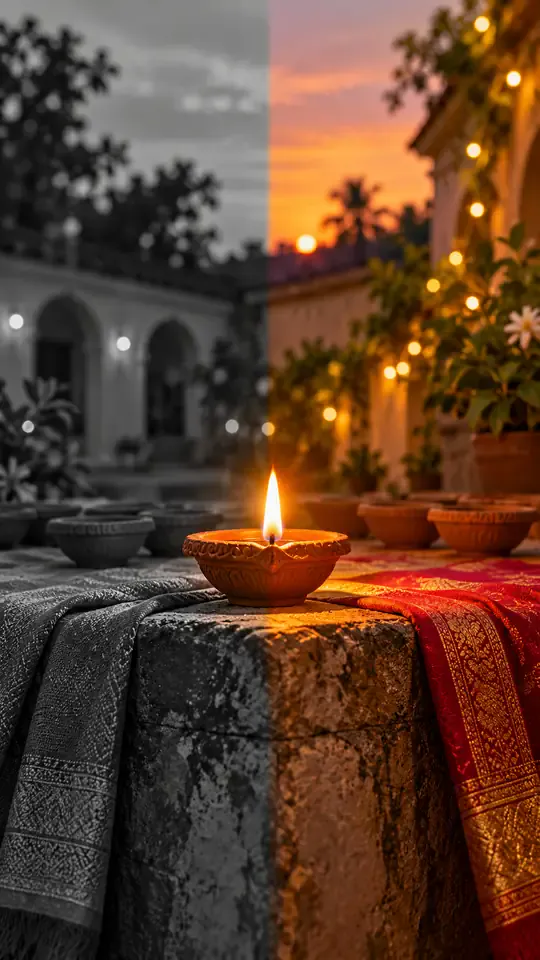
Turn one photo into a Diwali black-and-white to color reveal
Turn one photo into a midnight fridge raid clip
Turn one photo into the sit-to-recline reel
Turn two photos into a Your Dinner Is Ready clip
Turn two photos into the cliff plank prank
Put your photo in the lead spot of the schoolyard dance
Turn one photo into a convertible city-cruise clip
Put your photo in the party walk, bread bite and stare
Turn one or two photos into the slow mo dance entrance
Turn one photo into a walk-away fireball clip
Turn one photo into a living doll outfit change
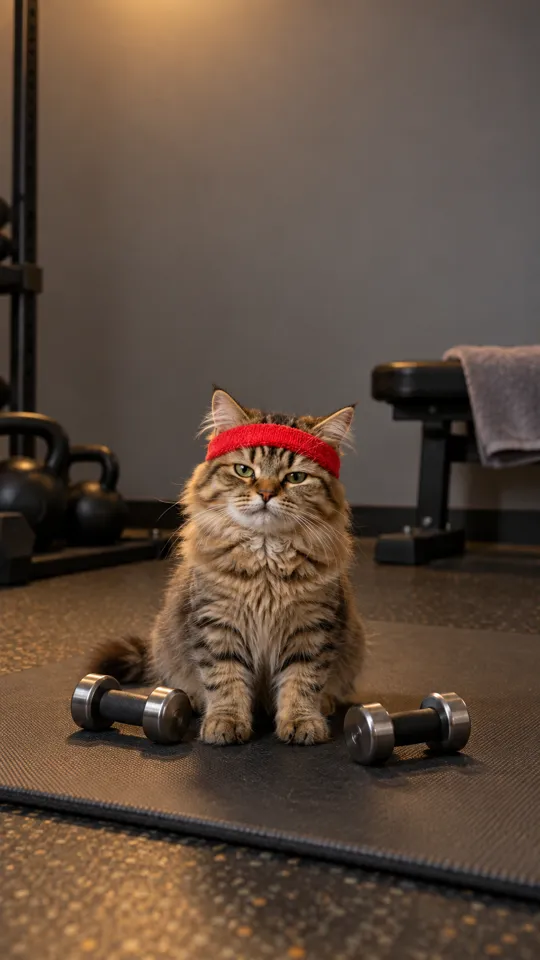
Turn your pet into a gym one-more-rep clip
Put your photo in the arms-up street routine
Put your photo in the two-pose dance meme
One photo, the singing car meme
Baby sips, sways and points from one photo
Two pets behind the counter, one pot and one mug
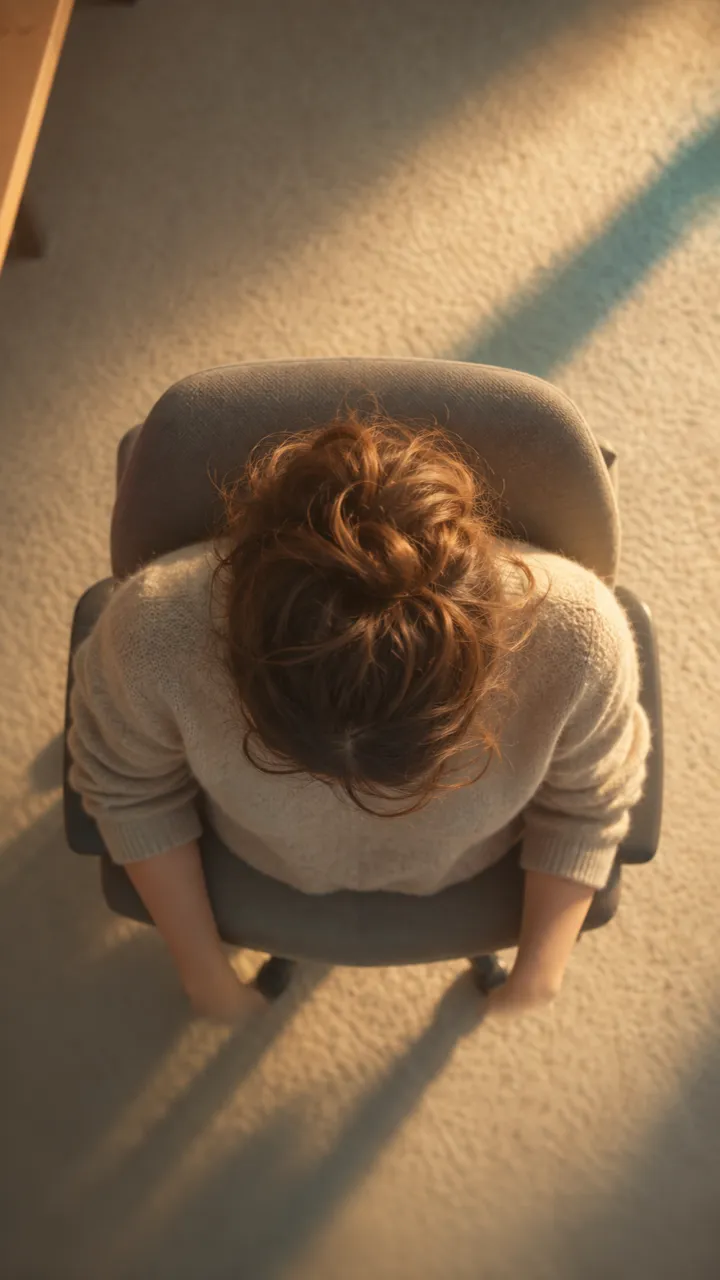
One photo into a slow overhead chair spin
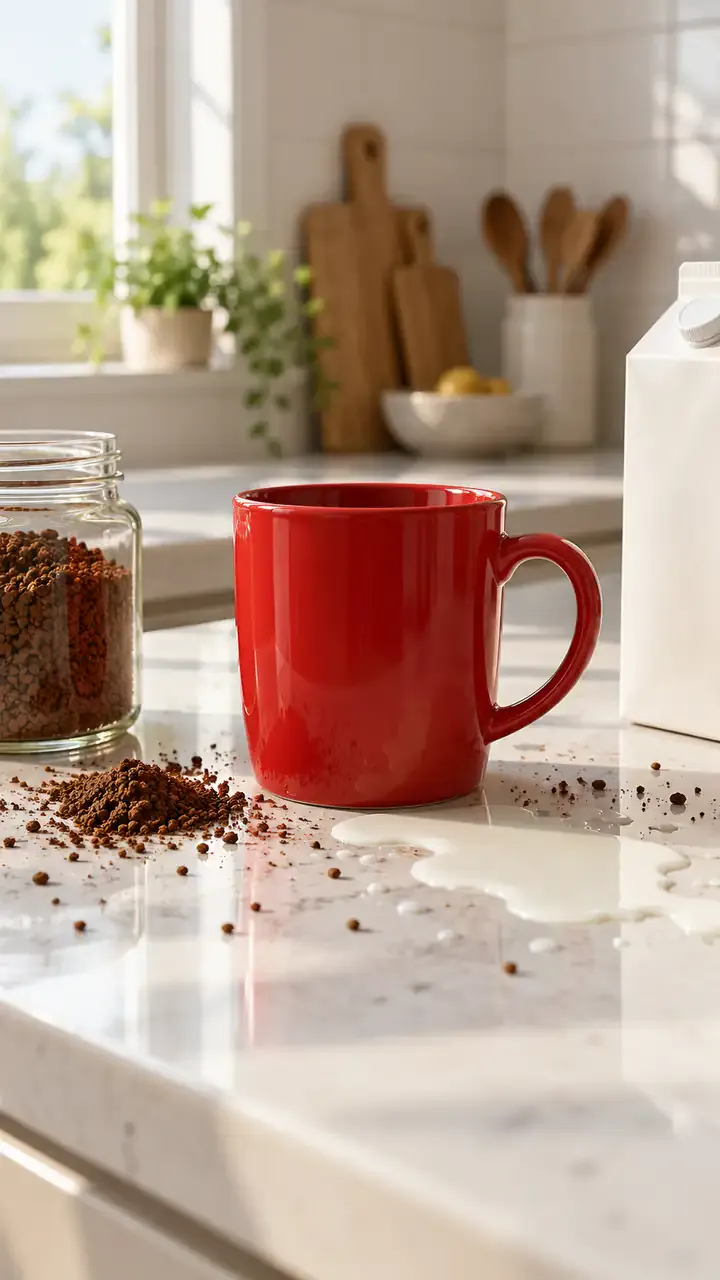
Two people, one spilled coffee, one straight face
Print your profile as a receipt clip

Turn one portrait into a moonrise first-bite clip

Turn one photo into a walk across a marigold bridge
Turn car photos into a moon-to-headlight night loop
You in a retro chocolate ad, one photo
Turn one pet photo into a barn full of dancing parrots
One photo into the tilting green-chair clip
Take the mic in front of the roar of a stadium crowd
One selfie into the lamp-lit slide-in clip
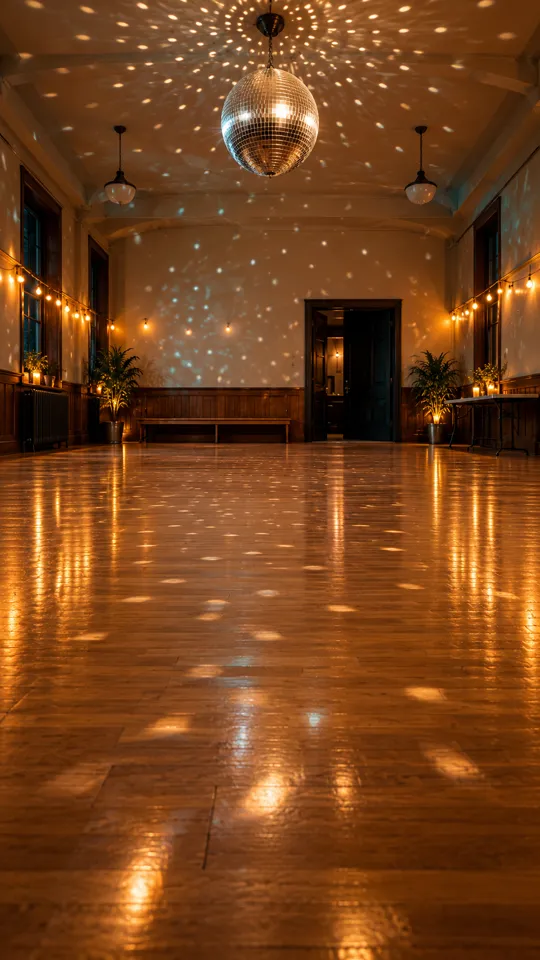
Turn one photo into the 15-second dance routine
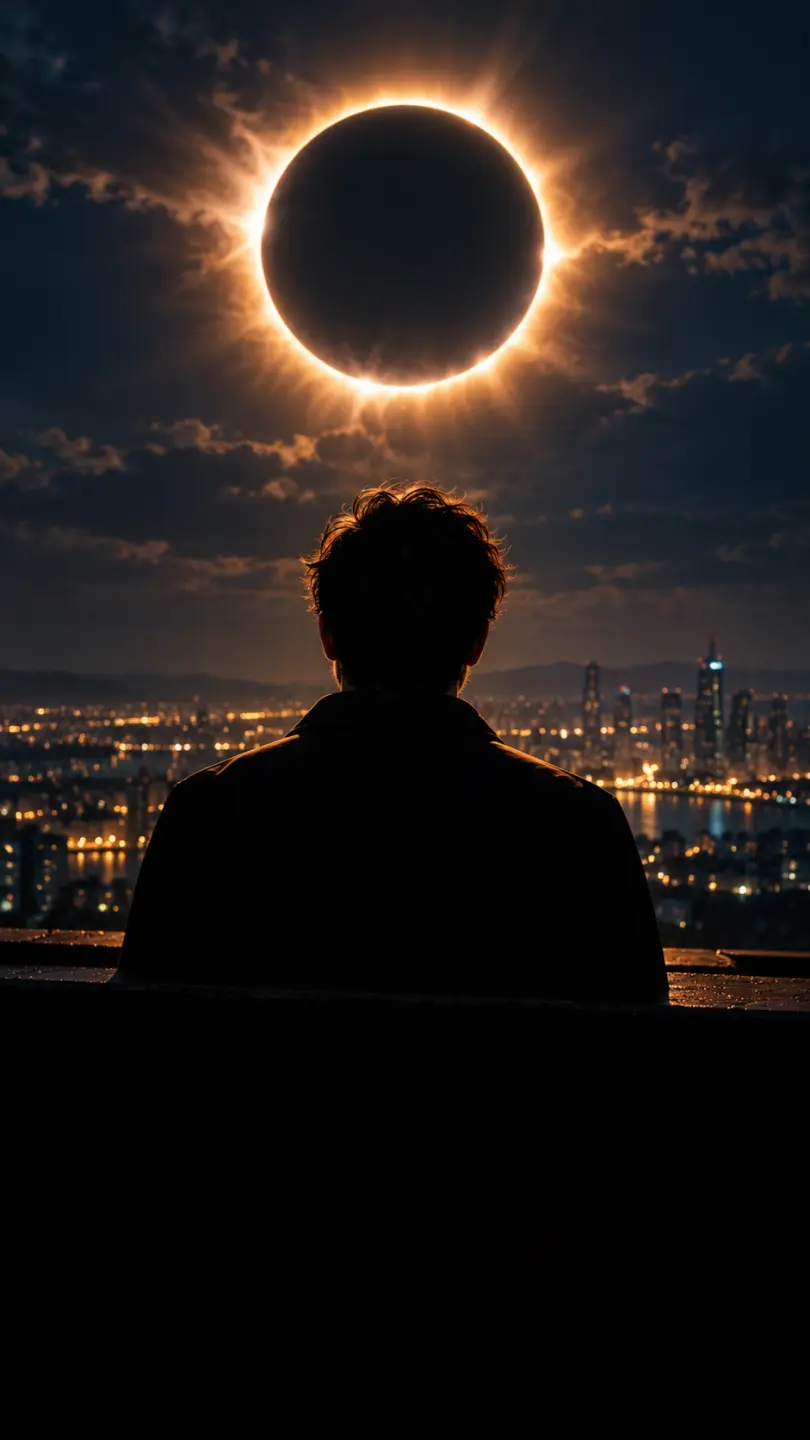
One photo into a dark eclipse music clip
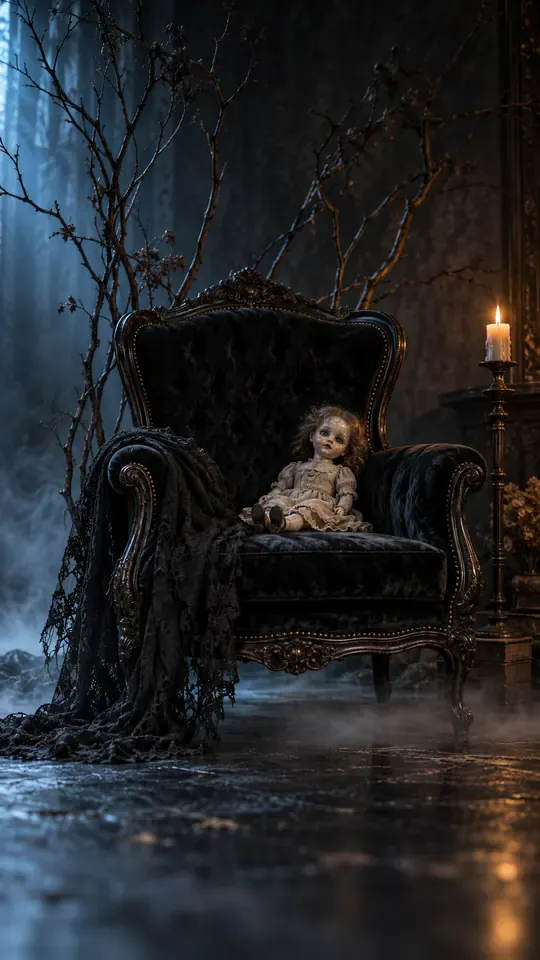
Turn one selfie into a gothic group-portrait clip
Turn two photos into the hide-and-reveal duet
One photo, a staged slap, then tears
Copy the angry dance with your photo
Turn one photo into the phone-flip hotel dance
Copy the full cover routine from one photo
Turn one photo into the salute and spin clip
Turn one photo into the Pick It Up bounce, arms-up and turn
Turn one photo into the cap-and-hood stare clip
Turn one photo into the Tarantino dance cover
Turn one photo into the routine clip
Dance on the platform from one photo
Turn two photos into the hoodie duo dance
Your dog or cat at a studio mic in headphones
Turn one photo into the fuzzy dream dance clip
Turn one photo into the sway clip from the feed
Toddler you, headphones on, at a studio mic
One baby photo, a mustached newborn clip
Grandma at her own party, from one photo
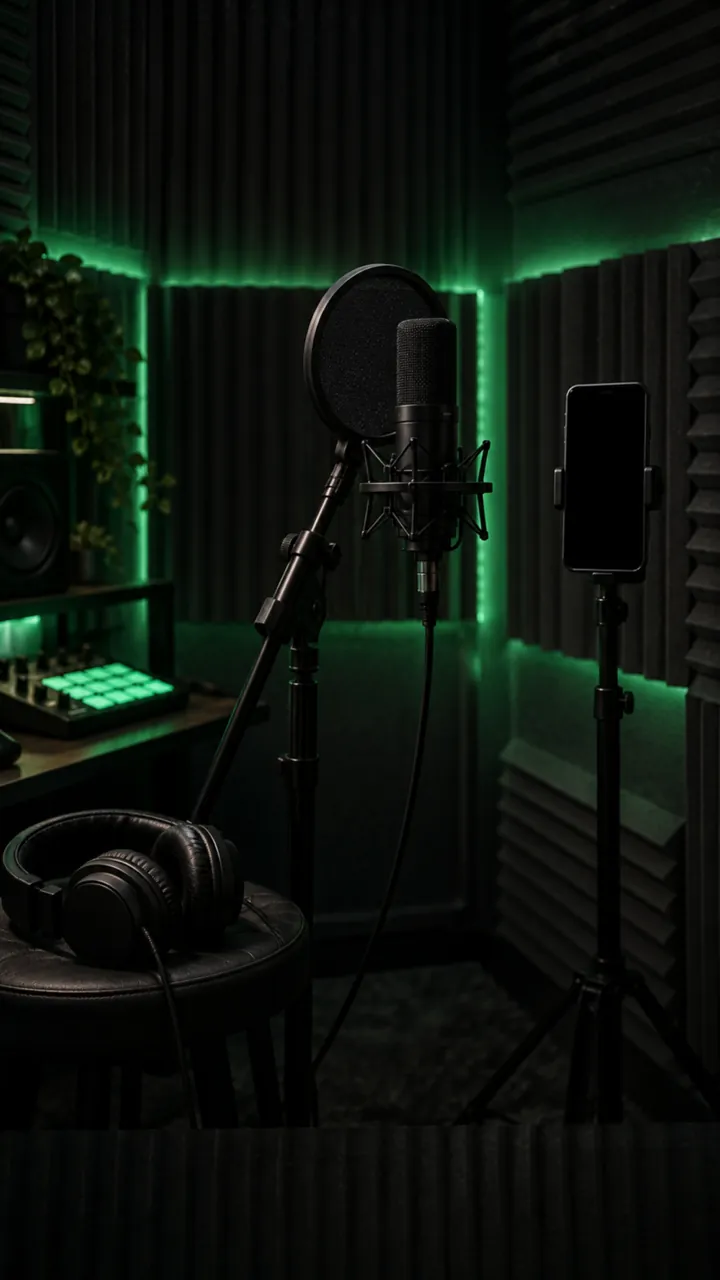
Turn one photo into a rap freestyle clip
Run up a golden stairway through the clouds into a hug with a loved one.
Turn one photo into the Rio charme dance
Turn one photo into the cash-toss video
Turn one photo into the caught-at-the-window clip
Turn two photos into the crying meme
Red eyes and a smirk from one photo
Make a short birthday greeting for Mom from one photo.
Sunglasses off, building on fire, from one photo
Your photo in a 15-second Christmas scene
Moonwalk-style dance from one photo
Your photo bouncing to a Jersey Club beat
Full glam on his photo, step by step
Mouth a love song from one photo
Shiny tears slide down your own selfie
Head bobs and bounces from one photo
Put your photo in the high-kick line
Make a miniature-to-full-size car reveal from one photo.
You screaming on a night rooftop from one photo
One photo, one pink Y2K dancer
One flash puts your photo in a balaclava
Your dog whimpers, then grins
A giant jet sweeps low over you at sunset
Turn one photo into the horse dance video
Turn one photo into their send-off clip
Turn one photo into the slide and arm-point routine
Turn one photo into the concert-stage lead
Turn one photo into the wooden guy's dance
Put one photo of you on the train, eyes shut, on the big note
Make your own cat stand up and clap for you
Your dog's birthday party from one photo
Your cat's birthday party from one photo
Turn into the turkey, or let your pet crash dinner
A video card with you at the dinner table
Line up, swim the arms and dive onto the mat
They threw stones, you build a castle from one photo
Turn one photo into a Christmas clip with Santa
Put the birthday person in a skydive or a lion-back cake ride
Walk your pet home to a candlelit altar
Karate-kick the bottles from one photo
One photo of someone you miss, one gentle 15-second clip
Turn one family photo into dancing Christmas elves
Walk up from the gala and lift the golden ball
Dunk over a defender, then the finger at the camera
Put you two in the kick meme
Do the arm throws and knee lift from one photo
Santa on your own room's night-camera footage
A slow deadpan head shake from one photo
Skeleton dance from one photo, Halloween beat
Do the footwork routine from one photo
Do the club routine from one photo
Street party or tavern dance from one photo
Dance in a white spaceship and wag a finger
Ride a giant pig across the red light
Your pet at the wheel, eyes shut, paw to the ear
Turn one selfie into half black goo and fangs
Kneel on a sunlit path with three haloed shadows beside yours
Rap to the camera in a packed night crowd
Turn one photo into you, rapping at the mic
Mask on, spin, suit up from one photo
Flick a heart at each name from one photo
Walk someone you miss home along a marigold path
Do the horse dance from one photo
One photo of you and your kid, suited up on a rooftop
A black hand, a wipe, a moon witch
Sheet on, shades on, pose and peek
Kick, pitch and leap in the storm
Swagger down the mansion hallway
Your pet takes the mic
Get caught on the big screen
Hold up the red sign and jump
Take the cash, then hit the walk
Walk out to a crowd of fans
A ghost rises right behind them
Walked out by two officers, unbothered
Lean in, arms out, point on the beat
Serious game face, then the toy car
Snap the moon, reveal the witch
Your pet as the dancing cat trio
Float past the red light on a broom
Nod to the bass at the blue wheel
Do the duo intro from two photos
Your baby, a serious face, one photo
The flash step dodge, one photo
Ask the phone how to get rich, hear the answer
Your cat or dog stands up and dances
Wide squat, tiptoes, one-leg freeze
Swagger down the park path, point at the lens
Cup your ears and let the stadium roar
Walk the carpet, stop for the flashes
Bedroom horns, panels shut, night street
Tiny workers wash your truck until it shines
Fake the rabona, leave the defender on the floor
Rocket thrusters fire, your car lifts off
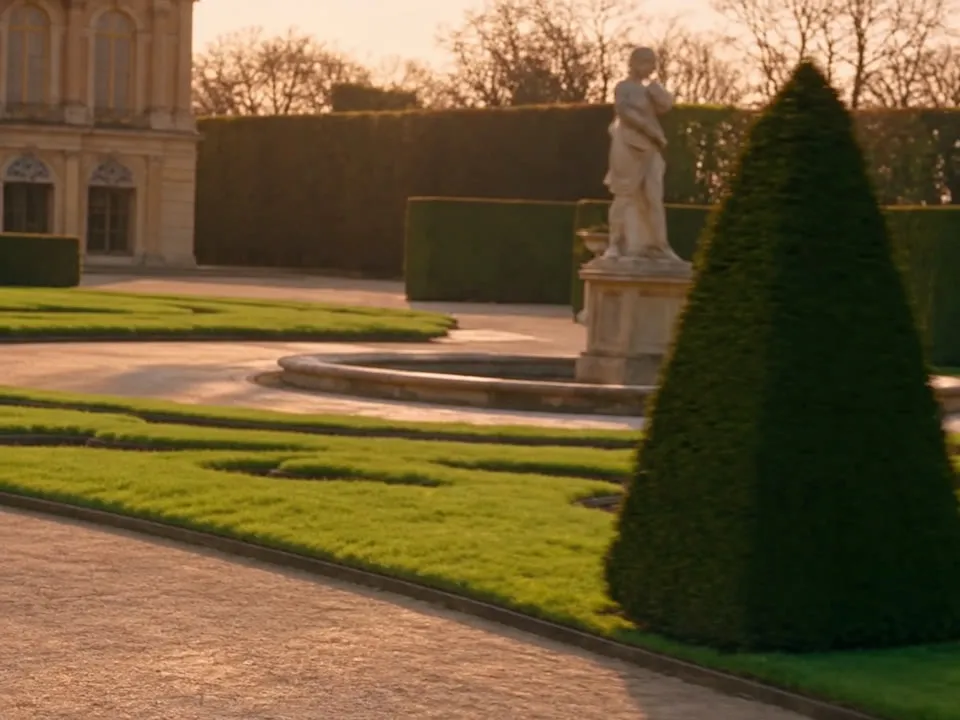
Set up a penny-farthing chase through a palace garden with a golden carriage.
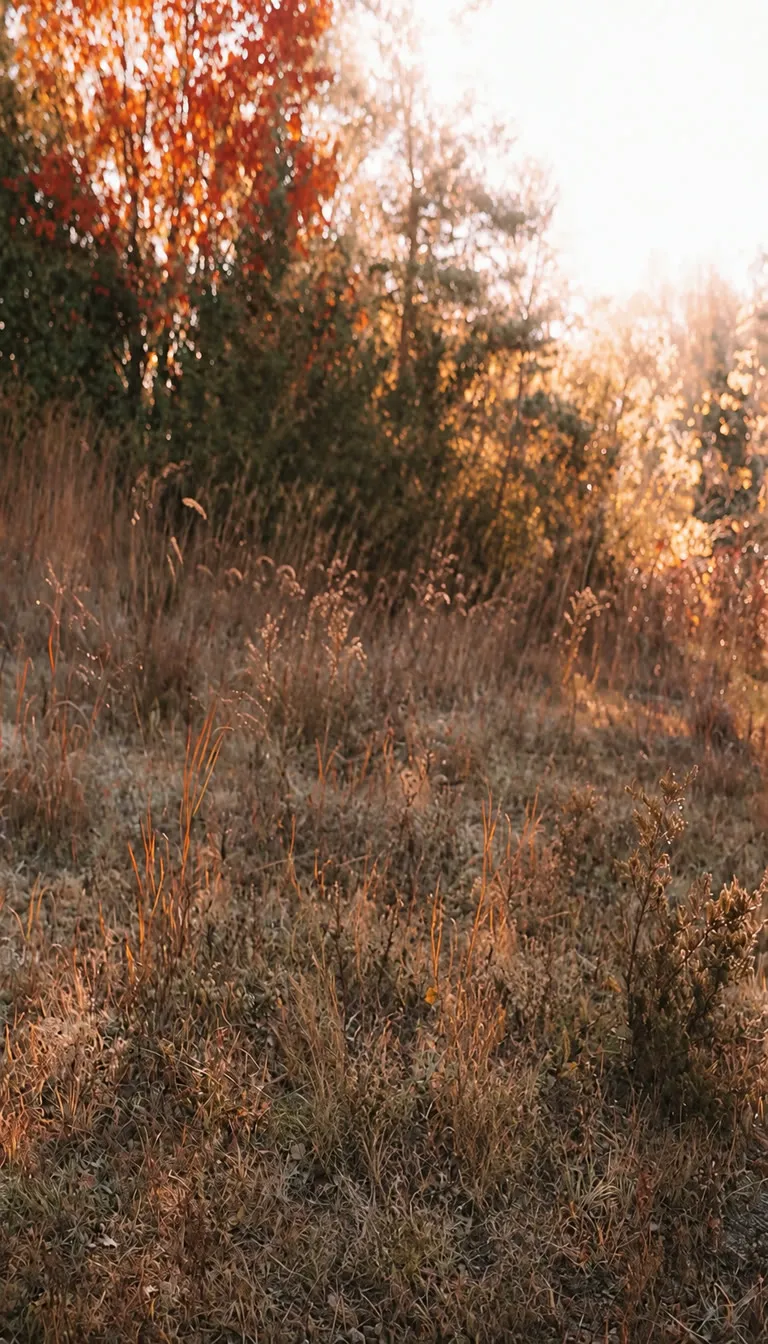
Create a two-person autumn field bounce and finger-point dance.
Turn your photo into the Ozil goal: dribble, strike, turn and celebrate.
Turn photos into phonk head bop trend videos in minutes.
One photo, a camera orbit around your subject
One or two photos into the vertical sidewalk singing clip
Chandelier party video from your selfie photos
Turn any photo into the tiptoe trend
Create scream-and-swap pet dance clips
Turn your selfie into an animatronic jumpscare
Make your photo lead the 1983 zombie dance in 9:16 vertical video.
Turn one adult photo into a trending 9:16 lip-sync clip in seconds.
Turn one group photo into a crew that steps in sync in 9:16 vertical video.
Turn your photo into a 1980s retro dance video with custom themes.
Pop the bottle from one photo and freeze it black and white.
Turn your photo into a Bulin 47 AI doorway clip.
Do the Layoo dance from one photo with two friends behind you.
Turn your photo into the viral lean, swing and low bounce, friend watching.
Black liquid rebuilds your car from its badge
Put your photo on the red stage doing the 2008 electro arm dance.
Sweep the 2 and 4 cards, reveal a car
Deadpan sway clip from one photo
Costume walk clip from one photo.
Make your pet or baby scold the camera
Make viral sneaky tiptoe videos from photos
Walk out with two officers
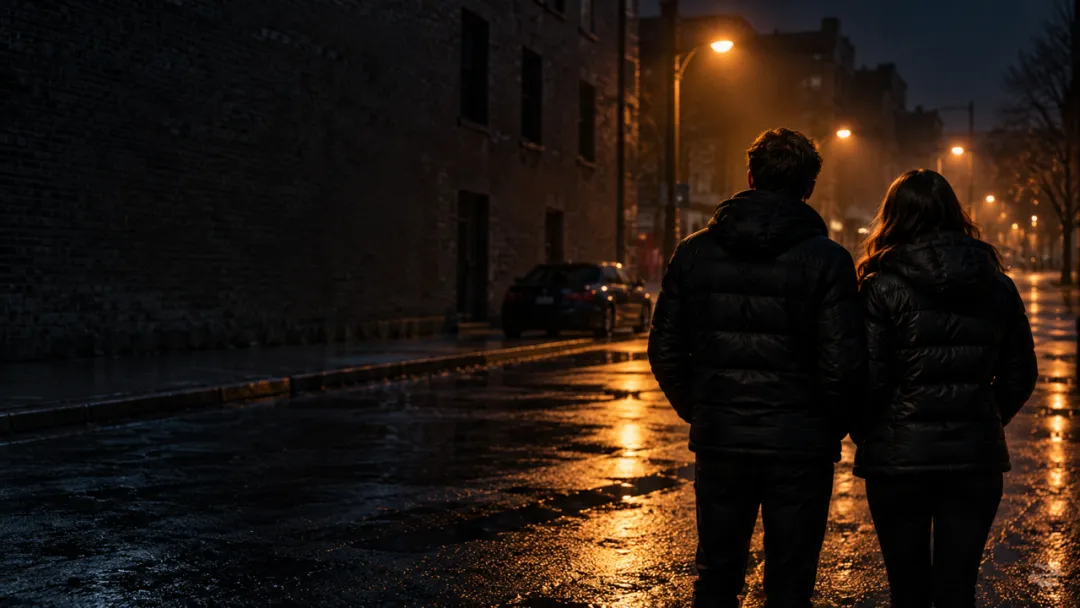
Two photos turned into a drill rap video clip.
Turn your pet into a tiny knight in a storm
Turn photos into the hop and knock dance
Switch wardrobe under spinning fan blades
Turn portrait photos into video
Make the viral video from two photos
Turn one pet photo into the stage meme
Dusk road-trip clip from your photos
You and a friend trading bars on one mic
Turn their photo into a funny birthday prank video
One photo zooms out to Earth, Moon or galaxy
Laser eyes, car jumps, hugs and more from one photo
Turn one photo into a video with copies of you
Hug the kid you were in a short video
Turn family photos into a short video clip.
Turn your photo into a cinematic video with effects
Share an imagined hug with someone who passed away
Turn one or two photos into a dance video
Two solo photos, one orange booth, one mic
Sit still while a car flies over you
Turn two photos into a hug video
Turn one or two photos into a gentle memorial clip
Make people in old photos smile, wave or hug
One or two photos into the zombie love story video
Two photos into the viral Hotel Lobby video
Veo 3 คืออะไร ค่าใช้จ่ายที่นี่เท่าไร และทำอย่างไรให้ได้คลิปที่ใช้งานได้ในครั้งแรก
สร้างวิดีโอ Veo 3.1ไม่ฟรี การสร้างบัญชี Ricebowl ฟรีและได้ 8 credits ซึ่งไม่พอสำหรับวิดีโอใดเลย ส่วนคลิป Veo 3.1 ใช้ 45 credits คุณจึงต้องเติมแพ็ก credits ก่อนเรนเดอร์ Veo ครั้งแรก ในแอปของ Google การสร้างด้วย Veo ต้องใช้แผน Google AI แบบเสียเงิน ที่นี่คุณจ่ายตามคลิป ไม่มีค่าสมาชิก Google รายเดือน
Google Veo 3 คือโมเดลสร้างวิดีโอจาก Google DeepMind ที่สร้างวิดีโอและเสียงพร้อมกัน ทั้งบทสนทนา เอฟเฟกต์เสียง และเสียงบรรยากาศ เปิดตัวในเดือนพฤษภาคม 2025 รุ่นสืบทอดอย่าง Veo 3.1 เปิดตัวในเดือนตุลาคม 2025 พร้อมเสียงที่สมบูรณ์ขึ้นและการทำตามพรอมป์ตที่ดีขึ้น และเป็นเวอร์ชันที่ Ricebowl ให้บริการในสามระดับ ได้แก่ Fast, standard และ Pro
Veo 2 เปิดตัวในเดือนธันวาคม 2024 สร้างวิดีโอแบบไม่มีเสียงพร้อมฟิสิกส์ที่ดีขึ้น Veo 3 เพิ่มเสียงในตัว คลิปจึงมีเสียงพูด เอฟเฟกต์ และบรรยากาศที่เข้ากับภาพ พร้อมปรับความสมจริงและการทำตามพรอมป์ตให้ดีขึ้น สำหรับครีเอเตอร์ ความต่างคือคลิปจาก Veo 2 ยังต้องทำ sound design ส่วนคลิปจาก Veo 3 โดยทั่วไปไม่ต้อง
Veo 3.1 ต่อยอดจาก Veo 3 ด้วยเสียงที่สมบูรณ์ขึ้น ควบคุมการเล่าเรื่องได้มากขึ้น พื้นผิวสมจริงขึ้น และทำตามพรอมป์ตได้ดีขึ้น โดยเฉพาะเมื่อเปลี่ยนภาพเป็นวิดีโอ ยังเพิ่มเสียงให้ Ingredients to Video, Frames to Video และ Extend โมเดลรุ่นเก่าถูกแทนที่ไปแล้วจริง ๆ จึงเป็นเหตุผลที่ Ricebowl ให้บริการเฉพาะรุ่น 3.1
เลือกระดับ standard บน Ricebowl ราคา 45 credits สำหรับ 10 วินาที ส่วน Fast ราคา 60 สำหรับ 6 วินาที ดังนั้น standard จึงถูกกว่า ยาวกว่า และคุณภาพสูงกว่าที่นี่ ใช้ Fast เมื่อคุณต้องการผลลัพธ์เร็วขึ้น และใช้ Pro ที่ 145 credits สำหรับช็อตที่สำคัญที่สุด
สร้าง ทุกคลิปสร้างพร้อมเสียง เขียนบทสนทนาในเครื่องหมายคำพูดและอธิบายเสียงและเพลงที่ต้องการ โมเดลจะสร้างให้ตรงกับการเคลื่อนไหว ไม่มีค่าใช้จ่ายเพิ่มสำหรับเสียงบน Ricebowl รวมอยู่ในราคาต่อคลิปแล้ว
บน Ricebowl ระดับ standard และ Pro เรนเดอร์ 10 วินาทีต่อคลิป ส่วน Fast เรนเดอร์ 6 วินาที ฟีเจอร์ Extend ของ Google เพิ่มเจ็ดวินาทีต่อขั้น และขยายวิดีโอได้ถึง 148 วินาทีที่ 720p ส่วน Flow โฆษณาช็อตที่ยาวหนึ่งนาทีขึ้นไป การขยายยังไม่เปิดใช้งานบน Ricebowl หากต้องการเทคยาว ๆ ในช็อตเดียว ให้ใช้ Seedance 2.5 ซึ่งเรนเดอร์ได้ถึง 30 วินาที
ได้ อัปโหลดภาพอ้างอิงได้สูงสุดสามภาพในตัวสร้าง เพื่อให้ตัวละคร ชุด สินค้า หรือสไตล์คงที่ ภาพอ้างอิงกำหนดรูปลักษณ์ ส่วนพรอมป์ตของคุณควบคุมการเคลื่อนไหว กล้อง และเสียง Google เรียกเวอร์ชันหลายภาพนี้ว่า Ingredients to Video
Google ให้บริการ Veo 3.1 ในแอป Gemini ในเครื่องมือทำภาพยนตร์ Flow ผ่าน Gemini API สำหรับนักพัฒนา และผ่าน Vertex AI สำหรับองค์กร แพลตฟอร์มของบุคคลที่สามอย่าง Ricebowl ให้บริการโมเดลเดียวกันด้วย credits แบบจ่ายตามคลิป และวางไว้ข้างโมเดลวิดีโออื่นอย่าง Seedance, Kling และ Gemini Omni
ทุกวิดีโอที่สร้างด้วย Veo มี SynthID ซึ่งเป็นลายน้ำล่องหนของ Google สำหรับระบุเนื้อหาที่สร้างโดย AI และผลลัพธ์ผ่านการประเมินความปลอดภัยและการตรวจสอบเนื้อหาที่จดจำไว้ เพื่อลดปัญหาด้านความเป็นส่วนตัว ลิขสิทธิ์ และอคติ พรอมป์ตที่ละเมิดนโยบายการใช้งานจะถูกปฏิเสธก่อนการสร้าง
ได้ วิดีโอที่คุณสร้างบน Ricebowl ด้วย credits ที่ซื้อมาใช้ในโฆษณา งานลูกค้า และหน้าสินค้าได้ ตรวจสอบให้แน่ใจว่าคุณเป็นเจ้าของหรือมีสิทธิ์ในภาพอ้างอิงที่อัปโหลด หลีกเลี่ยงบุคคลจริงและเครื่องหมายการค้าที่คุณไม่มีสิทธิ์ใช้ และจำไว้ว่าลายน้ำ SynthID ยังอยู่ในไฟล์
Flow เป็นแอปทำภาพยนตร์ของ Google และมาพร้อมแผน Google AI Ricebowl คิดค่าบริการตามคลิป เริ่มที่ 45 credits จึงไม่มีแผนรายเดือนที่ต้องจ่ายต่อเนื่อง credits เดียวกันยังใช้รัน Seedance 2.5 สำหรับเทค 30 วินาที Kling 3.0 สำหรับลำดับหลายช็อต และ Gemini Omni สำหรับการตัดต่อแบบสนทนา ทั้งหมดอยู่ในตัวสร้างที่ด้านบนของหน้านี้
ที่เกี่ยวข้อง
โมเดลเพิ่มเติม
บน Ricebowl ตอนนี้!
Veo 3.1 Fast, Veo 3.1 และ Veo 3.1 Pro เสียงในตัวทุกคลิป ภาพอ้างอิงสูงสุดสามภาพ และ 4K ในระดับ Pro
สร้างวิดีโอ Veo 3.1สมัครฟรี · เสียงในตัว · 3 ภาพอ้างอิง · สูงสุด 4K
เริ่มต้นกับ Google Veo 3
สร้างวิดีโอ Veo 3.1