ครีเอเตอร์คลิปสั้น
ถ่ายคลิปธรรมดาด้วยมือถือ แล้วให้ Gemini Omni เปลี่ยนเป็นสิ่งที่คุณถ่ายเองไม่ได้: ห้องที่สลายเป็น voxel มือที่ถือดวงอาทิตย์ลอยอยู่ หรือการแปลงร่างตามจังหวะ การเคลื่อนไหวของคุณเองทำให้ผลลัพธ์ดูสมจริง
Gemini Omni เป็นโมเดลวิดีโอของ Google ที่รับข้อความ ภาพ และวิดีโอในพรอมป์ต์เดียว แล้วส่งคืนคลิปพร้อมเสียง Ricebowl รัน Gemini Omni Flash ซึ่งเป็นรุ่นปัจจุบัน ตั้งแต่ 4 ถึง 10 วินาที และสูงสุด 4K
เลือกระยะเวลาวิดีโอ
เลือกความละเอียด
เลือกอัตราส่วนภาพ
คุณสมบัติ 01
ข้อความ ภาพ และวิดีโอในพรอมป์ต์เดียว
Google เปิดตัว Gemini Omni ที่ I/O 2026 ในฐานะโมเดลที่สร้างอะไรก็ได้จากอินพุตใดก็ได้ เริ่มจากวิดีโอ ในทางปฏิบัติหมายความว่าการสร้างวิดีโอจากข้อความ จากภาพ และจากวิดีโอ ล้วนทำงานผ่านโมเดลเดียวกัน: เขียนพรอมป์ต์ แนบภาพอ้างอิงสูงสุดเจ็ดภาพ หรือเพิ่มคลิปสั้น แล้ว Gemini Omni จะรวม它們เป็นฉากเดียวพร้อมเสียง คุณไม่ต้องสลับเครื่องมือระหว่างเฟรมสตอรีบอร์ดกับช็อตที่เสร็จแล้ว บน Ricebowl คลิปจะยาว 4, 6, 8 หรือ 10 วินาที แนวตั้งหรือแนวนอน ที่ 720p, 1080p หรือ 4K
ฟีเจอร์ 02
ตัดต่อด้วยการอธิบายสิ่งที่ต้องการเปลี่ยน
คำอธิบายที่สั้นที่สุดของ Google เกี่ยวกับ Gemini Omni คือ Nano Banana สำหรับวิดีโอ: คุณตัดต่อคลิปด้วยการบอกว่าต้องการเปลี่ยนอะไร ด้วยคำพูดธรรมดา ปรับแสงให้สลัว ทำให้ไวโอลินล่องหน เลื่อนกล้องไปด้านหลังไหล่ พรอมป์ต์ไม่จำเป็นต้องเป็นภาษาอังกฤษ พาร์ตเนอร์ที่อ้างถึงในหน้า DeepMind รายงานว่าบทสนทนาภาษาปัญจาบที่พูดออกมาถูกเรนเดอร์และซิงก์อย่างถูกต้อง และ Gemini Omni ยังซิงก์ข้อความบนหน้าจอกับการเคลื่อนไหวได้ คำหรือคำบรรยายจึงปรากฏตรงจังหวะที่เกิดขึ้นจริง ไม่ใช่เป็นโอเวอร์เลย์แบบนิ่ง
ฟีเจอร์ 03
ใช้วิดีโอของคุณเป็นจุดเริ่มต้น
อัปโหลดคลิปที่คุณถ่ายเอง แล้วขอให้ Gemini Omni เปลี่ยนสิ่งที่เกิดขึ้นในคลิป: เปลี่ยนห้องให้เป็นงานศิลปะแบบ voxel ทำให้กระจกสั่นเป็นระลอกเหมือนของเหลว เปลี่ยนยานอวกาศเป็นวัตถุอื่น หรือเปลี่ยนตัวคุณให้เป็นตัวละครจากภาพอ้างอิง การเคลื่อนไหวและโครงสร้างของคลิปต้นฉบับจะคงอยู่ การรีมิกซ์จึงยังเคลื่อนไหวแบบเดียวกับที่คุณเคลื่อนไหว API ของ Google รับวิดีโออินพุตได้สูงสุด 10 วินาทีสำหรับการตัดต่อ บน Ricebowl ให้เพิ่มคลิปเป็นวิดีโออ้างอิง และงานนี้คิดราคาแบบเหมาจ่าย 120 เครดิตที่ 720p หรือ 1080p
ฟีเจอร์ 04
เปลี่ยนสิ่งเดียว ที่เหลือคงเดิม
ไม่ใช่ทุกการตัดต่อจะเป็นการรีมิกซ์ทั้งหมด Gemini Omni สามารถเปลี่ยนองค์ประกอบเดียว พร็อพเดียว สีเดียว หรือช่วงเวลาของวัน โดยปล่อยส่วนที่เหลือของเฟรมไว้เหมือนเดิม และทุกคำสั่งจะต่อยอดจากคำสั่งก่อนหน้า เดโมของ Google พานักไวโอลินผ่านสี่ขั้นตอน: สภาพแวดล้อมใหม่ ไวโอลินล่องหน มุมกล้องใหม่ โดยแต่ละขั้นยังคงการแสดงไว้ครบถ้วน นี่คือเหตุผลหลักที่ควรใช้ Gemini Omni แทนการสุ่มพรอมป์ต์ข้อความใหม่ เพราะการสุ่มใหม่จะทิ้งเทคที่คุณชอบไปพร้อมกับรายละเอียดที่คุณไม่ต้องการ
ฟีเจอร์ 05
ตัวละครและฟิสิกส์ที่คงเส้นคงวา
Google กล่าวว่าด้วย Gemini Omni ตัวละครของคุณจะคงเส้นคงวา ฟิสิกส์สมจริง และฉากจดจำสิ่งที่เกิดขึ้นก่อนหน้าได้ สิ่งนี้สำคัญเมื่อเรื่องราวถูกเล่าผ่านหลายคลิปแทนที่จะเป็นคลิปเดียว ใช้ภาพอ้างอิงและตัวละครที่บันทึกไว้ชุดเดิมในทุกคำขอ ใบหน้า ชุด และฉากก็จะต่อเนื่องกันตลอดลำดับ Gemini Omni ยังรองรับการขยายฉากและการกำหนดเฟรมแรกและเฟรมสุดท้ายในระดับโมเดล ซึ่งเป็นวิธีที่ Google สร้างเรื่องราวยาวขึ้นจากช็อต 10 วินาที

ฟีเจอร์ 06
อ้างอิงจากสิ่งที่ Gemini รู้
Gemini Omni ผสานความเข้าใจด้านฟิสิกส์ แรงโน้มถ่วง โมเมนตัม และของเหลว เข้ากับความรู้ด้านประวัติศาสตร์ วิทยาศาสตร์ และวัฒนธรรมของ Gemini ขอให้ทำคลิปอธิบายการพับโปรตีนแบบ claymation หรือบทเรียนแบบ stop-motion เรื่องการทำงานของฮิปโปแคมปัส โมเดลจะได้ทั้งเนื้อหาที่ถูกต้องและภาพที่ตรง สำหรับนักการศึกษาและช่องคลิปอธิบาย นี่คือความต่างระหว่างคลิปที่สวยกับคลิปที่ถูกต้อง
Feature 07
เสียงที่ตามการเคลื่อนไหว
เสียงใน Gemini Omni เป็นไปตามที่สั่ง: คุณกำกับมันเหมือนกำกับภาพ ขอให้มีเสียงพิณทุกครั้งที่มือแตะเฟิร์น ไฟในอพาร์ตเมนต์เปิดตามจังหวะเพลง หรือไม่มีเพลงเลยมีแค่เสียงห้องที่สมจริง แนบไฟล์เสียงเป็นข้อมูลอ้างอิง โมเดลจะใช้มันกำหนดจังหวะหรือเสียงพูด บน Ricebowl คุณบันทึกเสียงในแผง Omni และใช้ซ้ำได้หลายคลิป ทำให้เสียงผู้บรรยายหรือตัวละครแบรนด์คงเดิมในทุกวิดีโอ
Feature 08
ถ่ายใหม่จากอีกมุม
การกำกับกล้องใช้ได้ทั้งตอนสร้างและตอนตัดต่อ อธิบายการแพนกล้องเร็ว มุมต่ำระยะใกล้ หรือการค่อยๆ ซูมเข้าในพรอมป์แรก หรือนำคลิปที่มีอยู่แล้วให้ Gemini Omni เปลี่ยนกล้องเป็นมุมมองข้ามไหล่โดยไม่ต้องถ่ายใหม่ สตูดิโอแอนิเมชัน Cartwheel บอกว่าโมเดลทำได้ดีเป็นพิเศษในการสร้างและตัดต่อช็อตที่มีการเคลื่อนกล้องแบบไดนามิก คุณยังยืมท่าจากวิดีโออ้างอิงได้: ชี้โมเดลไปที่คลิปที่คุณชอบการเคลื่อนกล้อง แล้วนำมาใช้กับตัวแบบของคุณ
Feature 09
ตัวละครของคุณ การเคลื่อนไหวของคุณ
อัปโหลดภาพตัวละครพร้อมคลิปของคุณเอง Gemini Omni จะเปลี่ยนคุณเป็นตัวละครนั้น โดยจับคู่การเคลื่อนไหวและบทพูดของคุณ Google สาธิตด้วยคำสั่งเดียว: เปลี่ยนฉันเป็นตัวละครนี้ ยังใช้ได้กับภาพร่าง เปลี่ยนภาพวาดเป็นฟุตเทจสมจริงที่ใช้ภาพร่างเป็นแค่แนวทางการเคลื่อนไหว บน Ricebowl บันทึกตัวละครครั้งเดียวในแผง Omni แล้วเลือกใช้ในการสร้างครั้งต่อๆ ไป ทำให้พิธีกรเสมือนหรือมาสคอตมีใบหน้าเดิมตลอดทั้งซีรีส์
ตัวอย่างพรอมป์ต์
พรอมป์ต์
ใช้กระเป๋าในภาพอ้างอิง นักเต้นสะบัดกระเป๋าไว้บนไหล่ขณะหมุนตัวในสตูดิโอที่มีแสงแดด กล้องวนรอบตัวเธอหนึ่งรอบ เพลงเฮาส์จังหวะสนุก เสียงวูชเบา ๆ ทุกครั้งที่หมุน ไม่มีข้อความบนหน้าจอ
อ้างอิง
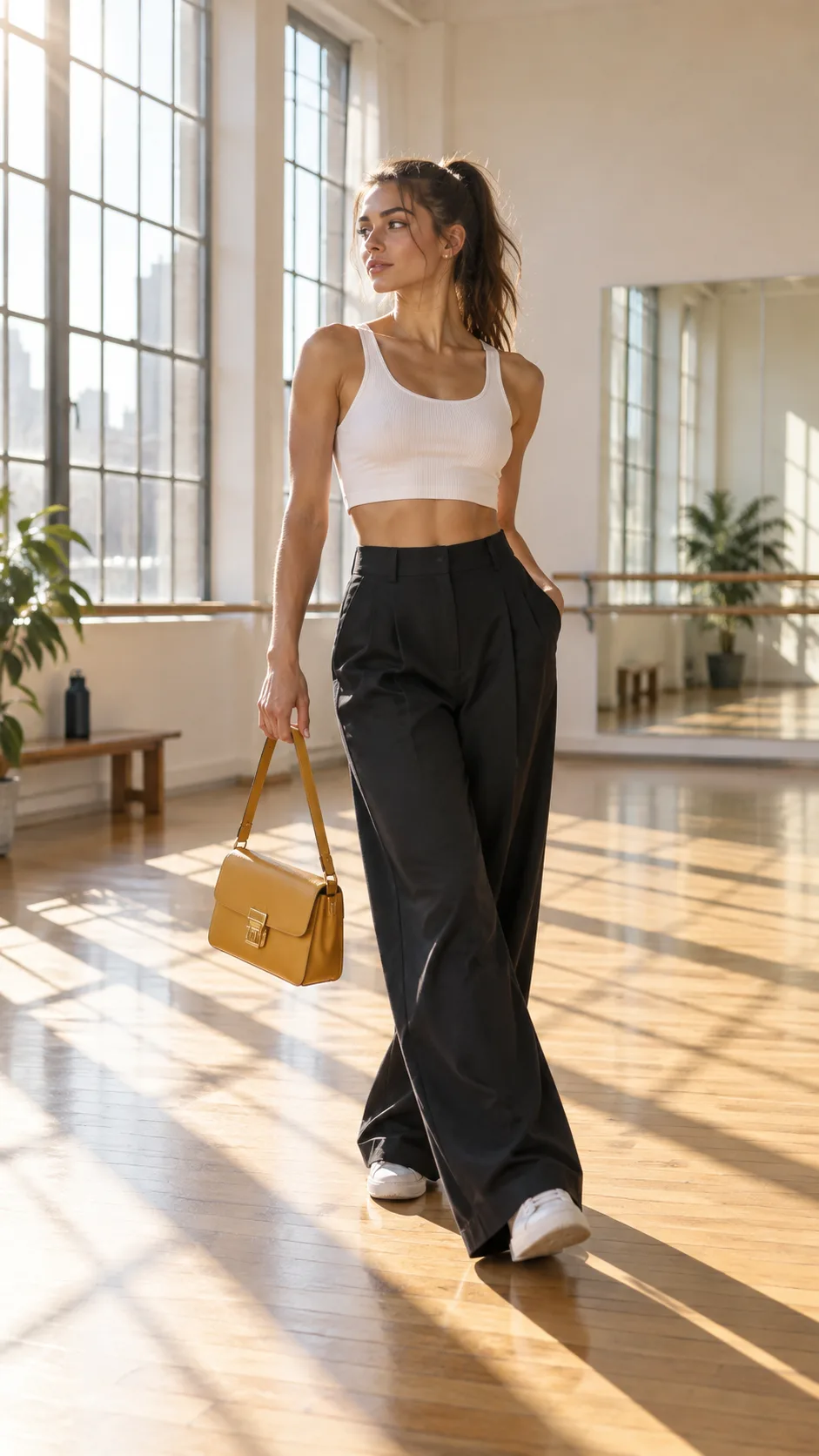
ผลลัพธ์
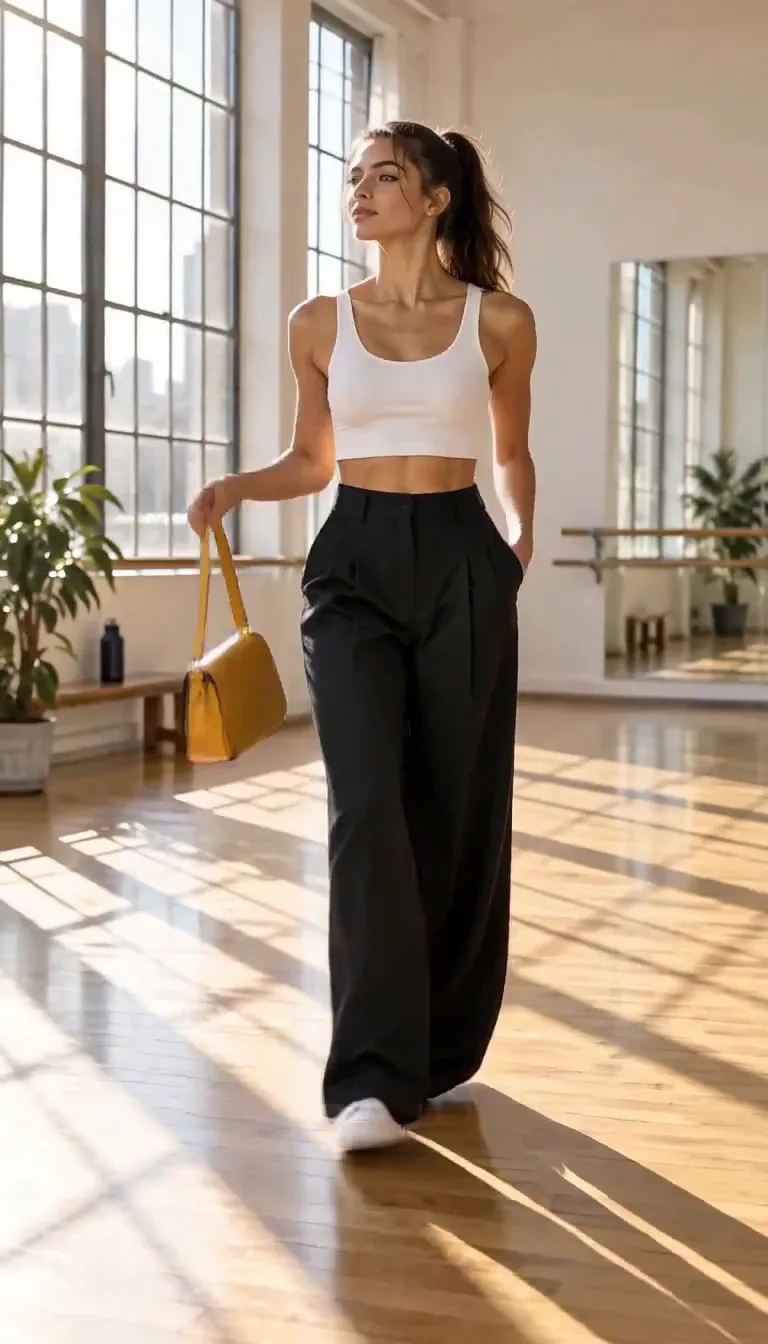
พรอมป์ต์
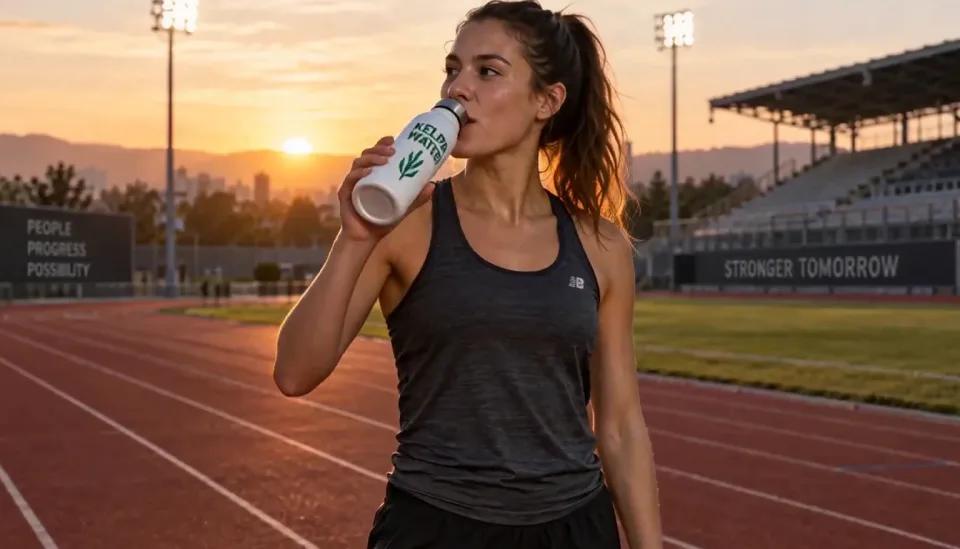
ใช้ขวดในภาพอ้างอิง นักวิ่งหยุดบนลู่วิ่งตอนรุ่งอรุณ ดื่มน้ำแล้วมองมาที่กล้อง ค่อย ๆ ซูมเข้า เสียงหายใจและเสียงนกไกล ๆ แล้วมีเสียงเบสหนึ่งครั้งเมื่อฉลากหันมาที่เลนส์
อ้างอิง

ผลลัพธ์
USE CASES
ถ่ายคลิปธรรมดาด้วยมือถือ แล้วให้ Gemini Omni เปลี่ยนเป็นสิ่งที่คุณถ่ายเองไม่ได้: ห้องที่สลายเป็น voxel มือที่ถือดวงอาทิตย์ลอยอยู่ หรือการแปลงร่างตามจังหวะ การเคลื่อนไหวของคุณเองทำให้ผลลัพธ์ดูสมจริง
ภาพสินค้าที่อนุมัติแล้วหนึ่งภาพ หลายเวอร์ชัน เปลี่ยนฉาก ฤดูกาล หรือผู้นำเสนอด้วยคำสั่งตัดต่อแทนการถ่ายใหม่ HubX ซึ่ง Google อ้างถึง รายงานว่าผลงานสร้างสรรค์เพิ่มขึ้น 23% และต้นทุนกระบวนการลดลง 20% หลังย้ายแคมเปญมาใช้โมเดลนี้
การเปลี่ยนเสื้อผ้าเสมือนจริงและการถ่ายภาพสินค้าแบบภาพยนตร์เป็นกรณีการใช้งานที่แพลตฟอร์มออกแบบ FLORA ระบุไว้สำหรับ Gemini Omni ล็อกโมเดลและสินค้าให้คงที่ด้วยภาพอ้างอิง แล้วเปลี่ยนเฉพาะชุดหรือฉากหลัง
ด้วยพื้นฐานความรู้ของ Gemini ทำให้ Gemini Omni สร้างวิดีโออธิบายแบบสตอปโมชันเรื่องชีววิทยา หรือโมเดลดินน้ำมันของแนวคิดฟิสิกส์ที่ทั้งถูกต้องและน่ารัก พร้อมเสียงบรรยายและข้อความบนหน้าจอที่ซิงก์กันได้
Astrocade กล่าวว่าการปรับแต่งครีเอทีฟสำหรับเกมลดจากหลายวันเหลือไม่กี่นาทีด้วยการคุยกับโมเดล สร้างท่อนตัวอย่าง แล้วแก้ตัวละคร แสง หรือกล้องในการแก้ไขครั้งถัดไปจนตรงกับโจทย์
ผู้ใช้พูดว่าอย่างไร
01
คำกล่าวอ้างจากพาร์ตเนอร์เกือบทั้งหมดบนหน้า Gemini Omni ของ Google ขึ้นต้นด้วยการแก้ไข: สร้างวิดีโอ แล้วปรับแก้ด้วยการพูดคุยกับมัน Picsart ซึ่งนำโมเดลนี้ไปสู่ครีเอเตอร์ 130 ล้านคน ระบุว่าการแก้ไขอัตโนมัติคือสิ่งที่ปลดล็อกหลัก
02
Cartwheel กล่าวว่า Gemini Omni เข้าใจสไตล์และการเคลื่อนไหวในแบบที่โมเดลวิดีโอคู่แข่งทำได้ไม่ถูกต้อง และจัดการกับช็อตที่มีการเคลื่อนกล้องแบบไดนามิกได้ดี ซึ่งเป็นจุดที่วิดีโอ AI มักดูแข็งทื่อ
03
Google รายงานว่า Gemini Omni Flash อยู่อันดับหนึ่งด้านความพึงพอใจโดยรวมและการทำตามคำสั่งบนพรอมป์ 1,003 รายการจาก MovieGenBench และนำในการทดสอบเปรียบเทียบแบบเห็นหน้าคู่กันสำหรับการตัดต่อวิดีโอจาก 504 ตัวอย่าง
04
บนชุดทดสอบภาพเป็นวิดีโอของ VBench ผลลัพธ์ของ Google เองแสดงว่า Gemini Omni Flash เสมอกับ Grok Imagine Video และ Kling ที่อันดับต้น ไม่ได้นำหน้า สำหรับการทำภาพนิ่งให้เคลื่อนไหวล้วน ๆ ถือเป็นหนึ่งในตัวเลือกที่แข็งแรงท่ามกลางหลายตัว
เวอร์ชัน
ใช้ Gemini Omni เป็นค่าเริ่มต้น เอกสาร Gemini API ของ Google เองแนะนำ Gemini Omni Flash เป็นโมเดลวิดีโอเริ่มต้น ด้วยความสอดคล้อง การใช้เหตุผลจากหลายอินพุต ความคงที่ของตัวละคร และการแก้ไขแบบหลายรอบ และเก็บ Veo 3.1 ไว้สำหรับความต้องการเฉพาะ เช่น การต่อฉาก การควบคุมเฟรมสุดท้าย หรือไปป์ไลน์เดิม บน Ricebowl กรณีเดียวที่ Veo 3.1 ชนะคือราคา: คลิปข้อความเป็นวิดีโอ 10 วินาทีธรรมดาราคา 45 เครดิต เทียบกับ 90 สำหรับ Gemini Omni
วันนี้ทั้งสองเป็นโมเดลเดียวกัน Google เปิดตัว Gemini Omni ในชื่อ Gemini Omni Flash รหัสโมเดล gemini-omni-1.1-flash และไม่มี Omni ขนาดใหญ่แยกต่างหากให้เปรียบเทียบ เมื่อคนค้นหา Gemini Omni Flash นี่คือโมเดลที่ Ricebowl ใช้งาน
สิ่งที่ทำให้แตกต่าง
01
แต่ละคำสั่งต่อยอดจากคำสั่งก่อนหน้า คุณจึงเปลี่ยนพร็อพ แล้วเปลี่ยนแสง แล้วเปลี่ยนมุมกล้อง โดยยังคงการแสดงที่คุณอนุมัติไว้แล้ว การสุ่มใหม่จากพรอมป์ต์ข้อความจะทิ้งเทคนี้ไปพร้อมกับรายละเอียดที่คุณต้องการแก้
02
บน Ricebowl คุณสามารถบันทึกเสียงและตัวละครในแผง Omni แล้วเลือกใช้อีกครั้งในคลิปถัดไป ผู้บรรยาย พิธีกรเสมือน หรือมาสคอตจึงดูและฟังเหมือนเดิมตลอดทั้งซีรีส์
03
ในแอปของ Google นั้น Gemini Omni Flash มาพร้อมกับแพ็กเกจ Google AI Plus, Pro และ Ultra บน Ricebowl คุณจ่ายตามคลิป เริ่มที่ 45 เครดิตสำหรับวิดีโอ 4 วินาที โดยไม่ต้องมีแพ็กเกจ Google รายเดือน และเครดิตเดียวกันใช้กับ Veo 3.1, Seedance 2.5 และ Kling 3.0 ได้
ความเห็นของเรา
เป็นโมเดลแยกกันของ Google โดย Gemini Omni อยู่ในตระกูล Gemini ส่วน Veo เป็นอีกสายหนึ่ง ใช้ Gemini Omni เป็นค่าเริ่มต้นตามที่เอกสาร API ของ Google แนะนำ และใช้ Veo 3.1 เฉพาะเมื่อต้องการคลิปข้อความเป็นวิดีโอแบบธรรมดาที่ถูกที่สุดบน Ricebowl (45 เครดิตสำหรับ 10 วินาที)
ได้ทั้งหมด ตั้งแต่เปลี่ยนพร็อพชิ้นเดียวไปจนถึงเปลี่ยนทั้งฉาก สไตล์ศิลป์ หรือตัวละคร โดยที่การเคลื่อนไหวและเส้นทางกล้องเดิมยังคงอยู่ ข้อจำกัดคือความยาว ควรให้คลิปต้นทางสั้น เพราะ Google จำกัดอินพุตการตัดต่อไว้ที่ 10 วินาที
แข็งแรงกว่าเมื่อตัดต่อหลายรอบ แต่อ่อนกว่าเมื่อเทียบความยาว Gemini Omni รักษาตัวละครให้คงที่ขณะที่คุณแก้คลิปเดิมซ้ำแล้วซ้ำอีก ส่วน Seedance 2.5 รักษาใบหน้าตลอดเทคเดียว 30 วินาทีด้วยภาพอ้างอิงสูงสุด 30 ภาพ เลือก Gemini Omni เมื่อต้องปรับแต่งช็อตซ้ำ และ Seedance 2.5 เมื่อต้องถ่ายเทคยาวครั้งเดียว
การเปรียบเทียบ
| คุณสมบัติ | Gemini Omni | Veo 3.1 | Seedance 2.5 | Kling 3.0 |
|---|---|---|---|---|
| ความยาวคลิปบน Ricebowl | 4, 6, 8 หรือ 10 วินาที | 10 วินาที (6 วินาทีบน Fast) | 5 ถึง 30 วินาที | 5, 10 หรือ 15 วินาที (15 วินาทีบน Kling 3.0 Turbo) |
| ความละเอียดสูงสุดบน Ricebowl | 4K | 4K (Pro 4K) | 720p | 4K (Kling 3 Omni) |
| อินพุต | ข้อความ รูปภาพสูงสุด 7 รูป วิดีโอ เสียงและตัวละครที่บันทึกไว้ | ข้อความ รูปภาพสูงสุด 3 รูป | ข้อความ รูปภาพสูงสุด 30 รูป วิดีโอ เสียง | ข้อความ รูปภาพสูงสุด 2 รูป |
| แก้ไขวิดีโอที่มีอยู่ | ได้ ผ่านการสนทนา | ไม่ได้ | ได้ แก้ไขเฉพาะจุด | ไม่ได้ |
| เสียงในตัว | มี | มี | มี | เป็นตัวเลือกเสริม |
| ตัวอย่างราคา | 75 เครดิต (8 วินาที, 1080p) | 45 เครดิต (10 วินาที) | 315 เครดิต (5 วินาที, 720p) | 130 เครดิต (Kling 3 Omni, 5 วินาที, 1080p, เสียง) |
| เหมาะสำหรับ | การแก้ไขและฉากที่ใช้อินพุตหลายอย่าง | ช็อตเดียวพร้อมเสียงที่ถูกที่สุด | การถ่ายยาวในช็อตเดียว | ลำดับหลายช็อต |
ทั้งสี่ทำงานบน Ricebowl สลับระหว่างกันได้ที่ตัวเลือกโมเดลด้านบน ราคาเครดิตมาจากตารางราคาสดและอาจเปลี่ยนแปลงได้
สร้างวิดีโอ Gemini Omni01
เครื่องมือสร้างที่ด้านบนของหน้านี้เลือก Gemini Omni ไว้แล้ว การสมัครฟรีและได้ 8 เครดิต คลิป Gemini Omni เริ่มที่ 45 เครดิตสำหรับ 4 วินาที
02
อธิบายฉาก กล้อง และเสียง แนบภาพอ้างอิงสูงสุดเจ็ดภาพ วิดีโอสั้นสำหรับตัดต่อหรือรีมิกซ์ หรือเลือกเสียงและตัวละครที่บันทึกไว้ในแผง Omni จากนั้นเลือกความยาว ทิศทาง และความละเอียด
03
กดสร้าง แล้วคลิปจะออกมาพร้อมเสียง หากต้องการเปลี่ยนรายละเอียด ให้ใช้ผลลัพธ์เป็นวิดีโออ้างอิงและอธิบายเฉพาะสิ่งที่ต้องการเปลี่ยน แทนที่จะเขียนพรอมป์ใหม่ทั้งหมด
รีวิว
ความคิดเห็นจากผู้ที่ทำวิดีโอบน Ricebowl
 Priya Nair
ฉันถ่ายคลิปธรรมดา ๆ ในครัวแล้วเปลี่ยนให้เป็นอะไรที่ невозможное การเคลื่อนไหวของตัวเองนี่แหละที่ทำให้ดูสมจริง
ครีเอเตอร์คลิปสั้น
 Daniel Weber
ถ่ายภาพสินค้าครั้งเดียว แล้วแก้ห้าแบบสำหรับห้าากลุ่มเป้าหมาย การเปลี่ยนฉากหลังด้วยการพิมพ์ประโยคเดียวดีกว่าเสียเวลานัดถ่ายใหม่
นักการตลาดสายเติบโต
 Lucía Fernández
นางแบบคนเดิม กระเป๋าใบเดิม แต่เปลี่ยนชุดใหม่ทุกครั้ง ภาพอ้างอิงช่วยให้สินค้าออกมาตรงเป๊ะ
อีคอมเมิร์ซแฟชั่น
 Owen Brooks
คลิปอธิบายเนื้อหาถูกต้อง ไม่ใช่แค่สวย นี่คือสิ่งที่ผมไม่เคยได้จากเครื่องมือทำวิดีโออื่นเลย
นักการศึกษาวิทยาศาสตร์
 Mei Chen
เราปรับแก้ตัวอย่างเกมด้วยการคุยกับมัน สิ่งที่เคยใช้เวลาคุยไปมาทั้งวัน ตอนนี้เสร็จในบ่ายเดียว
สตูดิโอเกมอินดี้
ยอดเครดิตเดียว ใช้ได้ทุกโมเดล เครดิตใช้ได้กับโมเดลวิดีโอทั้ง 19 ตัว ไม่มีลายน้ำ ไม่มีโมเดลที่ล็อกตามแพ็กเกจ และใช้เชิงพาณิชย์ได้ในทุกแพ็กเกจแบบชำระเงิน
ประหยัด 30% เมื่อชำระรายปี
จ่ายรายปีและประหยัดมากขึ้น
วิธีเริ่มต้นที่ถูกที่สุด ทุกโมเดล งบรายเดือนจำนวนน้อย
US$12.99/เดือน
ต่ออายุรายเดือน ยกเลิกได้ทุกเมื่อ
400 เครดิต
≈ 1–20 คลิป ขึ้นอยู่กับโมเดลที่เลือก
≈ 28–133 ภาพ ขึ้นอยู่กับโมเดลที่เลือก
3.25¢ / เครดิต
เครดิตพอให้ลองครบทุกโมเดล และทำคลิปเสร็จได้สองสามชิ้นต่อเดือน
US$29.9/เดือน
ต่ออายุรายเดือน ยกเลิกได้ทุกเมื่อ
1,000 เครดิต
≈ 3–50 คลิป ขึ้นอยู่กับโมเดลที่เลือก
≈ 71–333 ภาพ ขึ้นอยู่กับโมเดลที่เลือก
2.99¢ / เครดิต
2 งานคู่ขนาน
ผลงานต่อเนื่องสำหรับครีเอเตอร์เดี่ยวที่กำลังก้าวสู่มืออาชีพ — ครบทุกโมเดล งบสบาย ๆ
US$49.9/เดือน
ต่ออายุรายเดือน ยกเลิกได้ทุกเมื่อ
2,000 เครดิต
≈ 6–100 คลิป ขึ้นอยู่กับโมเดลที่เลือก
≈ 142–666 ภาพ ขึ้นอยู่กับโมเดลที่เลือก
2.50¢ / เครดิต
3 งานคู่ขนาน
การผลิตปริมาณมากสำหรับครีเอเตอร์ที่ผลิตถี่และทีมขนาดเล็ก
US$89.9/เดือน
ต่ออายุรายเดือน ยกเลิกได้ทุกเมื่อ
5,000 เครดิต
≈ 15–250 คลิป ขึ้นอยู่กับโมเดลที่เลือก
≈ 357–1666 ภาพ ขึ้นอยู่กับโมเดลที่เลือก
1.80¢ / เครดิต
5 งานคู่ขนาน
การสมัครสมาชิกแบบรายเดือนที่ยืดหยุ่น
เครดิตพอให้ลองครบทุกโมเดล และทำคลิปเสร็จได้สองสามชิ้นต่อเดือน
US$19.9/เดือนUS$29.9
เรียกเก็บเงินรายปีที่ $238.8 ต่ออายุรายปี ยกเลิกได้ตลอดเวลา
ประหยัด $120/ปี เมื่อเทียบกับรายเดือน
12,000 เครดิต
≈ 38–600 คลิป ขึ้นอยู่กับโมเดลที่เลือก
≈ 857–4000 ภาพ ขึ้นอยู่กับโมเดลที่เลือก
1.99¢ / เครดิต
2 งานคู่ขนาน
ผลงานต่อเนื่องสำหรับครีเอเตอร์เดี่ยวที่กำลังก้าวสู่มืออาชีพ — ครบทุกโมเดล งบสบาย ๆ
US$34.9/เดือนUS$49.9
เรียกเก็บเงินรายปีที่ $418.8 ต่ออายุรายปี ยกเลิกได้ตลอดเวลา
ประหยัด $180/ปี เมื่อเทียบกับรายเดือน
24,000 เครดิต
≈ 76–1200 คลิป ขึ้นอยู่กับโมเดลที่เลือก
≈ 1714–8000 ภาพ ขึ้นอยู่กับโมเดลที่เลือก
1.75¢ / เครดิต
3 งานคู่ขนาน
การผลิตปริมาณมากสำหรับครีเอเตอร์ที่ผลิตถี่และทีมขนาดเล็ก
US$62.9/เดือนUS$89.9
เรียกเก็บเงินรายปีที่ $754.8 ต่ออายุรายปี ยกเลิกได้ตลอดเวลา
ประหยัด $324/ปี เมื่อเทียบกับรายเดือน
60,000 เครดิต
≈ 190–3000 คลิป ขึ้นอยู่กับโมเดลที่เลือก
≈ 4285–20000 ภาพ ขึ้นอยู่กับโมเดลที่เลือก
1.26¢ / เครดิต
5 งานคู่ขนาน
เติมเครดิตที่ใช้ได้ 12 เดือน
เติมเงินครั้งเดียวสำหรับความต้องการเป็นครั้งคราว.
US$49.9
ซื้อครั้งเดียว ใช้ได้ 12 เดือน.
1,000 เครดิต
≈ 3–50 คลิป ขึ้นอยู่กับโมเดลที่เลือก
≈ 71–333 ภาพ ขึ้นอยู่กับโมเดลที่เลือก
4.99¢ / เครดิต
เติมเงินครั้งเดียวที่มากขึ้นพร้อมราคาต่อหน่วยที่ดีกว่า.
US$198
ซื้อครั้งเดียว ใช้ได้ 12 เดือน.
4,800 เครดิต
≈ 15–240 คลิป ขึ้นอยู่กับโมเดลที่เลือก
≈ 342–1600 ภาพ ขึ้นอยู่กับโมเดลที่เลือก
4.13¢ / เครดิต
5 งานคู่ขนาน
Browse all
Browse all
Make a puzzled restroom clip from one photo.
One photo, five music scenes
A toast, cake, or garden scene from one photo.
Put one photo behind the giant fish.
Make a birthday mishap video from one photo.
Animate one portrait in a selected scene.
Make a Valentine clip from one pet photo.
Turn one photo into a tiny-trike tumble.
Preview a pixie cut in a salon video
Cast two adults in a reference-based parody video.
Turn one photo into a midnight Christmas reveal.
Put your photo in the golf swing meme.
Put two pets in the green-band backfire scene.
Turn one adult photo into a playful park scene
Turn one portrait into a monochrome scene.
Turn one couple photo into a wedding dance
Make a giant pet city video
Put your photo in a holiday gift reveal.
Put your pet in a plush cage fight
Make the hallway outfit reveal
Make a rainy hotel scene with two photos.
Take the carriage step, gown reveal and snowy spin.
Turn one adult photo into a back-seat performance.
Make a holiday video from one pet photo.
Make a two-photo headphones video
Recreate the couch laugh and kiss
Make a salute-and-cry video from one photo
Turn one photo into a hotel arrival.
Make a New Year scene from one photo.
Turn one adult photo into a tiny cartoon driver.
Take the lead in a black-and-white montage.
Make a couple video in three rain scenes.
Put two people into the reference couple dance.
Lead the white-studio dance crew
Put your pet into the reference dance
Put your pet in a rap scene
Make a pet's holiday clip
Put yourself in a 15-second Santa scene
Turn one portrait into a short scene
Make a wedding scene from one couple photo.
Turn one portrait into a halo-to-horns video.
Turn one portrait into a short scene
Make a birthday scene from one photo
Make a 15-second photo tribute
Place one photo in a preset holiday scene.
Make a one-photo snack gag in a parked car.
Put your pet in the night pool-party dance.
Put your photo in the kitchen hand routine.
Make a glowing room dance clip from one photo.
Take the night car trend from one photo.
Make a portrait eye video
Make a pet birthday scene from one photo
Turn one car photo into a 15-second scene.
Make a 15-second product sale clip.
Make a 15-second birthday scene from one photo.
Make his birthday scene from one photo
Put one photo into a 15-second birthday scene.
Make a birthday scene from one photo.
Make a birthday scene from one photo.
Six one-photo birthday scenes
Make a Santa visit from one house photo
Make a 15-second pet scene from one photo.
Turn one portrait into a Christmas scene.
Make a birthday clip from one photo
Put one photo into a Santa scene.
Turn one photo into a cake scene
Make a tearful scene from one photo.
Turn one portrait into a liquid-style video
Put your pet in a royal dance or cozy scene.
Turn one photo into a street chase clip.
Turn one photo into a reference-led elf dance video.
Make a two-photo ukulele duet
Turn one portrait into a black sedan reveal.
Put one photo at the center of a crowd formation.
Turn one object photo into ASMR
A wordless portrait video from one photo
Animate one photo into a short dance clip
Turn one illustrated object photo into a short video.
Put your pet at the front of a kitten line.
Put your object in a blocky parkour scene.
Animate one object photo as a sketch.
Make a car fly from one photo.
Turn one portrait into a cartoon scene
Make a 15-second pet dance clip
Make a cash scene video from one photo.
Make a one-photo hair bounce video.
Make a couple height-reversal video from one photo.
Make a 15-second fantasy scene from one photo.
Make a 15-second ghost-bride video
Make a spooky reveal from one portrait.
Make a one-photo dance clip
Make a doorway gag from one photo
Make a C-Walk dance clip from one photo.
Turn one car photo into a 15-second reveal.
Make a birthday scene from one photo.
Turn one photo into a basketball clip
Make a party dance clip from one photo.
Turn one couple photo into a 15-second anniversary scene.
Make a pet dance beside a parked car.
Make a 15-second outfit scene from one photo.
Make a 15-second entrance video from one photo.
Make a pet dance clip from one photo
Make a 15-second New Year scene from one photo.
Make a New Year mountain video from one photo.
Make a 15-second New Year clip from one portrait.
Make a 15-second Santa scene from one photo.
Make a Christmas video from one photo.
Make a Santa list scene from one photo
Make a 15-second recap from one photo
Make a 15-second bottle scene from one photo.
Make a 15-second turkey dance clip from one photo.
Make a cafe meme video from one couple photo.
Make a 15-second elf scene
Two photos, four coffee scenes
Turn one photo into a 15-second walking video
Turn one photo into a rubbery kitchen gag.
Make a pet dance clip from one photo
Make a portrait break into laughter.
Turn one photo into a movie scene
Make a 15-second shocked reaction video from one photo.
Make a 15-second meme clip from one photo.
Make a scene from one photo
Two pets take the coffee shift
Couple spin and laugh meme video
Follow the reference dance from one photo.
Turn one couple photo into a reference-led dance clip.
Turn one couple photo into the hop routine.
Put your photo into the meme performance.
Make a hair transformation clip from one photo.
Animate one couple photo into a short vertical clip.
Put your pet in the pickup meme.
Put your photo in the scream meme
Turn one portrait into a startled video
Put your photo into the 15-second dance
Put your photo into the shush and bounce.
Turn one photo into a reference-led dance clip.
Put your photo into the forró dance.
Make a pet broccoli video from one photo.
Make a 15-second reveal from one couple photo.
Make a 15-second mecha video from one photo.
Make a couple-photo baby reveal
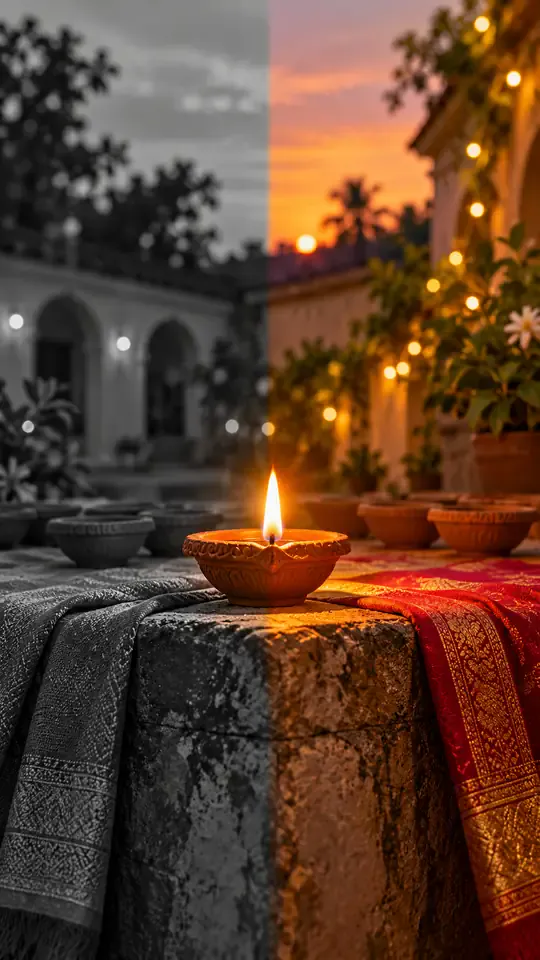
Turn one photo into a Diwali black-and-white to color reveal
Turn one photo into a midnight fridge raid clip
Turn one photo into the sit-to-recline reel
Turn two photos into a Your Dinner Is Ready clip
Turn two photos into the cliff plank prank
Put your photo in the lead spot of the schoolyard dance
Turn one photo into a convertible city-cruise clip
Put your photo in the party walk, bread bite and stare
Turn one or two photos into the slow mo dance entrance
Turn one photo into a walk-away fireball clip
Turn one photo into a living doll outfit change
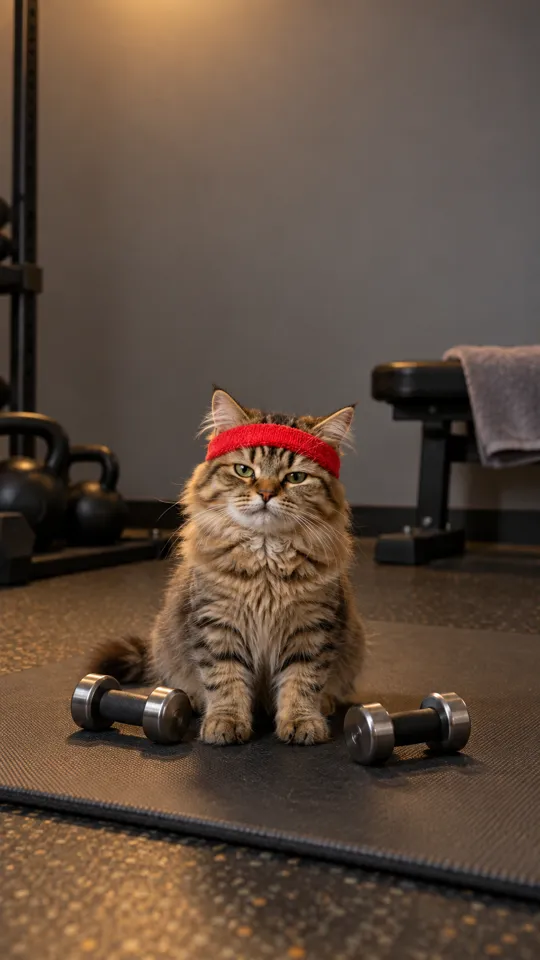
Turn your pet into a gym one-more-rep clip
Put your photo in the arms-up street routine
Put your photo in the two-pose dance meme
One photo, the singing car meme
Baby sips, sways and points from one photo
Two pets behind the counter, one pot and one mug
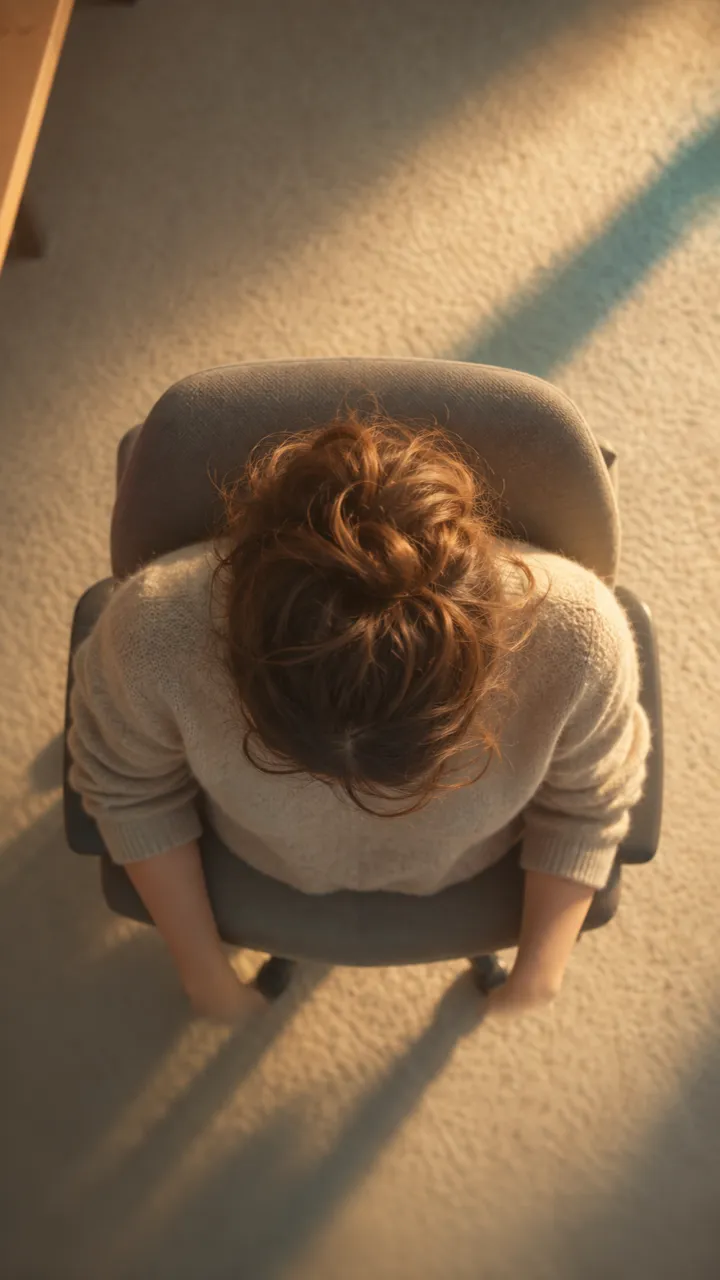
One photo into a slow overhead chair spin
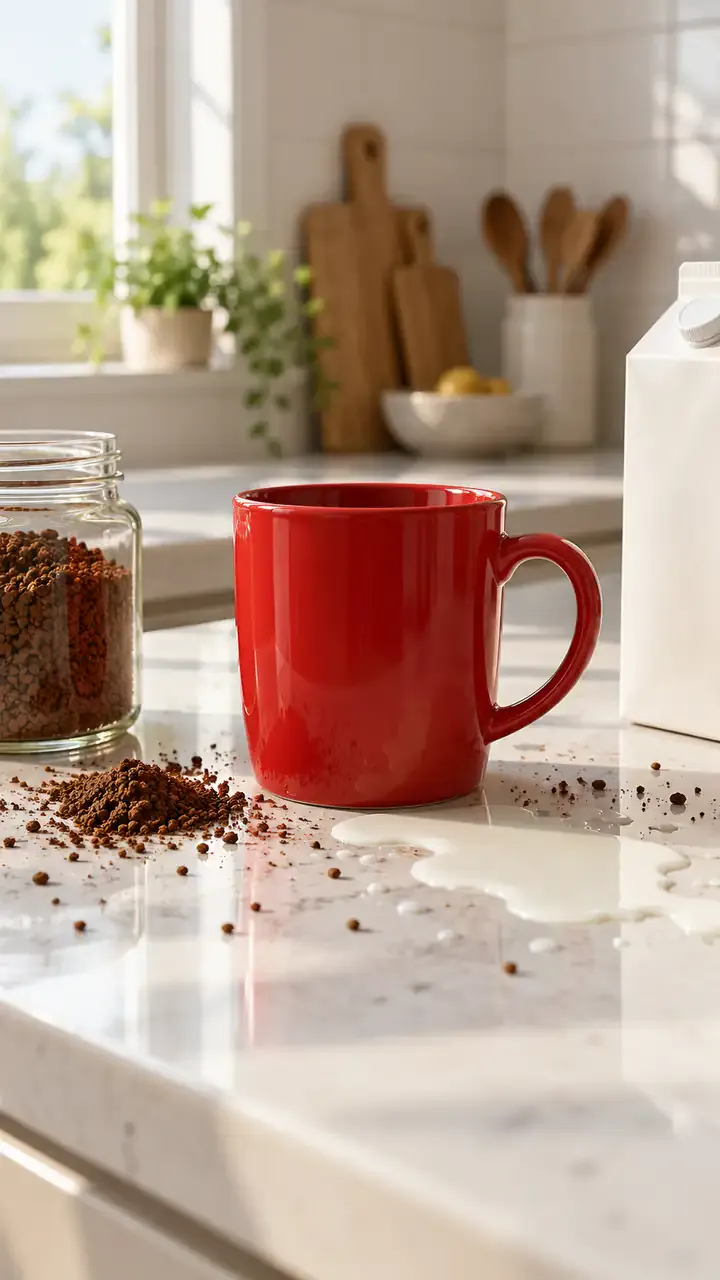
Two people, one spilled coffee, one straight face
Print your profile as a receipt clip

Turn one portrait into a moonrise first-bite clip

Turn one photo into a walk across a marigold bridge
Turn car photos into a moon-to-headlight night loop
You in a retro chocolate ad, one photo
Turn one pet photo into a barn full of dancing parrots
One photo into the tilting green-chair clip
Take the mic in front of the roar of a stadium crowd
One selfie into the lamp-lit slide-in clip
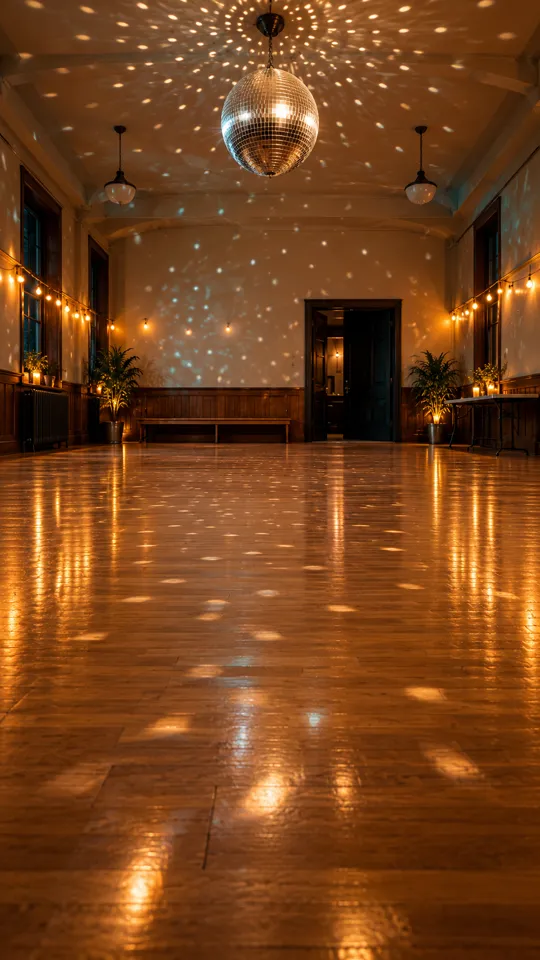
Turn one photo into the 15-second dance routine
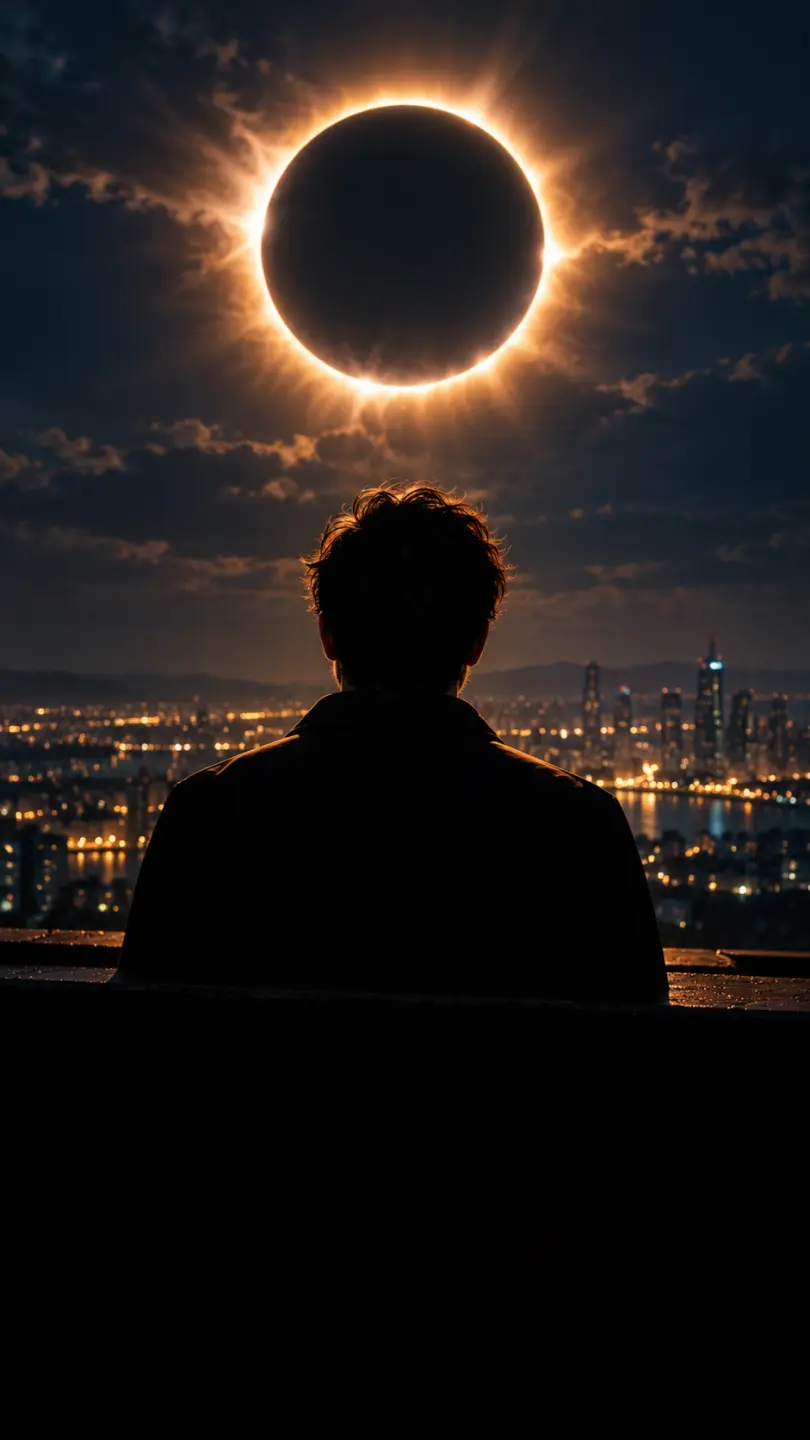
One photo into a dark eclipse music clip
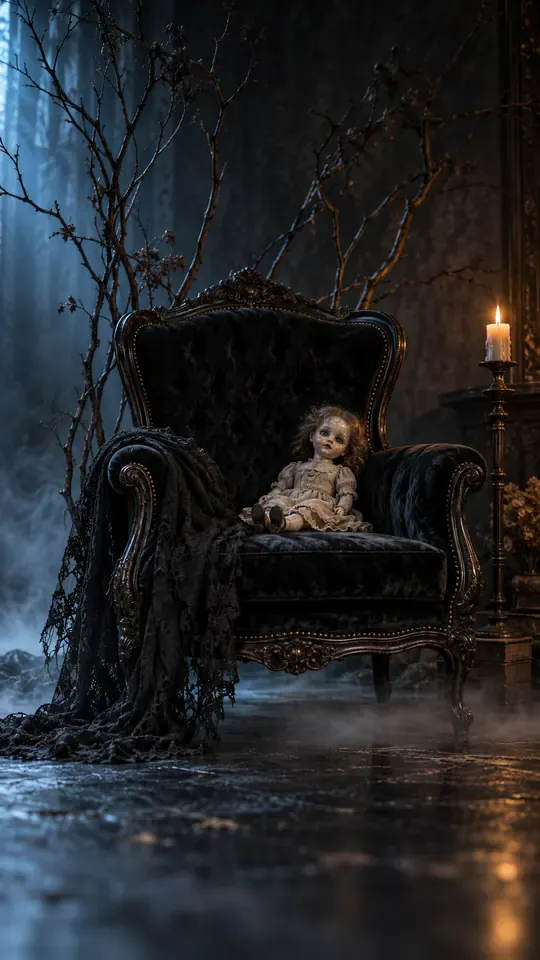
Turn one selfie into a gothic group-portrait clip
Turn two photos into the hide-and-reveal duet
One photo, a staged slap, then tears
Copy the angry dance with your photo
Turn one photo into the phone-flip hotel dance
Copy the full cover routine from one photo
Turn one photo into the salute and spin clip
Turn one photo into the Pick It Up bounce, arms-up and turn
Turn one photo into the cap-and-hood stare clip
Turn one photo into the Tarantino dance cover
Turn one photo into the routine clip
Dance on the platform from one photo
Turn two photos into the hoodie duo dance
Your dog or cat at a studio mic in headphones
Turn one photo into the fuzzy dream dance clip
Turn one photo into the sway clip from the feed
Toddler you, headphones on, at a studio mic
One baby photo, a mustached newborn clip
Grandma at her own party, from one photo
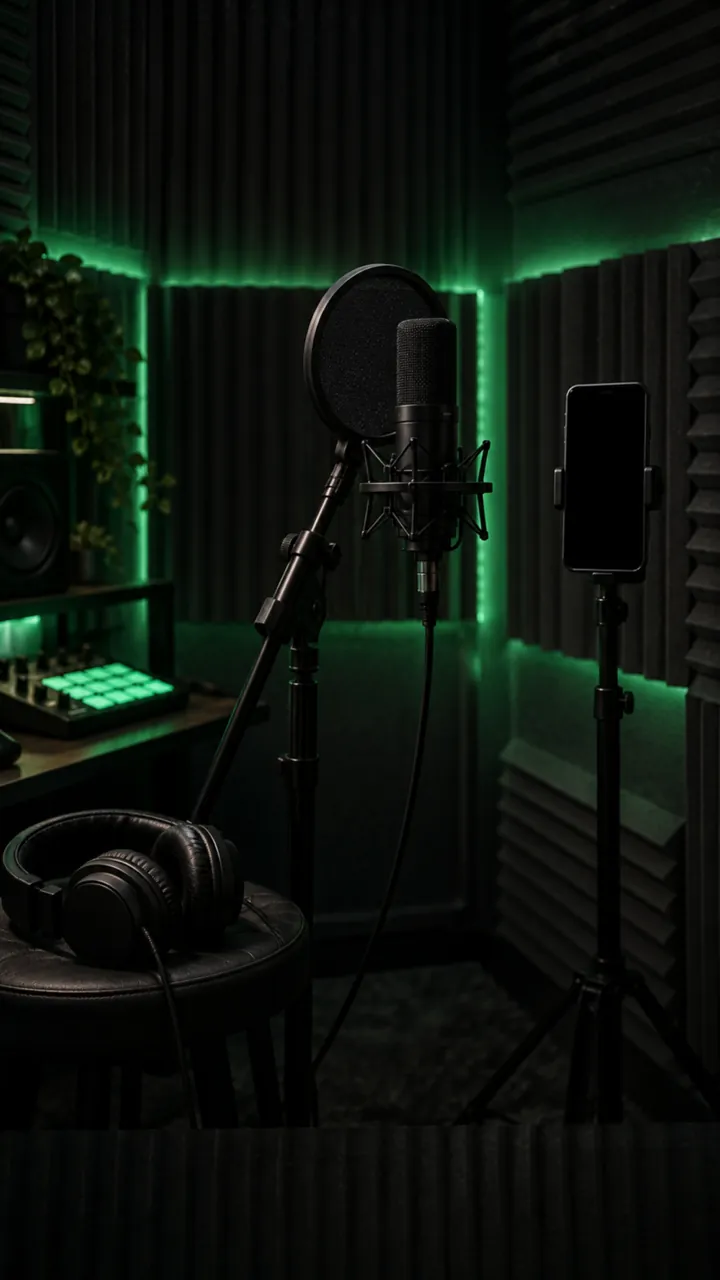
Turn one photo into a rap freestyle clip
Run up a golden stairway through the clouds into a hug with a loved one.
Turn one photo into the Rio charme dance
Turn one photo into the cash-toss video
Turn one photo into the caught-at-the-window clip
Turn two photos into the crying meme
Red eyes and a smirk from one photo
Make a short birthday greeting for Mom from one photo.
Sunglasses off, building on fire, from one photo
Your photo in a 15-second Christmas scene
Moonwalk-style dance from one photo
Your photo bouncing to a Jersey Club beat
Full glam on his photo, step by step
Mouth a love song from one photo
Shiny tears slide down your own selfie
Head bobs and bounces from one photo
Put your photo in the high-kick line
Make a miniature-to-full-size car reveal from one photo.
You screaming on a night rooftop from one photo
One photo, one pink Y2K dancer
One flash puts your photo in a balaclava
Your dog whimpers, then grins
A giant jet sweeps low over you at sunset
Turn one photo into the horse dance video
Turn one photo into their send-off clip
Turn one photo into the slide and arm-point routine
Turn one photo into the concert-stage lead
Turn one photo into the wooden guy's dance
Put one photo of you on the train, eyes shut, on the big note
Make your own cat stand up and clap for you
Your dog's birthday party from one photo
Your cat's birthday party from one photo
Turn into the turkey, or let your pet crash dinner
A video card with you at the dinner table
Line up, swim the arms and dive onto the mat
They threw stones, you build a castle from one photo
Turn one photo into a Christmas clip with Santa
Put the birthday person in a skydive or a lion-back cake ride
Walk your pet home to a candlelit altar
Karate-kick the bottles from one photo
One photo of someone you miss, one gentle 15-second clip
Turn one family photo into dancing Christmas elves
Walk up from the gala and lift the golden ball
Dunk over a defender, then the finger at the camera
Put you two in the kick meme
Do the arm throws and knee lift from one photo
Santa on your own room's night-camera footage
A slow deadpan head shake from one photo
Skeleton dance from one photo, Halloween beat
Do the footwork routine from one photo
Do the club routine from one photo
Street party or tavern dance from one photo
Dance in a white spaceship and wag a finger
Ride a giant pig across the red light
Your pet at the wheel, eyes shut, paw to the ear
Turn one selfie into half black goo and fangs
Kneel on a sunlit path with three haloed shadows beside yours
Rap to the camera in a packed night crowd
Turn one photo into you, rapping at the mic
Mask on, spin, suit up from one photo
Flick a heart at each name from one photo
Walk someone you miss home along a marigold path
Do the horse dance from one photo
One photo of you and your kid, suited up on a rooftop
A black hand, a wipe, a moon witch
Sheet on, shades on, pose and peek
Kick, pitch and leap in the storm
Swagger down the mansion hallway
Your pet takes the mic
Get caught on the big screen
Hold up the red sign and jump
Take the cash, then hit the walk
Walk out to a crowd of fans
A ghost rises right behind them
Walked out by two officers, unbothered
Lean in, arms out, point on the beat
Serious game face, then the toy car
Snap the moon, reveal the witch
Your pet as the dancing cat trio
Float past the red light on a broom
Nod to the bass at the blue wheel
Do the duo intro from two photos
Your baby, a serious face, one photo
The flash step dodge, one photo
Ask the phone how to get rich, hear the answer
Your cat or dog stands up and dances
Wide squat, tiptoes, one-leg freeze
Swagger down the park path, point at the lens
Cup your ears and let the stadium roar
Walk the carpet, stop for the flashes
Bedroom horns, panels shut, night street
Tiny workers wash your truck until it shines
Fake the rabona, leave the defender on the floor
Rocket thrusters fire, your car lifts off
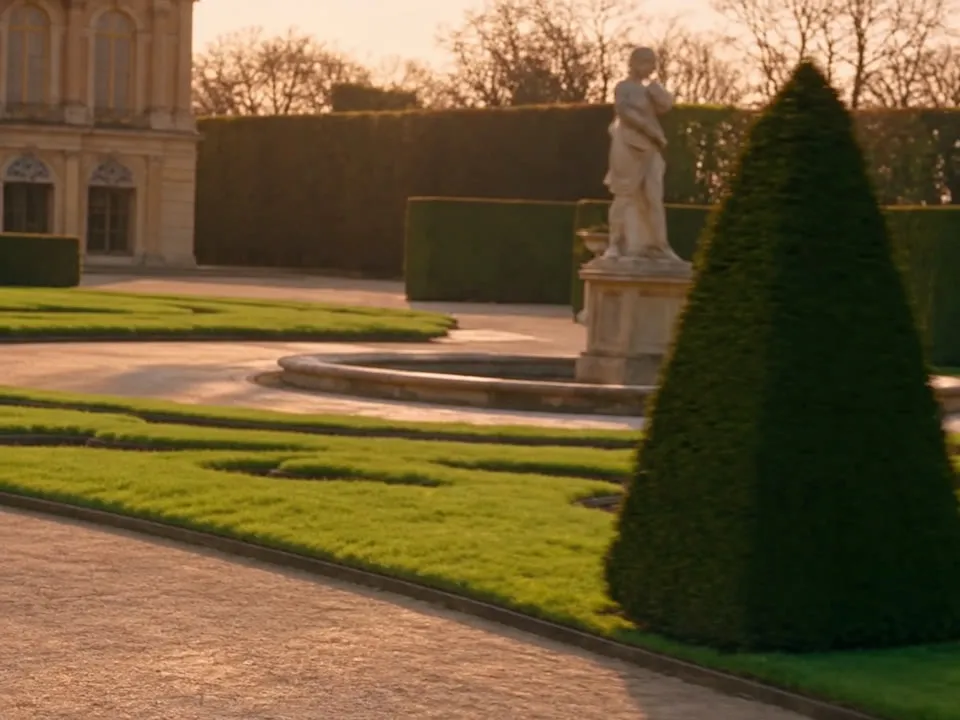
Set up a penny-farthing chase through a palace garden with a golden carriage.
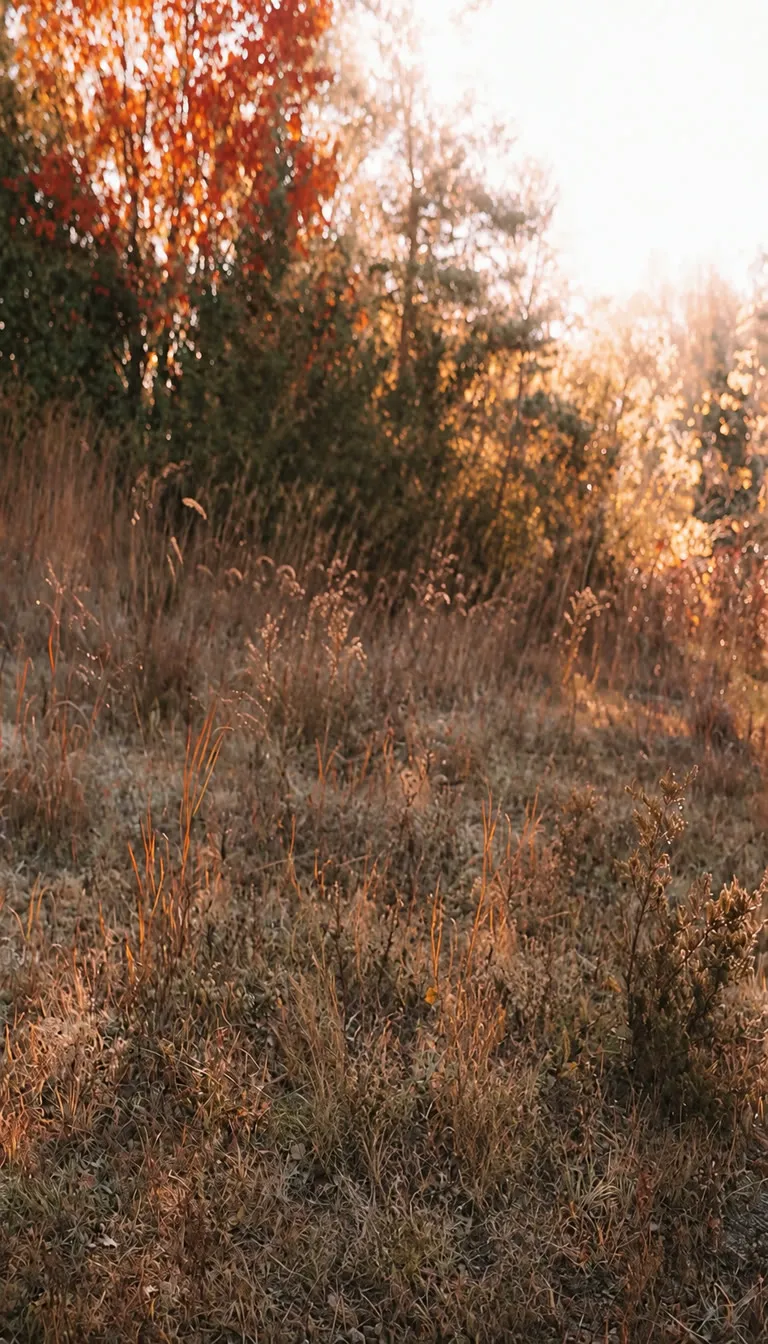
Create a two-person autumn field bounce and finger-point dance.
Turn your photo into the Ozil goal: dribble, strike, turn and celebrate.
Turn photos into phonk head bop trend videos in minutes.
One photo, a camera orbit around your subject
One or two photos into the vertical sidewalk singing clip
Chandelier party video from your selfie photos
Turn any photo into the tiptoe trend
Create scream-and-swap pet dance clips
Turn your selfie into an animatronic jumpscare
Make your photo lead the 1983 zombie dance in 9:16 vertical video.
Turn one adult photo into a trending 9:16 lip-sync clip in seconds.
Turn one group photo into a crew that steps in sync in 9:16 vertical video.
Turn your photo into a 1980s retro dance video with custom themes.
Pop the bottle from one photo and freeze it black and white.
Turn your photo into a Bulin 47 AI doorway clip.
Do the Layoo dance from one photo with two friends behind you.
Turn your photo into the viral lean, swing and low bounce, friend watching.
Black liquid rebuilds your car from its badge
Put your photo on the red stage doing the 2008 electro arm dance.
Sweep the 2 and 4 cards, reveal a car
Deadpan sway clip from one photo
Costume walk clip from one photo.
Make your pet or baby scold the camera
Make viral sneaky tiptoe videos from photos
Walk out with two officers
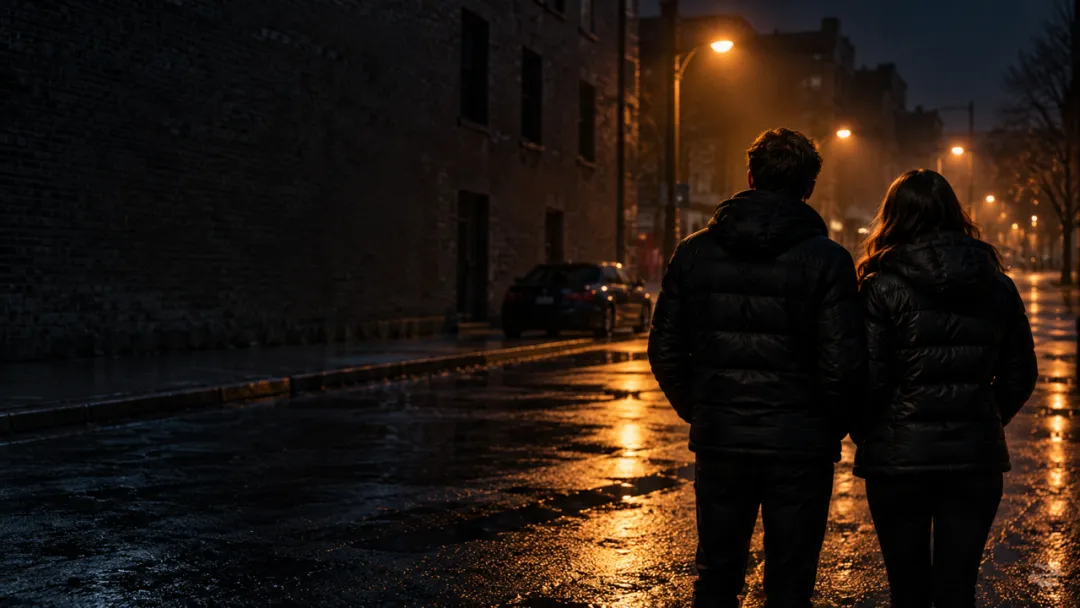
Two photos turned into a drill rap video clip.
Turn your pet into a tiny knight in a storm
Turn photos into the hop and knock dance
Switch wardrobe under spinning fan blades
Turn portrait photos into video
Make the viral video from two photos
Turn one pet photo into the stage meme
Dusk road-trip clip from your photos
You and a friend trading bars on one mic
Turn their photo into a funny birthday prank video
One photo zooms out to Earth, Moon or galaxy
Laser eyes, car jumps, hugs and more from one photo
Turn one photo into a video with copies of you
Hug the kid you were in a short video
Turn family photos into a short video clip.
Turn your photo into a cinematic video with effects
Share an imagined hug with someone who passed away
Turn one or two photos into a dance video
Two solo photos, one orange booth, one mic
Sit still while a car flies over you
Turn two photos into a hug video
Turn one or two photos into a gentle memorial clip
Make people in old photos smile, wave or hug
One or two photos into the zombie love story video
Two photos into the viral Hotel Lobby video
Gemini Omni คืออะไร เกี่ยวข้องกับ Veo อย่างไร และมีค่าใช้จ่ายเท่าไรที่นี่
สร้างวิดีโอ Gemini Omniสมัครฟรี แต่การเรนเดอร์ด้วย Gemini Omni ไม่ฟรี บัญชี Ricebowl ใหม่ได้ 8 Credits ซึ่งไม่พอสำหรับคลิปวิดีโอใดๆ ส่วนคลิป Gemini Omni ที่สั้นที่สุดมีค่าใช้จ่าย 45 Credits (4 วินาที) ตัว Google เองให้ใช้ Gemini Omni Flash ฟรีเฉพาะใน YouTube Shorts และแอป YouTube Create เท่านั้น ในแอป Gemini และ Flow ต้องใช้แพ็กเกจ Google AI แบบเสียเงิน บน Ricebowl คุณจ่ายตามคลิป ไม่มีระบบสมาชิกรายเดือน
Gemini Omni คือโมเดลสร้างแบบหลายรูปแบบ (multimodal) ของ Google ที่ประกาศในงาน Google I/O 2026 สร้างวิดีโอจากข้อความ ภาพ เสียง และวิดีโอผสมกันแบบใดก็ได้ และแก้ไขผลลัพธ์ผ่านการสนทนา Google อธิบายว่าเป็นจุดที่ความสามารถในการคิดวิเคราะห์ของ Gemini มาบรรจบกับความสามารถในการสร้างสรรค์ เวอร์ชันที่เปิดตัวคือ Gemini Omni Flash
Veo 3 สร้างวิดีโอพร้อมเสียงจากพรอมป์หรือภาพ ส่วน Gemini Omni เพิ่มความสามารถอีกสามอย่าง: รับวิดีโอและเสียงเป็นอินพุตได้ แก้ไขคลิปที่มีอยู่ผ่านการสนทนาหลายรอบโดยยังคงความต่อเนื่อง และดึงความรู้รอบตัวของ Gemini มาใช้กับฉากที่ต้องถูกต้องตามข้อเท็จจริง ต่อมา Veo ได้อัปเดตเป็น Veo 3.1 ซึ่ง Google ยังให้ใช้สำหรับการต่อฉากและการควบคุมเฟรม
ไม่ Google นำเสนอ Gemini Omni เป็นโมเดลในตระกูล Gemini แยกจาก Veo ซึ่งยังคงเป็นตระกูลวิดีโอเฉพาะทางของตัวเอง ทั้งสองอยู่ร่วมกัน: เอกสาร API ของ Google ระบุให้ Gemini Omni Flash เป็นโมเดลวิดีโอเริ่มต้น และให้ Veo 3.1 สำหรับฟีเจอร์เฉพาะอย่างการต่อฉากและการควบคุมเฟรมสุดท้าย
เหมือน ในตอนนี้ Google เปิดตัวโมเดลนี้ในชื่อ Gemini Omni Flash โดยใช้โค้ดโมเดลถาวร gemini-omni-1.1-flash และยังไม่มี Gemini Omni รุ่นที่ใหญ่กว่ารุ่นที่สอง ตัวเลือก Gemini Omni บน Ricebowl ใช้โมเดลนี้
API ของ Google ส่งออกคลิปความยาว 3 ถึง 10 วินาที บน Ricebowl คุณเลือกได้ 4, 6, 8 หรือ 10 วินาที สำหรับเรื่องราวที่ยาวขึ้น Google รองรับการต่อฉาก และระหว่างนี้คุณสามารถต่อคลิป 10 วินาทีเข้าด้วยกันโดยใช้ภาพอ้างอิงและตัวละครที่บันทึกไว้ชุดเดิม หากต้องการเทคเดียวต่อเนื่องยาวกว่า 10 วินาที Seedance 2.5 เรนเดอร์ได้ถึง 30 วินาที
คุณกำกับเสียงได้เหมือนกำกับภาพ ผูกเอฟเฟกต์กับจังหวะใดจังหวะหนึ่ง เช่น เสียงกระดิ่งเมื่อมือแตะใบไม้ ตั้งให้เพลงคลอตามการเคลื่อนไหว หรือสั่งว่าไม่ต้องมีเพลง ให้มีแค่เสียงในห้องจริง ๆ คุณยังแนบไฟล์เสียงเป็นข้อมูลอ้างอิงสำหรับจังหวะหรือเสียงพูดได้ และบน Ricebowl บันทึกเสียงไว้ใช้ซ้ำในคลิปต่อ ๆ ไปได้
ได้ และนี่คือจุดแข็งหลักของโมเดลนี้ เพิ่มคลิปของคุณเป็นวิดีโออ้างอิงแล้วอธิบายสิ่งที่ต้องการเปลี่ยน: สภาพแวดล้อมใหม่ วัตถุใหม่ สไตล์ศิลปะอื่น มุมกล้องใหม่ หรือสลับตัวละคร การเคลื่อนไหวและโครงสร้างจากต้นฉบับจะยังคงอยู่ Google จำกัดวิดีโออินพุตสำหรับการแก้ไขไว้ที่ 10 วินาที และบน Ricebowl งานที่มีวิดีโออ้างอิงมีค่าใช้จ่าย 120 Credits ที่ 720p หรือ 1080p
เหมาะ ไม่มีมาสก์ คีย์เฟรม หรือไทม์ไลน์ให้ต้องเรียนรู้ คุณแค่อธิบายสิ่งที่ต้องการ แล้วอธิบายสิ่งที่อยากเปลี่ยน นิสัยเดียวที่ช่วยได้คือแก้ทีละอย่าง เพื่อให้แต่ละรอบคาดเดาได้ และเก็บส่วนของคลิปที่คุณชอบไว้ได้
Google ระบุไว้ที่ 360p, 720p, 1080p และ 4K ที่ 24 เฟรมต่อวินาที บน Ricebowl คุณเลือกได้ 720p, 1080p หรือ 4K โดย 720p และ 1080p ราคาเท่ากันคือ 45 ถึง 90 Credits ตามความยาว ดังนั้นเลือก 1080p เว้นแต่คุณต้องการ 4K ซึ่งมีค่าใช้จ่าย 105 ถึง 150 Credits
ได้ คลิปที่คุณสร้างด้วย Credits ที่ซื้อมาใช้ในโฆษณา งานลูกค้า และหน้าสินค้าได้ ใช้ภาพอ้างอิงและฟุตเทจที่คุณเป็นเจ้าของหรือได้รับสิทธิ์ และหลีกเลี่ยงการใช้บุคคลจริงที่คุณไม่มีสิทธิ์นำเสนอ Google ติดลายน้ำ SynthID แบบมองไม่เห็นและ C2PA Content Credentials ให้กับผลลัพธ์ Gemini Omni ในแอปของตัวเอง
เพราะคุณได้ใช้โมเดลวิดีโอใหม่ล่าสุดของ Google โดยไม่ต้องสมัครสมาชิก Google AI จ่ายตามคลิปเริ่มต้นที่ 45 Credits และสลับไปใช้ Veo 3.1, Seedance 2.5 หรือ Kling 3.0 ในตัวเลือกเดียวกันได้เมื่อช็อตนั้นต้องการอย่างอื่น เสียงและตัวละครที่บันทึกไว้ช่วยให้ซีรีส์ต่อเนื่องกันได้ง่าย เริ่มสร้างได้ที่ตัวสร้างด้านบนของหน้านี้
ที่เกี่ยวข้อง
โมเดลเพิ่มเติม
บน Ricebowl ตอนนี้!
ใส่ข้อความ รูปภาพ และวิดีโอ ได้คลิปที่มีเสียงออกมา แก้ไขด้วยการสนทนา บันทึกเสียงและตัวละครของคุณ เรนเดอร์ได้สูงสุด 4K
สร้างวิดีโอ Gemini Omniสมัครฟรี · แก้ไขด้วยการสนทนา · เสียงในตัว · สูงสุด 4K
ลอง Gemini Omni
สร้างวิดีโอ Gemini Omni