E-commerce sellers
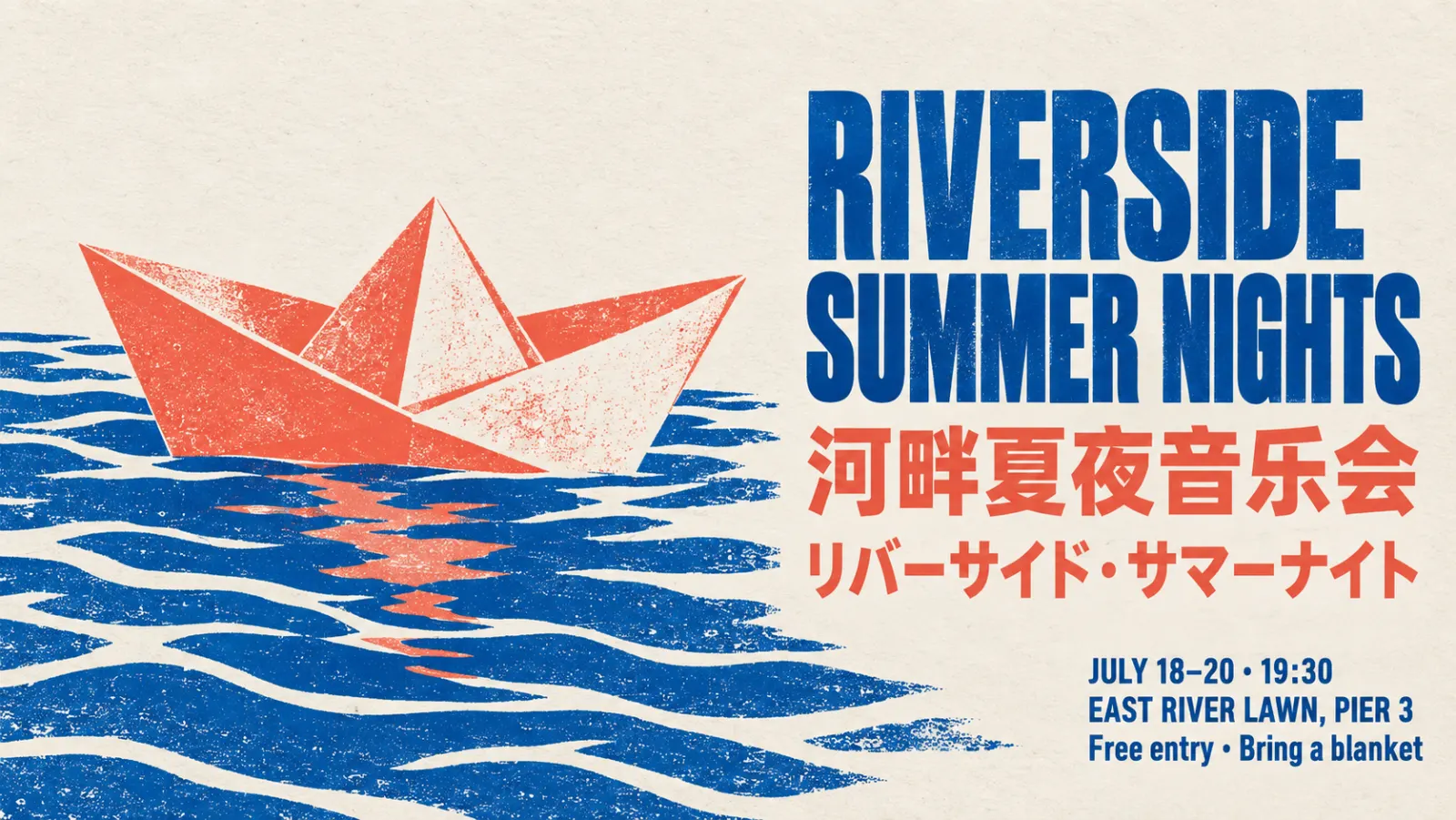
Turn one product photo into a full listing: white-background hero, lifestyle scene, and a detail page with price and selling points written on the image. Up to 14 references keep the label and shape identical across every shot.

ByteDance's Seedream family in one workspace: 5.0 Lite for Ultra (4K) at a flat 6 credits, 5.0 Pro for infographics and marked-up edits, 4.5 for proven multi-image editing. New accounts get 20 free credits, and a Seedream 5.0 Lite image costs 6.
GALLERY


CAPABILITIES
Feature 01
Seedream treats editing as a sentence, not a toolbox. Upload a photo and write what should change: swap a word on a sign, recolor a jacket, delete the extra people in the background. Seedream finds the target, rewrites only that region, and leaves lighting, color tone, and faces alone. ByteDance built generation and editing into one architecture starting with Seedream 4.0, so the same prompt box handles both. The newest version, Seedream 5.0 Pro, also reads your own markup: draw boxes or scribble notes on the picture and the edit follows them. Prompts work in English, Chinese, Spanish, Japanese, Arabic, and other widely used languages.


Feature 02
Multi-image work is where this model family earns its keep. Seedream 5.0 Lite and 4.5 accept up to 14 reference images in one request, Seedream 5.0 Pro up to 10. Load a character sheet, a product, and a background plate, and Seedream keeps the facial features, proportions, and label details of every reference. ByteDance's own note on 4.5 says it identifies the main subject across multiple inputs and strictly preserves reference detail. That is what you need from Seedream for a comic strip, a catalog in six colorways, or a campaign that runs in watercolor, anime, and photo styles without the character drifting.


Feature 03
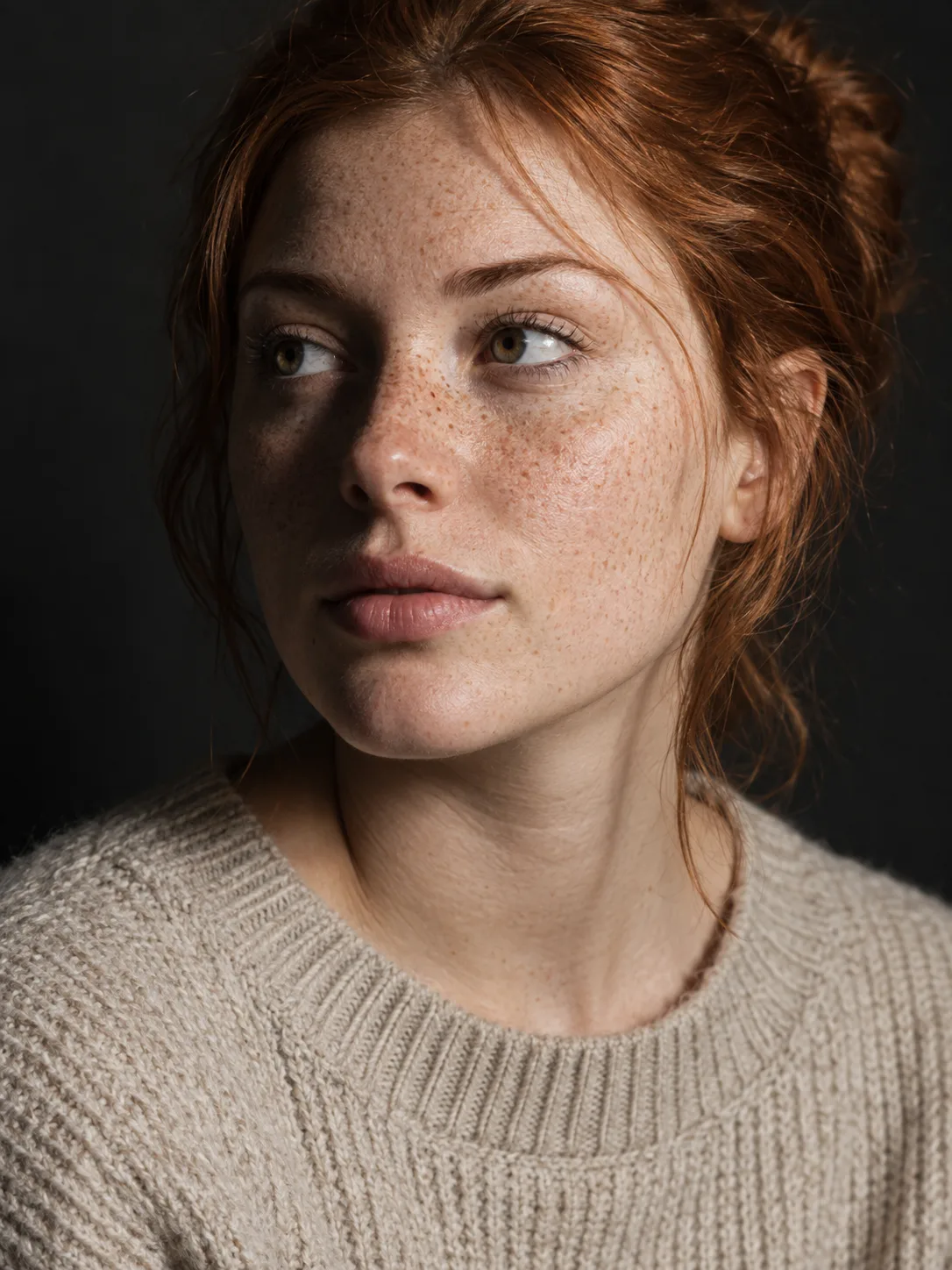
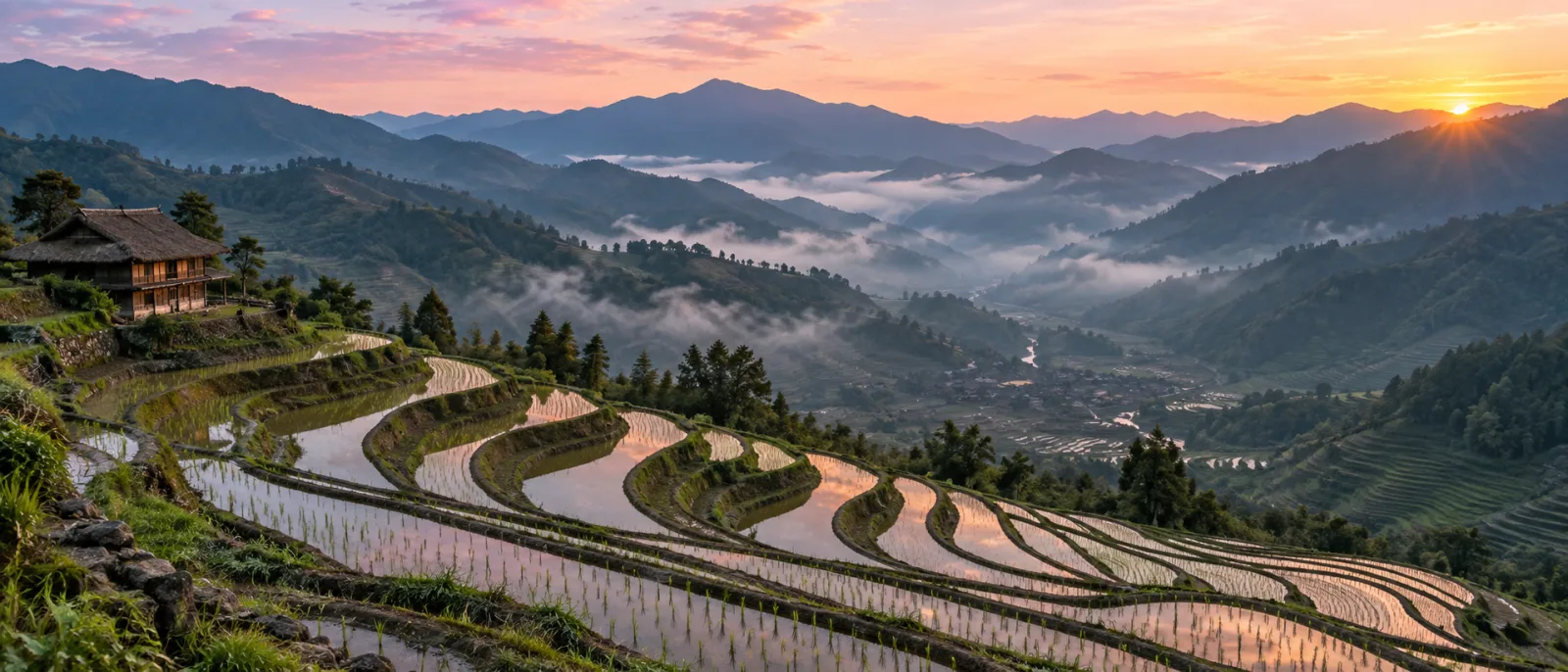
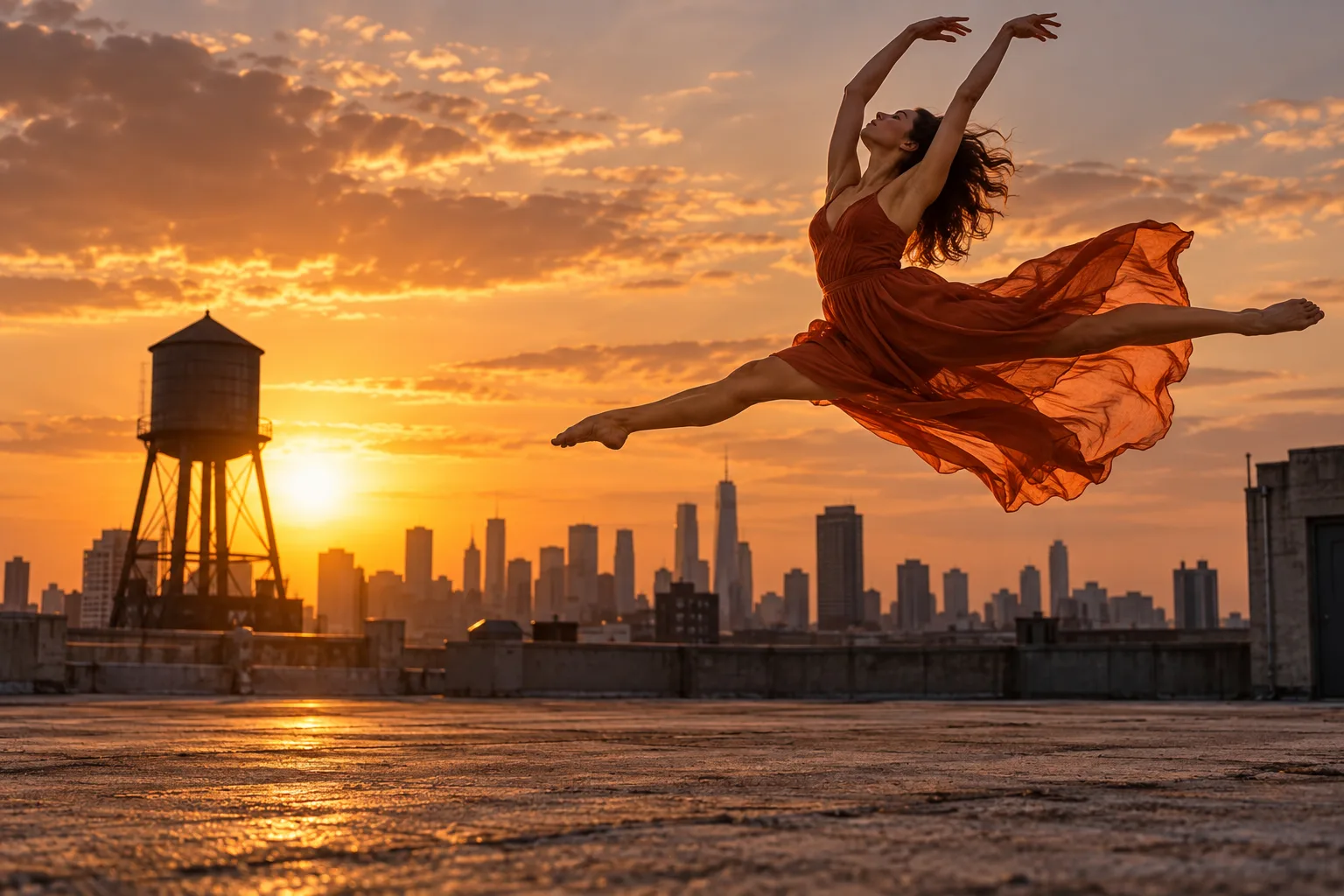
Start from nothing but a prompt and Seedream returns a finished frame. Seedream 5.0 Lite offers three quality tiers, Basic (2K), High (3K) and Ultra (4K), for the same 6 credits, so there is no reason to draft small on it. Seedream 4.5 offers Basic (2K) and High (4K); 5.0 Pro offers Basic (1K) and High (2K). Eight aspect ratios, from 21:9 banners to 9:16 stories, are chosen before generation so the composition is built for the frame instead of cropped afterward. Photographic prompts get physically plausible light, shadow, and skin texture, which is the area 5.0 Pro's release notes single out.

Feature 04
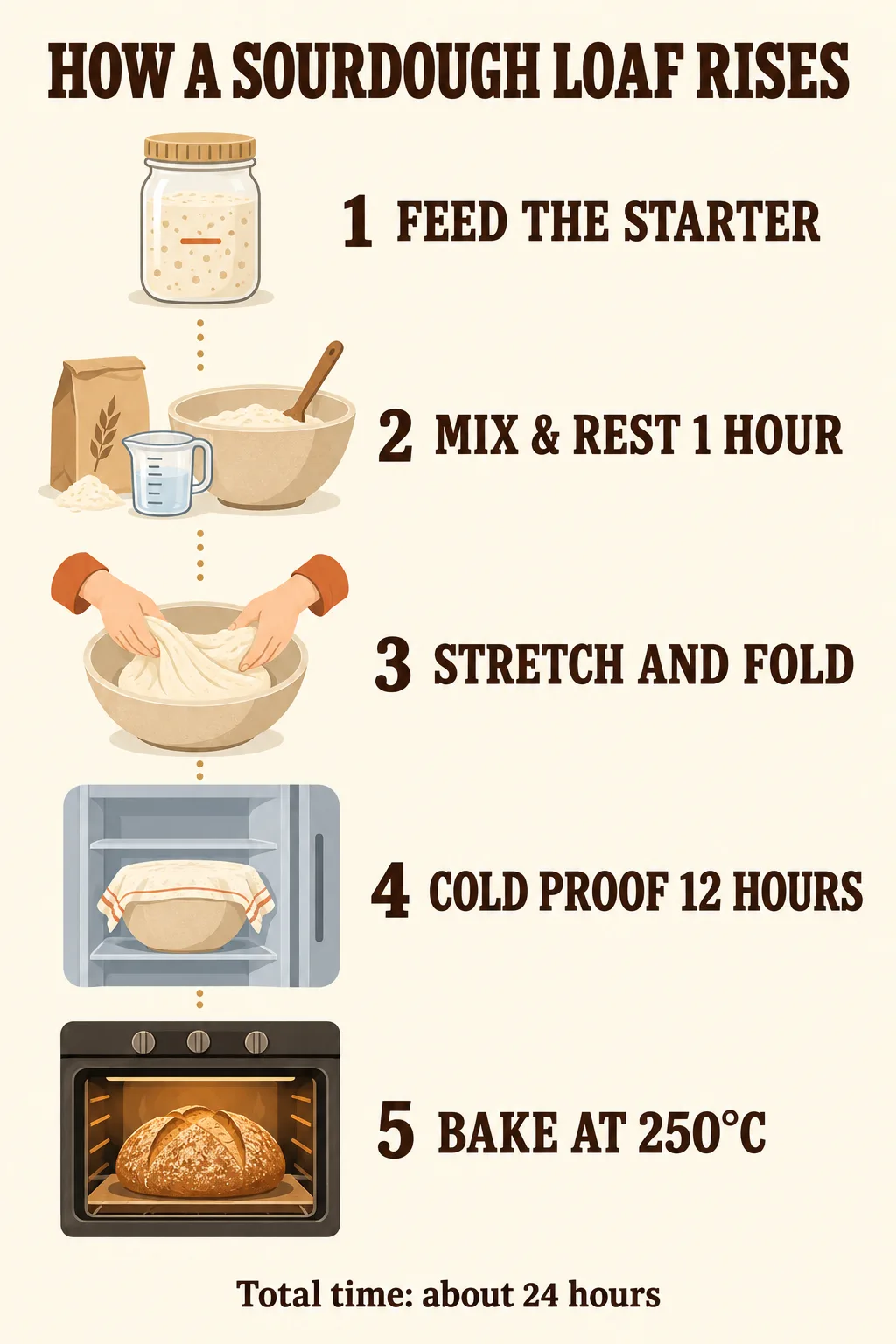
Garbled letters are the classic AI-image tell. Seedream 4.5 improved typography and dense small-text rendering over 4.0, and Seedream 5.0 Pro goes further with high-density infographics: flavor-wheel charts, blueprint callouts, RPG stat screens, and a 4x4 storyboard with numbered panels are all examples ByteDance publishes. Text can be requested in several languages side by side on one poster, and an existing layout can be translated into Arabic with right-to-left reflow. Quote the exact words you want in the prompt and Seedream sets them in the font style you describe.
PROMPT EXAMPLES
Prompt
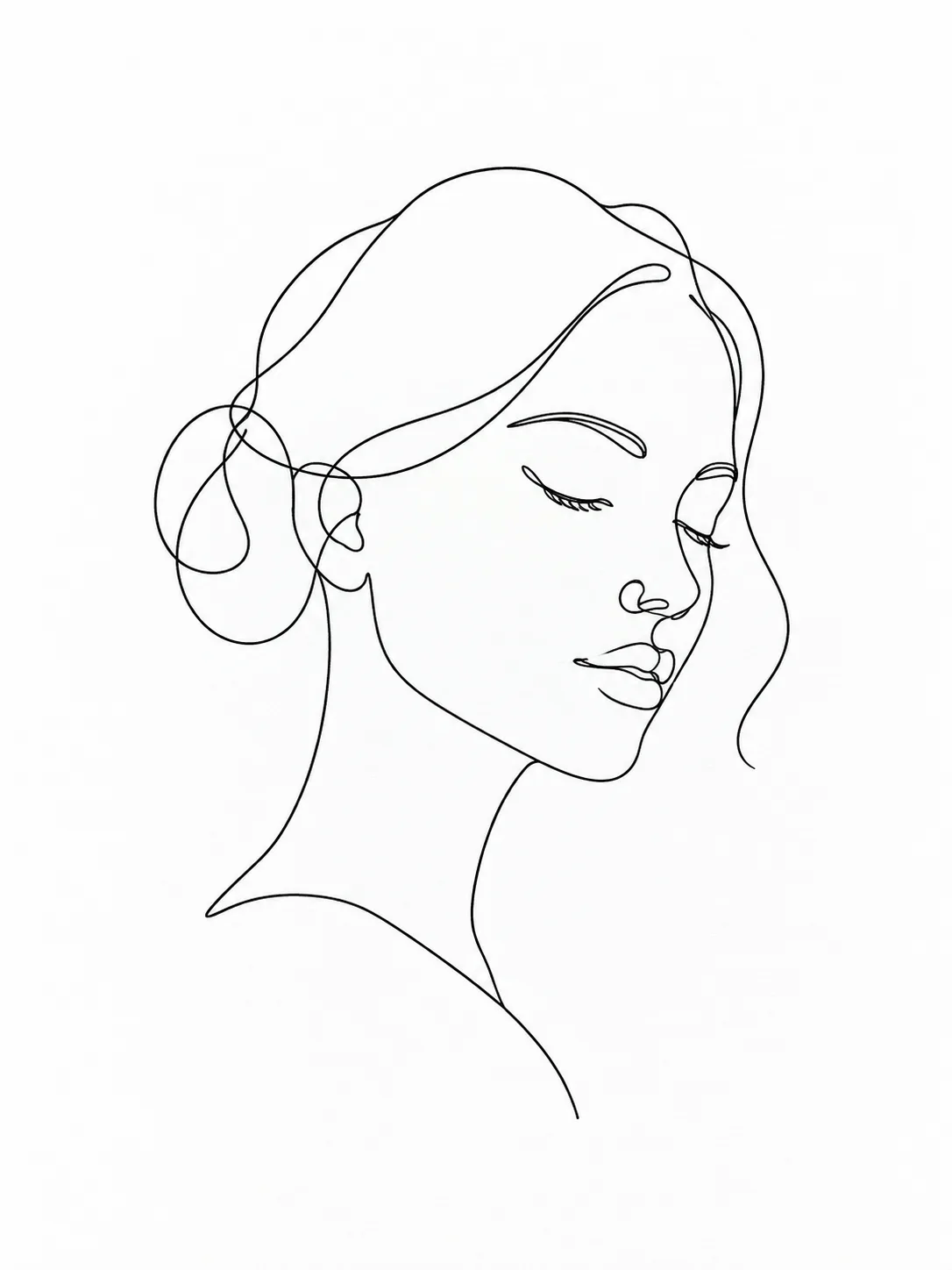
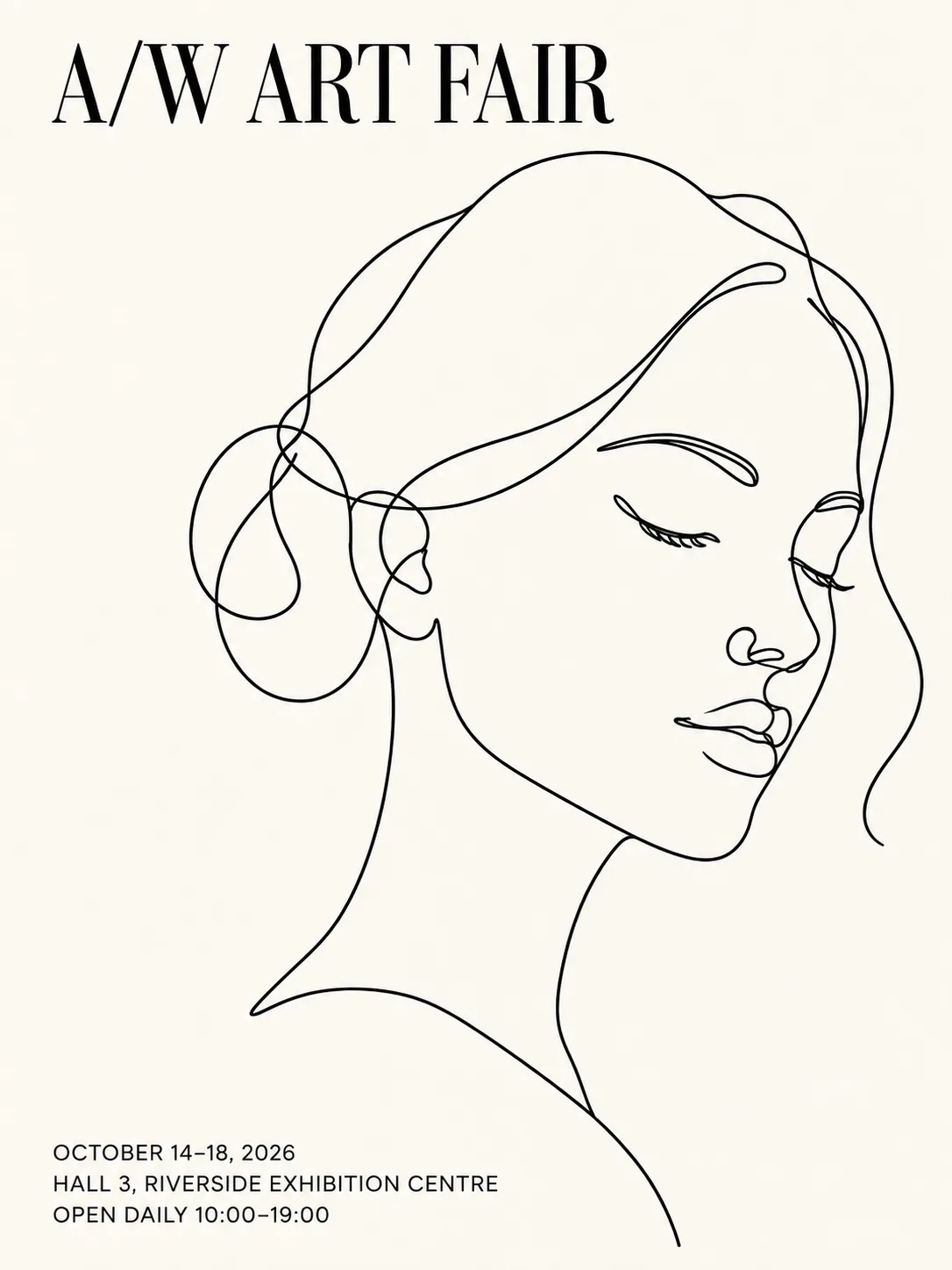
Minimalist art fair poster on an off-white background. A black line drawing of a face sits right of center. Title "A/W ART FAIR" in a serif font at the top left, three lines of very small text at the bottom left with dates and venue.
Reference
Result
Prompt
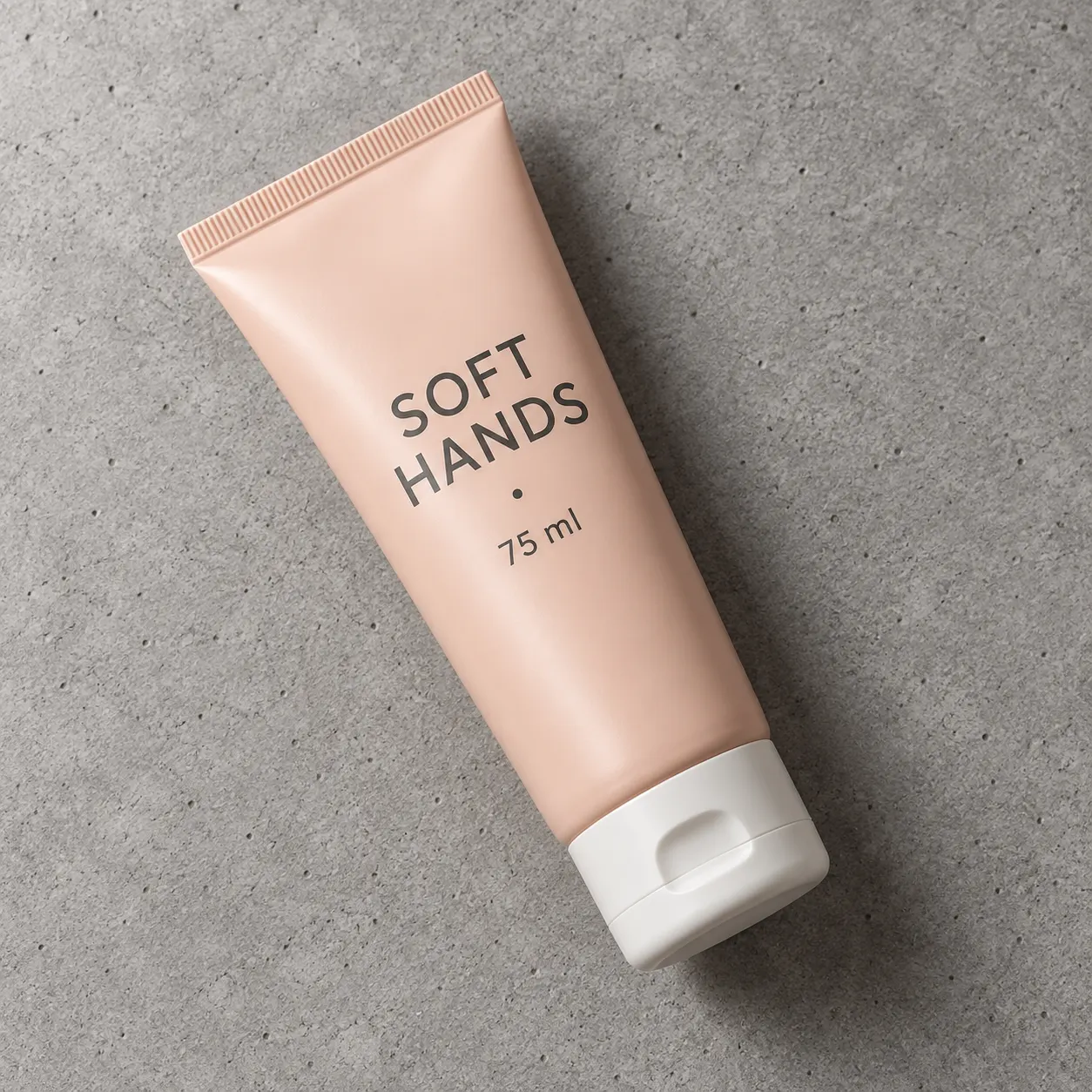
Keep the product, lighting, and camera angle. Replace the background with a pink-to-lavender gradient, add the headline "Today's Hot Sale" at the top and the price "$9.99" below the product.
Reference
Result

USE CASES
Turn one product photo into a full listing: white-background hero, lifestyle scene, and a detail page with price and selling points written on the image. Up to 14 references keep the label and shape identical across every shot.
Seedream sets headlines and small print in the font style you describe, so a first draft already has a usable layout. Designers use it for exhibition posters, invitation cards, and key visuals before moving to final polish.
Seedream 5.0 Pro builds text-rich infographics, labeled diagrams, and slide illustrations from a long prompt. A lesson visual that took an hour in a layout tool becomes one generation and a few edits.
Lock a character with reference images and generate panel after panel in the same look. Seedream 5.0 Pro can lay out a numbered multi-panel storyboard in a single image.
Write Seedream prompts in your own language and ship localized versions of the same creative. Seedream can translate the text in an existing design while keeping its palette, icons, and layout.
WHAT USERS SAY
01
The recurring praise is that uploaded faces and products come back looking like themselves. Because Seedream accepts up to 14 references per request, a whole brand kit rides along.
02
On Ricebowl, Seedream 5.0 Lite costs the same 6 credits on Basic (2K), High (3K) or Ultra (4K). Users who noticed that stopped paying extra for upscalers.
03
Creators working in Chinese, Japanese, or Korean point out that the characters stay legible, which is still rare among image models trained mostly on English.
04
Seedream 5.0 Pro shines on infographics and marked-up edits. For plain photos, people report Seedream 5.0 Lite gives the same look for less.
WHICH ONE
Start new projects on 5.0. ByteDance lists deep thinking and online search for 5.0 Lite, plus infographics, layer separation, and markup-driven editing for 5.0 Pro, none of which 4.5 has. On Ricebowl, Seedream 4.5 is not even the cheap option: it costs 7 credits against 6 for Seedream 5.0 Lite. Keep Seedream 4.5 only when an existing series was built on it and you need the look to match.
The default. 6 credits on every tier up to Ultra (4K), up to 14 reference images, and the deep thinking and online search ByteDance built into the model.
7 credits on Basic (1K), 14 on High (2K). Pick it for infographics, dense layouts and edits guided by boxes and notes drawn on the image.
7 credits on Basic (2K) or High (4K). Use it only when an existing series was built on 4.5 and the look has to match.
WHAT SETS IT APART
01
Since 4.0, Seedream has used a single architecture for text-to-image and image editing. You never switch tools between drafting and fixing; the follow-up edit runs through the same model that made the first image.
02
Many image models charge more for 4K. Seedream 5.0 Lite on Ricebowl is 6 credits whether you pick Basic (2K), High (3K) or Ultra (4K), so a print-size file costs the same as a draft.
OUR TAKE
Default to Seedream 5.0 Lite. Its Ultra tier outputs 4K for 6 credits, while Seedream 5.0 Pro tops out at 2K on High and costs 7 credits on Basic (1K) or 14 on High (2K). Pay for Pro only when the image is an infographic, a dense layout, or an edit driven by boxes and notes drawn on the picture.
Only for continuity. It offers Basic (2K) and High (4K) and takes 14 references, but Seedream 5.0 Lite matches both for one credit less and adds the deep thinking and online search ByteDance built into 5.0. If you are not matching an older 4.5 series, skip it.
Yes, write in Chinese if that is how you think. ByteDance trains Seedream with native multilingual support, and Seedream prompts in Chinese keep idioms and on-image Chinese text intact instead of passing through a translation step.
COMPARISON
| Feature | Seedream 5.0 Lite | Seedream 5.0 Pro | Nano Banana 2 |
|---|---|---|---|
| Maker | ByteDance | ByteDance | |
| Quality tiers (resolution) | Basic (2K) / High (3K) / Ultra (4K) | Basic (1K) / High (2K) | 1K / 2K / 4K |
| Credits per image | 6 on every tier | 7 (Basic) / 14 (High) | 8 (1K) / 12 (2K) / 18 (4K) |
| Reference images | Up to 14 | Up to 10 | Up to 8 |
| Aspect ratios | 8, including 21:9 | 8, including 21:9 | Auto, 1:1, 16:9, 9:16 |
| Standout skill | Online search, 4K at flat price | Infographics, markup-driven edits | Built-in reasoning, image search grounding |
| Best for | Batch product and character sets | Text-dense layouts and precise edits | Scenes that need step-by-step reasoning |
Our pick: choose Seedream for multi-reference sets, Chinese text, and cheap 4K; choose Nano Banana 2 when a complex English-language scene needs its built-in reasoning. Both run on Ricebowl, so you can switch in the model picker and compare on the same prompt.
Try Seedream for Free01
The generator at the top of this page opens on Seedream 5.0 Lite. Switch to 5.0 Pro or 4.5 in the model picker if you need them. A new account gets 20 free credits on sign-up, and a Seedream 5.0 Lite image costs 6, so the gift covers three images.
02
Describe the subject, style, lighting, and any words that must appear in quotes. To edit or keep a character consistent, upload reference images; Seedream 5.0 Lite accepts up to 14.
03
Pick one of eight aspect ratios and a quality tier. Your Seedream image lands in the feed below and downloads straight from the card.
REVIEWS
What people who run Seedream on Ricebowl say about it.
 Lin Wei
I upload the bottle to Seedream once and get the white-background shot, the lifestyle scene, and the detail page. The label never changes shape.
Cross-border e-commerce seller
 Sofia Marquez
The small print on my event posters is actually readable. I still tweak the layout, but the first draft is already usable.
Freelance poster designer
 Kenji Watanabe
Same character, twelve panels, no face drift. Seedream 5.0 Lite on Ultra (4K) for 6 credits is a great deal.
Manga storyboard artist
 Amelia Brooks
Seedream 5.0 Pro drew a labeled infographic of the water cycle from one long prompt. My students thought I hired a designer.
Science teacher
 Omar Haddad
We translate one campaign poster into Arabic and it flips to right-to-left without breaking the layout.
Regional marketing lead
One balance, every model. Credits work across all 20 video models — no watermark, no tier-locked models, commercial use on every paid plan.
Save 30% billed annually
Flexible monthly subscription.
The cheapest way to start. Every model, a small monthly budget.
$12.99/mo
Renews monthly, cancel anytime.
400 credits
≈ 1–20 videos, depending on the model
≈ 28–133 images, depending on the model
3.25¢ / credit
Enough credits to try every model and finish a few clips each month.
$29.9/mo
Renews monthly, cancel anytime.
1,000 credits
≈ 3–50 videos, depending on the model
≈ 71–333 images, depending on the model
2.99¢ / credit
2 parallel tasks
Steady output for solo creators going pro — every model, a comfortable budget.
$49.9/mo
Renews monthly, cancel anytime.
2,000 credits
≈ 6–100 videos, depending on the model
≈ 142–666 images, depending on the model
2.50¢ / credit
3 parallel tasks
High-volume production for prolific creators and small teams.
$89.9/mo
Renews monthly, cancel anytime.
5,000 credits
≈ 15–250 videos, depending on the model
≈ 357–1666 images, depending on the model
1.80¢ / credit
5 parallel tasks
Pay yearly and save more.
Enough credits to try every model and finish a few clips each month.
$19.9/mo$29.9
Billed yearly at $238.8. Renews yearly, cancel anytime.
Save $120/yr vs monthly
12,000 credits
≈ 38–600 videos, depending on the model
≈ 857–4000 images, depending on the model
1.99¢ / credit
2 parallel tasks
Steady output for solo creators going pro — every model, a comfortable budget.
$34.9/mo$49.9
Billed yearly at $418.8. Renews yearly, cancel anytime.
Save $180/yr vs monthly
24,000 credits
≈ 76–1200 videos, depending on the model
≈ 1714–8000 images, depending on the model
1.75¢ / credit
3 parallel tasks
High-volume production for prolific creators and small teams.
$62.9/mo$89.9
Billed yearly at $754.8. Renews yearly, cancel anytime.
Save $324/yr vs monthly
60,000 credits
≈ 190–3000 videos, depending on the model
≈ 4285–20000 images, depending on the model
1.26¢ / credit
5 parallel tasks
Top up credits valid for 12 months.
One-time top-up — perfect for occasional needs.
$49.9
One-time purchase, valid 12 months.
1,000 credits
≈ 3–50 videos, depending on the model
≈ 71–333 images, depending on the model
4.99¢ / credit
Larger top-up with 20% bonus — best per-credit value for one-time buyers.
$198
One-time purchase, valid 12 months.
4,800 credits
≈ 15–240 videos, depending on the model
≈ 342–1600 images, depending on the model
4.13¢ / credit
5 parallel tasks
What Seedream is, what each version costs, and how to get a good first image.
Try Seedream for FreeYes. Create a free Ricebowl account and you get 20 free credits with no card required. Seedream 5.0 Lite costs 6 credits per image on every quality tier, Seedream 4.5 costs 7, and Seedream 5.0 Pro costs 7 on Basic (1K) or 14 on High (2K). Editing an uploaded photo works the same way and also runs on a free account; there is no login-free route.
Three things. It handles generation and editing in one model, it keeps faces and products consistent across up to 14 reference images, and it renders dense, multilingual text that stays readable. Seedream 5.0 adds deep thinking and online search on Lite, plus infographic layouts and markup-driven edits on Pro.
Use Seedream 5.0 Lite for almost everything: 4K output, 14 references, and a flat 6 credits. Switch to Seedream 5.0 Pro for infographics, dense layouts, or edits guided by boxes you draw. Use Seedream 4.5 only to match an older series.
Fast enough to iterate in a single sitting. ByteDance reports much faster inference from Seedream 4.0 onward than earlier versions. Seedream speed on Ricebowl depends on the tier you pick: lower quality settings render fewer pixels and return sooner, so draft on a lower tier and switch up for the final.
The Ricebowl generator shows quality tiers rather than pixel sizes. Seedream 5.0 Lite has Basic (2K), High (3K) and Ultra (4K). Seedream 4.5 has Basic (2K) and High (4K). Seedream 5.0 Pro has Basic (1K) and High (2K). All three offer eight aspect ratios: 1:1, 16:9, 9:16, 4:3, 3:4, 3:2, 2:3, and 21:9.
ByteDance offers Seedream through its own apps and the BytePlus API. On Ricebowl you get all three current Seedream versions in a browser, with no API key and no install, next to 30+ other image and video models.
Seedream is better for multi-reference consistency, Chinese text, and cheap 4K: 5.0 Lite is 6 credits on Ultra (4K) versus 18 for Nano Banana 2 at 4K. Nano Banana 2 is better when a complex scene needs its built-in reasoning. Run both on the same prompt here and keep the winner.
Ricebowl does not hand out Seedream API keys; you use the models in the browser with credits. BytePlus sells the official API and currently lists Seedream 5.0 Pro from $0.045 per image, with the first reference image free.
Right here. The generator at the top of this page already runs Seedream 5.0 Lite. Sign up, spend your 20 free credits on a first image, and compare it with Seedream 5.0 Pro, Seedream 4.5, Nano Banana 2, or GPT Image 2 in the same Ricebowl workspace without switching sites.
RELATED
MORE MODELS
Up to 4K on Ultra, up to 14 references, readable text in a dozen languages, and your image in the feed moments later.
Try Seedream for FreeFREE CREDITS ON SIGN-UP · UP TO 4K · 14 REFERENCES · MULTILINGUAL TEXT
Try Seedream
Try Seedream for Free