One Selfie, Real-Looking Tears
Send one clear selfie with both eyes open. The tool keeps your face, hair and clothes, and builds the shiny tear effect around your eyes, so drops form at the corners and slide down the way light would hit them.
Upload one selfie, pick a scene and get a 15-second vertical video where glassy tears form at your eyes and slide down your cheeks. You add a photo and get back a video.
1Añade tu foto
2Calidad y duración768p · 15s · 9:1660 credits
Sin suscripción · Listo en unos 3 minutos · No se cobra si falla
Only upload photos of yourself or of adults who said yes.
From the Feed
Every tears falling down filter clip is the same bit in a different spot: a face in your hand, a parked car, golden sunset light, a dark sofa at night or a sulky close-up against a wall. These are the scenes on the page, plus Crystal Tears, the default close-up in window light. Pick one, add your selfie, and the tears run down your own face. Pick a scene, then the tears falling down filter does the rest.
Make My Tears FallThree Steps
Start with Crystal Tears for the classic close-up, or pick Hand On Cheek, Car Selfie, Sunset Glow, Late Night Sofa or Sulky Close-up.
Face to the camera, both eyes open and in focus, no sunglasses. The price shows on the button before you press it.
Press Make My Tears Fall. In a few minutes your tears falling down filter video is ready as a vertical MP4.
Scene 01 · Hand On Cheek
Still eyes, bright tear lines.
Your face rests on one hand, your eyes stay on the lens, and bright tear lines slide down from both eyes. This is the most copied tears falling down filter shot in the feed, because the still pose makes every drop easy to see. Pick Hand On Cheek and your selfie takes the pose. It works well for a quiet, moody post.
Scene 02 · Car Selfie
Low angle, daylight, one thin tear.
A low-angle selfie inside a parked car, soft daylight through the windshield, and glassy eyes that spill one thin tear at a time. Everyone has cried in a parked car, so this tears falling down filter scene lands as a joke and as a mood. Pick Car Selfie and caption it with the reason, big or tiny.
Scene 03 · Sunset Glow
Half your face lit, tears catching the sun.
Head lowered, warm sunset light from the side, half your face in gold. Tears gather on your lower lashes and catch the light as they run. This is the prettiest tears falling down filter scene of the set, so it suits a song lyric caption or a post about missing someone far away.
Scene 04 · Late Night Sofa
One small lamp, a calm face.
You lie back on a sofa in a dim room lit by one small lamp, face calm, looking up at the lens while a small tear slips from each eye. It is the 2 a.m. version of the tears falling down filter, and it fits the overthinking post, the breakup post or the one about a show finale.
Straight Answers
You do not need to find a teardrop sticker and line it up with your eyes. This tears falling down filter builds the whole clip from one selfie. Here is what you get and what to check.
The Trend Explained
The tears falling down filter is the short video trend where a calm, slightly sad selfie gets thin, shiny tears running from both eyes down the cheeks, one after another, over a sad song. You may also see it as the tear drop trend or the crying filter. Most people make it by placing a teardrop sticker over a selfie video by hand, which is fiddly and rarely lines up. This page skips the sticker. You add one photo, pick a scene, and get back a tears falling down filter video where the tears are part of the picture.
Send one clear selfie with both eyes open. The tool keeps your face, hair and clothes, and builds the shiny tear effect around your eyes, so drops form at the corners and slide down the way light would hit them.
Crystal Tears, Hand On Cheek, Car Selfie, Sunset Glow, Late Night Sofa or Sulky Close-up. The scene sets the place, the light and the camera, so one selfie gives six different clips.
Every tears falling down filter clip has soft ambient sound and a quiet instrumental score, with no voice. Add the trend song from your app's sound library when you post.
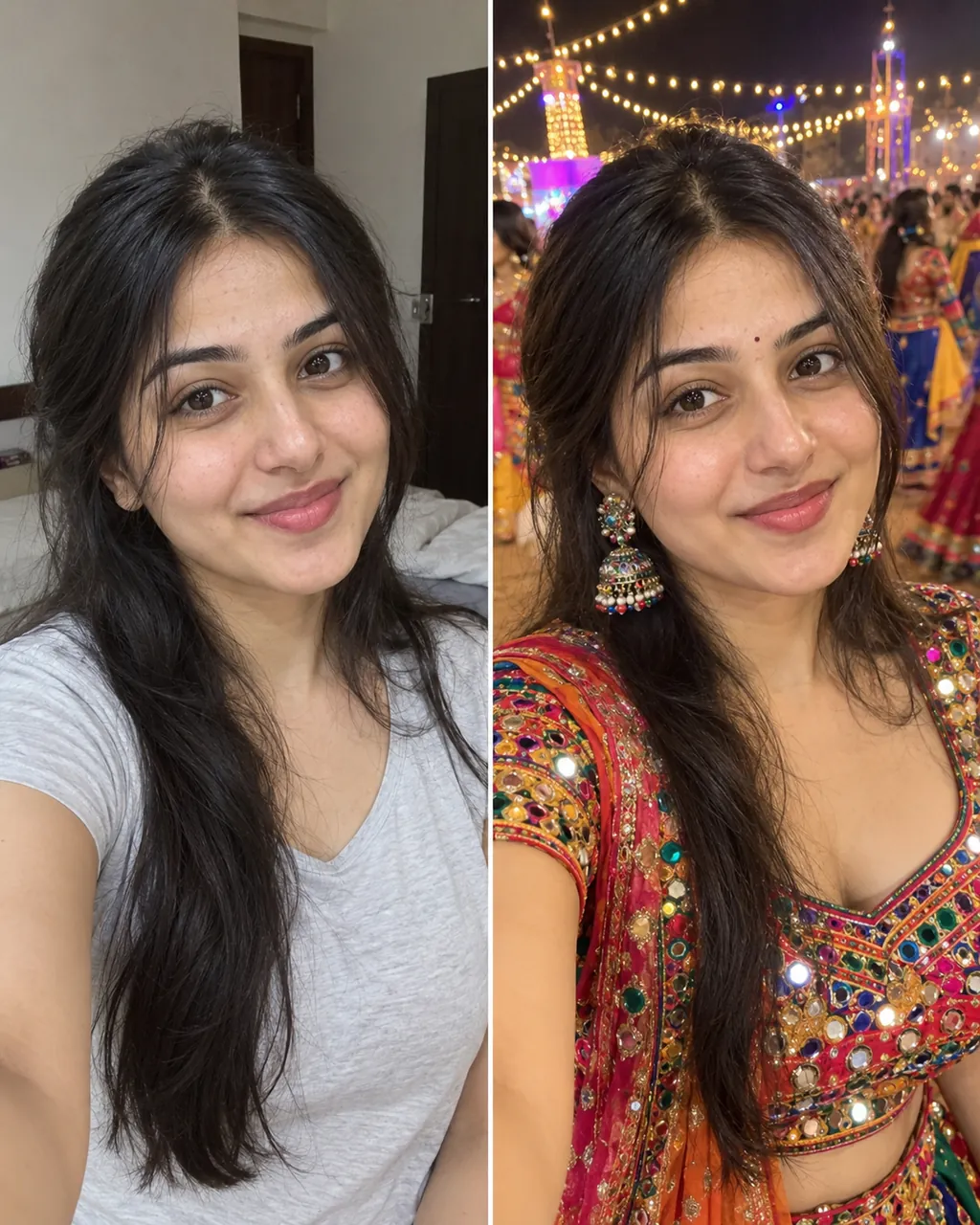
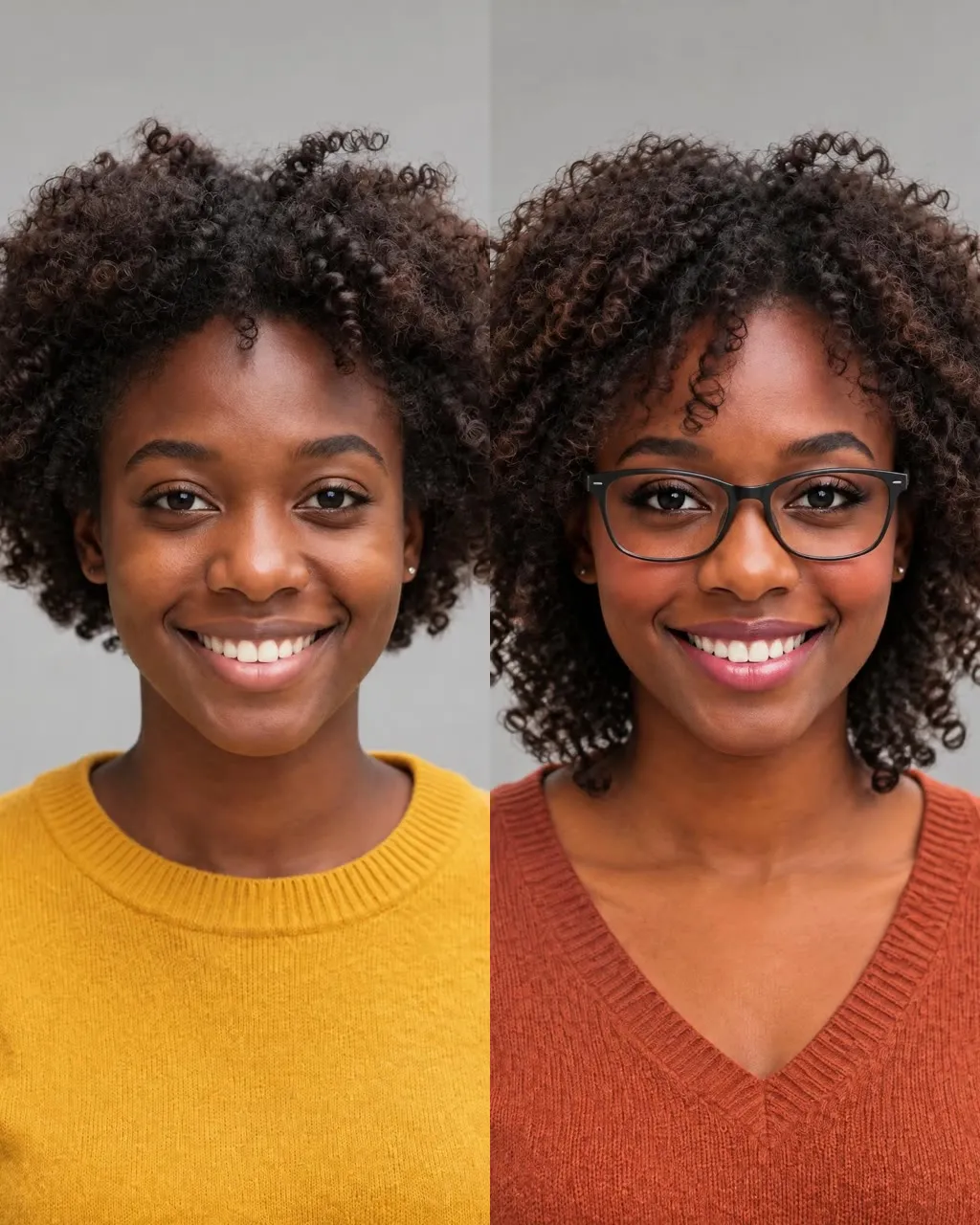
Quick answers about the trend, your selfie, the sound and the cost.
Make My Tears FallThis one. Upload one clear selfie, pick a scene such as Crystal Tears and press Make My Tears Fall. In a few minutes you get a 15-second vertical video where shiny tears form at your eyes and slide down your cheeks. You film nothing, and the price shows on the button before you press it.
Not on this page. A new account can try it free. After that, one 15-second clip costs 60 credits. You can buy credits, pick a monthly plan or pay once for a video pack. If a run fails because of a system error, your credits come back automatically.
One 15-second clip costs 60 credits. You can also pay once with no subscription: 1 video for $9.99, 3 videos for $19.99 or 5 videos for $29.99. Monthly plans start at $12.99 with 400 credits. See all plans on the pricing page.
Pick a scene, upload one selfie with your face to the camera and both eyes open, then press Make My Tears Fall. The crying filter video comes back as a vertical MP4 with sound. You do not need an editing app or a teardrop sticker. Most clips are ready in a few minutes.
Use a calm, slightly sad selfie in soft light, with your eyes sharp and nothing covering them. Then pick a scene here. The tears falling down filter adds drops that start at the inner corners of your eyes and roll down your cheeks while your face stays still. A neutral expression reads best.
You do not animate anything by hand. The model reads where your eyes are and builds the clip so you can animate tears falling from both eyes in one step. Each scene sets how many drops fall and how the light hits them, from one thin tear in Car Selfie to full drops in Sulky Close-up.
Yes. You upload a photo and get back a video. The tool takes one still selfie and turns it into a 15-second teary-eyed selfie video, vertical 9:16 at 768p. You cannot upload a video you already filmed.
Crystal Tears is the classic close-up with a shiny tear effect in window light. Hand On Cheek is the most copied pose and Sulky Close-up is the funniest. Car Selfie suits the joke post, Sunset Glow suits a lyric caption, and Late Night Sofa is the 2 a.m. mood. All six use the same selfie, so you can make a few and post your favorite.
Yes, soft room sound and a quiet instrumental score, with no voice and no lyrics. You cannot upload your own song here. For the trend sound, add the sad song from your app's library when you post your crying filter video.
Use one sharp, well-lit selfie where your face is toward the camera and nothing covers it. The tool keeps your face, hair and clothes through the whole tears falling down filter clip. Skip group photos, sunglasses and heavy beauty filters.
Your photo is used to build your video. Videos made without a subscription can appear in the public Explore feed on Ricebowl AI, so do not upload photos you would not want others to see. Only use photos of yourself or of adults who said yes.
Try an AI video of yourself in other scenes, or play a joke with the boyfriend makeup prank filter. For caption and timing tips, read the guide to AI video trends before you post your tears falling down filter video.
Explore More
Tears Falling Down Filter
One selfie, one scene and one button. The tears falling down filter makes a clip your group chat will ask about.
Make My Tears FallNo watermark • 9:16 MP4 • Sound built in
Ready to Cry on Camera With the
Make My Tears Fall