ครีเอเตอร์โซเชียลที่ตามเทรนด์
เลือกเทมเพลต ใส่เซลฟี่ แล้วโพสต์คลิปที่ตรงกับเอฟเฟกต์ที่ทุกคนแชร์กันในสัปดาห์นี้ PixVerse AI จัดการท่าเต้นให้ คุณจึงใช้เวลากับแคปชันแทนที่จะเป็นคีย์เฟรม
PixVerse AI V6 เปลี่ยนพรอมป์ต์ ภาพถ่าย หรือหนึ่งในเทมเพลตเทรนด์ 50 แบบให้เป็นคลิปนานสูงสุด 15 วินาทีที่ 1080p พร้อมเสียงที่สร้างในการเรนเดอร์เดียวกัน สมัครฟรีและตัวสร้างด้านล่างตั้งค่าเป็น V6 ไว้แล้ว
เลือกระยะเวลาวิดีโอ
เลือกความละเอียด
เลือกอัตราส่วนภาพ
ไม่มีลายน้ำ
Ricebowl ไม่ประทับโลโก้ของตัวเองบนไฟล์ดาวน์โหลดของคุณ ทุกการเรนเดอร์ PixVerse AI ที่คุณจ่ายเงินจะมาอยู่ในฟีดของคุณเป็น MP4 ที่คุณโพสต์ ส่งให้ลูกค้า หรือตัดเป็นโฆษณาได้โดยไม่ต้องลบลายน้ำ กฎเดียวกันนี้ใช้กับโมเดลอื่นทุกตัวในพื้นที่ทำงาน
ลอง PixVerse AI ตอนนี้คุณสมบัติ 01
หนึ่งไอเดีย หลายลุค
PixVerse AI อ่านคำบอกสไตล์เป็นคำสั่ง ไม่ใช่ของประดับ ขออนิเมะแบบ cel shading ลุคฟิล์ม 35 มม. ดินปั้น หรือ CGI สินค้าเงางาม PixVerse AI จะเปลี่ยนแสง พื้นผิว และจังหวะการเคลื่อนไหวให้เข้ากัน ไม่ใช่แค่ปรับโทนสี เพราะทั้งข้อความและภาพเป็นอินพุตได้ คุณจึงล็อกตัวละครจากภาพถ่ายแล้วดันช็อตเดียวกันผ่านสามลุคเพื่อดูว่าแบบไหนเข้ากับแคมเปญ หมายเหตุเปิดตัวของ PixVerse ระบุเพิ่มว่า V6 เรนเดอร์ข้อความภาษาอังกฤษและจีนในเฟรมด้วยตำแหน่งที่สม่ำเสมอ การ์ดชื่อเรื่องจึงอยู่รอดผ่านการเปลี่ยนสไตล์
คุณสมบัติ 02
50 เทมเพลต ใช้รูปเดียวต่อเทมเพลต
Effect Library คือเหตุผลหลักที่คนส่วนใหญ่ค้นหา PixVerse AI บน Ricebowl ตัวสร้างมีเทมเพลต PixVerse AI 50 แบบ ตั้งแต่ Thriller Dance Steps และ Fluffy Chef ไปจนถึง Cyber Armor และท่าเฉลิมฉลองฟุตบอลอีกหลายแบบ เลือกหนึ่งเทมเพลต อัปโหลดรูปเดียว (มีหนึ่งเทมเพลตที่ต้องใช้สองรูป) แล้ว PixVerse AI จะสร้างการเคลื่อนไหว มุมกล้อง และจังหวะให้เอง คุณข้ามการเขียนพรอมป์ตไปเลย ทำให้เทมเพลตเป็นทางที่เร็วที่สุดจากเซลฟี่เป็นคลิปที่ดูเหมือนเทรนด์ที่ทุกคนกำลังโพสต์
ตัวอย่างพรอมป์ต
พรอมป์ต
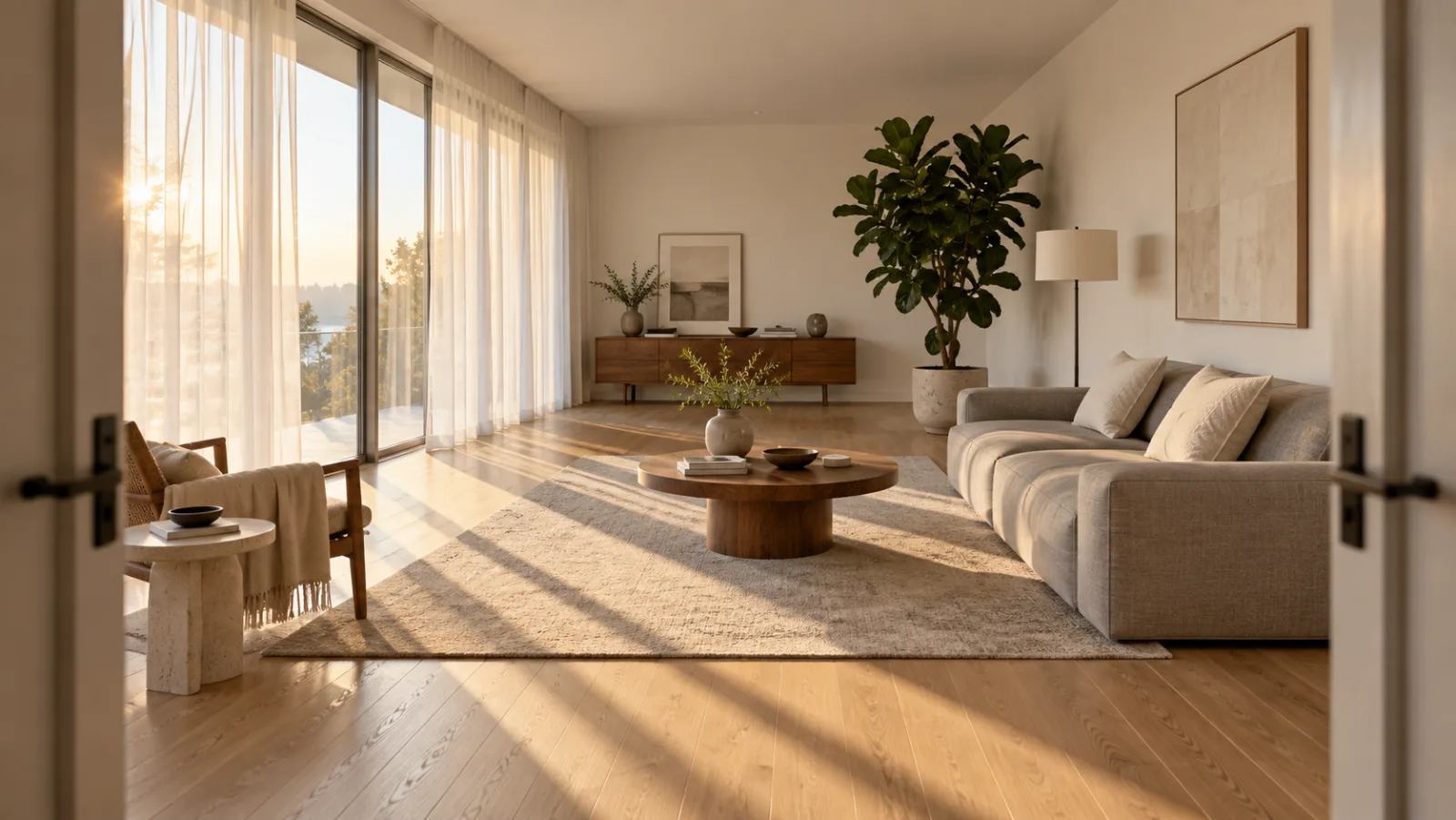
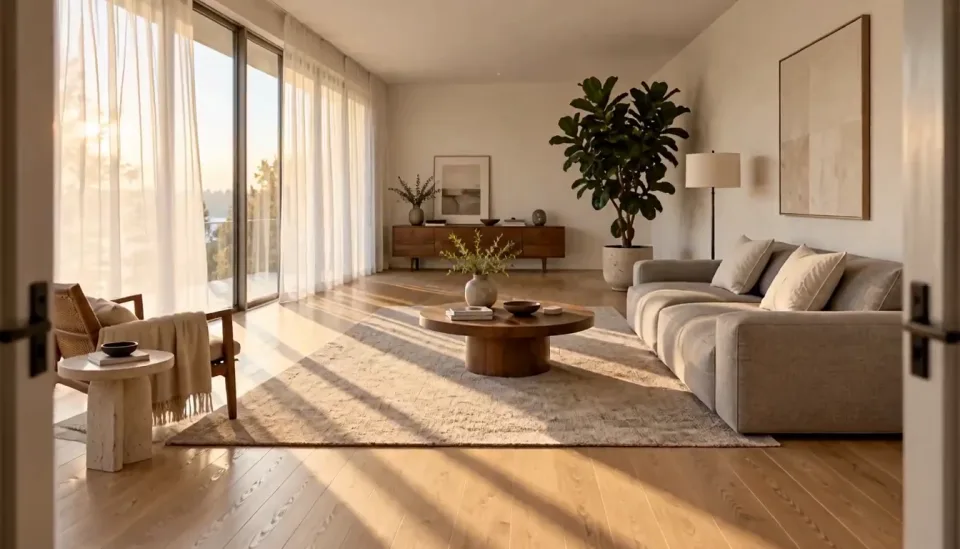
ใช้ห้องนั่งเล่นในภาพอ้างอิงเป็นฉาก กล้องเคลื่อนเข้าช้าๆ จากประตู แสงแดดยามบ่ายเลื่อนผ่านพื้นไม้โอ๊ก ผ้าม่านโปร่งไหวตามลมเบาๆ เสียงห้องเบาๆ และเสียงนกร้องไกลๆ 16:9 10 วินาที
ภาพอ้างอิง
ผลลัพธ์
พรอมป์ต
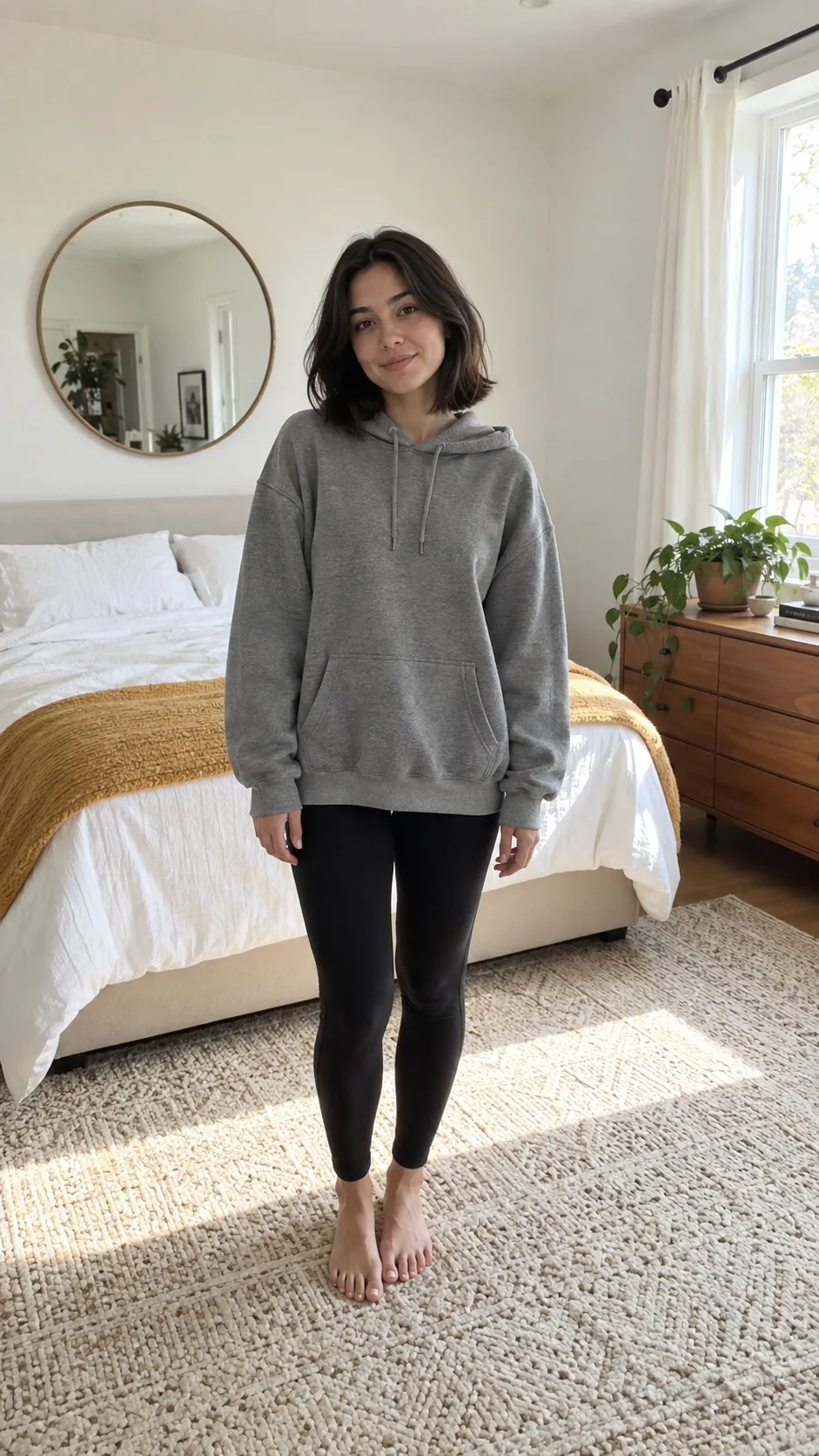
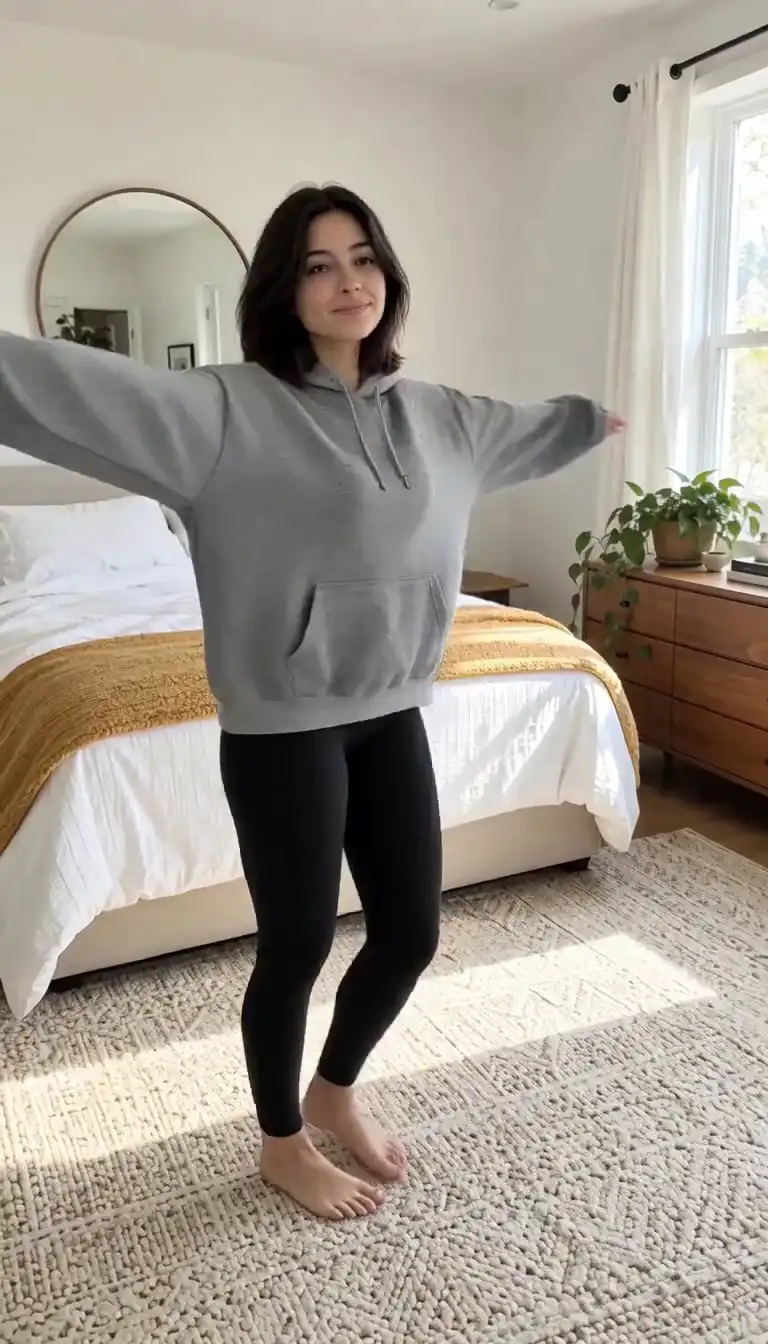
ผู้หญิงในภาพอ้างอิงหมุนตัวหนึ่งรอบอยู่กับที่ และชุดของเธอเปลี่ยนจากฮู้ดสีเทาเป็นชุดเดรสผ้าซาตินสีแดงกลางการหมุน มุมกล้องแบบถือมือถือ แสงในห้องนอนสว่าง มีเสียงหวือตอนเปลี่ยนชุดและเพลงป็อปจังหวะสนุกวนซ้ำ 9:16 5 วินาที
ภาพอ้างอิง
ผลลัพธ์
การใช้งาน
เลือกเทมเพลต ใส่เซลฟี่ แล้วโพสต์คลิปที่ตรงกับเอฟเฟกต์ที่ทุกคนแชร์กันในสัปดาห์นี้ PixVerse AI จัดการท่าเต้นให้ คุณจึงใช้เวลากับแคปชันแทนที่จะเป็นคีย์เฟรม
ทดสอบห้าฮุกโฆษณาในบ่ายเดียว คลิป PixVerse AI 5 วินาทีพร้อมเสียงราคา 115 credits บน Ricebowl คุณจึงเรนเดอร์หลายช่วงเปิดได้ เก็บอันที่ดึงความสนใจไว้ แล้วค่อยจ่ายสำหรับคลิป 15 วินาที 1080p
Try this use case →อัปโหลดภาพสินค้าแล้วให้ PixVerse AI หมุนรอบมัน วางมันลงในฉาก หรือใช้เทมเพลต Product Landmark เสียงมาพร้อมการเรนเดอร์ คลิปแกะกล่องจึงมีเสียงฉีกและเสียงคลิกในตัว
Try this use case →เปิด Multi-Clip แล้ว PixVerse AI จะตัดพรอมป์ตเดียวออกเป็นภาพกว้าง ภาพกลาง และภาพใกล้ พร้อมบทสนทนาและเสียงบรรยากาศ เป็นวิธีที่เร็วที่สุดในการร่างฉากก่อนลงทุนกับงานโปรดักชันที่ยาวขึ้น
ป้อนภาพนิ่งของห้องหรือรีสอร์ตให้ PixVerse AI แล้วได้การเคลื่อนกล้องช้าๆ พร้อมแสงธรรมชาติและเสียงบรรยากาศห้อง เปลี่ยนภาพประกาศขายให้เป็นคลิปที่ใช้เป็น Reel หรือลูปในหน้าแลนดิ้งได้
ผู้ใช้พูดว่าอย่างไร
01
ผู้ใช้ PixVerse AI ส่วนใหญ่ไม่เคยเขียนพรอมป์ พวกเขาเลือกเอฟเฟกต์ อัปโหลดรูป แล้วโพสต์ เทมเพลตรู้จังหวะของเทรนด์อยู่แล้ว ซึ่งพรอมป์ที่เขียนเองแทบไม่เคยได้ตรงตั้งแต่ครั้งแรก
02
รีวิว V6 ของ PixVerse เองพบว่า PixVerse AI ทำงานได้ดีที่สุดเมื่อพรอมป์ระบุรายละเอียดที่มองเห็นได้ เช่น ตัวแบบ เส้นทางกล้อง แสง และเสียง คำคุณศัพท์ที่คลุมเครือทำให้เสียการเรนเดอร์เปล่า
03
เพราะ PixVerse AI เรนเดอร์เสียงไปพร้อมกับภาพ ฉบับร่างแรกจึงมีเสียงฝีเท้า เสียงบรรยากาศห้อง หรือบทสนทนาหนึ่งบรรทัดอยู่แล้ว ผู้ชมจึงตอบสนองต่อมันในฐานะวิดีโอ ไม่ใช่แบบจำลองเงียบ
04
บนสนาม text-to-video ของ Artificial Analysis PixVerse V6 อยู่ที่ Elo 1076 เท่ากับ Kling 3 Omni แต่ต่ำกว่า MiniMax H3 (1220) และ Seedance 2.0 (1210) อย่างชัดเจน ผู้คนเลือก PixVerse AI เพราะเอฟเฟกต์และความเร็ว ไม่ใช่เพราะเฟรมที่สมจริงที่สุด
ตรวจสอบเวอร์ชัน
V6 เป็นเวอร์ชันเดียวที่คุ้มค่าใช้ตอนนี้ บนสนาม text-to-video ของ Artificial Analysis ได้ 1076 เทียบกับ 952 ของ V5.6 และเพิ่มการถ่ายยาวขึ้น การตัดหลายช็อต และเสียงในรอบเดียว
V6 สร้างได้ตั้งแต่ 1 ถึง 15 วินาที ขณะที่เอกสารราคาของ PixVerse เองยังระบุ V5.6 เป็นคลิป 5, 8 และ 10 วินาทีแบบตายตัว
พรอมป์ตเดียวตอนนี้สร้างภาพกว้าง ภาพกลาง และภาพใกล้พร้อมทรานซิชันได้ แทนที่จะเป็นเทคต่อเนื่องเดียวที่คุณต้องมาตัดต่อเอง
บทสนทนา เอฟเฟกต์เสียง และเสียงบรรยากาศถูกสร้างพร้อมกับภาพ PixVerse AI เปิดตัว V6 เมื่อวันที่ 30 มีนาคม 2026 โดยมีเสียงเป็นฟีเจอร์หลัก ไม่ใช่ส่วนเสริม
PixVerse AI ให้การเคลื่อนกล้องแบบ tracking และการเปิดเผยฉากที่แม่นยำขึ้น และสีหน้าที่ยังคงต่อเนื่องผ่านการเปลี่ยนฉาก
ทีม PixVerse AI เองยอมรับว่าการควบคุมทิศทางที่แม่นยำในฉากที่วุ่นวายยังอยู่ระหว่างการพัฒนา ควรทำให้ฉากที่มีฝูงชนเรียบง่ายไว้
ความต่อเนื่องอาจลดลงเมื่อช็อตเคลื่อนระหว่างพื้นที่ที่ต่างกันมาก ควรแยกออกเป็นสองคลิป
Ricebowl ให้บริการเฉพาะ V6 ส่วน PixVerse ยังคงมี V5.6 บนเว็บของตัวเอง แต่ V6 ได้คะแนน Elo สูงกว่า 124 คะแนนในงาน text-to-video ด้วยราคาเครดิตเท่ากัน จึงแทบไม่มีเหตุผลที่จะกลับไปใช้
สิ่งที่ทำให้แตกต่าง
01
Kling 3, Seedance และ MiniMax H3 ต่างเริ่มจากพรอมป์ PixVerse AI เป็นโมเดลวิดีโอเดียวในเวิร์กสเปซนี้ที่มีคลังเอฟเฟกต์สำเร็จรูป จึงเป็นตัวเลือกเริ่มต้นสำหรับคอนเทนต์ตามเทรนด์
02
เปิดสวิตช์ Multi-Clip แล้วงาน PixVerse AI 15 วินาทีหนึ่งงานจะกลับมาเป็นลำดับการตัดต่อแทนที่จะเป็นเทคยาวเดียว คุณได้รูปทรงของเรื่องราวโดยไม่ต้องใช้โปรแกรมตัดต่อ
03
เสียงเปิดเป็นค่าเริ่มต้นสำหรับ PixVerse AI บน Ricebowl และราคาเครดิตได้รวมไว้แล้ว คุณไม่ต้องจ่ายเพิ่มอีกเพื่อฟังคลิปของคุณ
ความเห็นของเรา
เทมเพลตทุกครั้ง ถ้าเทมเพลตตรงกับไอเดียของคุณ มันต้องการแค่รูปเดียวและไม่ต้องใช้คำพูด จึงไม่มีอะไรผิดพลาดได้ เขียนพรอมป์เองเฉพาะเมื่อคุณเล่าเรื่องที่คลังไม่มี เช่น ฉากสินค้าหรือบทสนทนาที่เขียนไว้
PixVerse AI เว้นแต่ผลงานที่ต้องส่งเป็น 4K บนสนามของ Artificial Analysis ทั้งสองเสมอกันในงาน text-to-video (PixVerse V6 ได้ 1076 เทียบกับ Kling 3 Omni ที่ 1080p ได้ 1075) และจากรูปภาพ PixVerse V6 นำอยู่ชัดเจน (1071 เทียบกับ 1045) Kling 3 Omni คุ้มค่าเมื่อคุณต้องการผลลัพธ์ 4K หรือการอ้างอิงองค์ประกอบของ Kling
เมื่อใดก็ตามที่โจทย์มีมากกว่าหนึ่งจังหวะ ฮุก การเปิดเผย และการ์ดปิดท้ายอ่านได้ดีกว่าในแบบสามช็อต มากกว่าการเคลื่อนกล้องไหลยาวครั้งเดียว ปิด Multi-Clip ไว้สำหรับการหมุนรอบสินค้าครั้งเดียวหรือการเดินชมต่อเนื่อง ซึ่งการตัดจะทำให้การไหลขาดตอน
การเปรียบเทียบ
| คุณสมบัติ | PixVerse V6 | Kling 3 Omni | Seedance 2.0 | MiniMax H3 |
|---|---|---|---|---|
| ความยาวคลิปบน Ricebowl | 5, 10 หรือ 15 วินาที | 5 หรือ 10 วินาที | 5, 10 หรือ 15 วินาที | 6, 10 หรือ 15 วินาที |
| ความละเอียดสูงสุด | 1080p | 4K | 1080p | 2K |
| เสียง | รวมมาให้ เปิดใช้เป็นค่าเริ่มต้น | เลือกได้ มีค่าใช้จ่ายเพิ่ม | รวมมาให้ | รวมมาให้ |
| ภาพอ้างอิง | 2 (ตัวแบบ + ฉากหลัง) | 2 | 9 | 9 |
| เทมเพลตเอฟเฟกต์ | 50 | ไม่มี | ไม่มี | ไม่มี |
| Elo ของ Text-to-video arena | 1076 | 1075 (Omni 1080p) | 1210 (720p) | 1220 |
| คลิปที่ถูกที่สุด | 115 credits | 90 credits | 95 credits | 20 credits |
| เหมาะสำหรับ | เอฟเฟกต์ตามกระแสและคลิปโซเชียลสั้น ๆ พร้อมเสียง | ภาพสินค้าและภาพแนวภาพยนตร์ระดับ 4K | ฉากสมจริงจากภาพอ้างอิงหลายภาพ | คุณภาพอันดับต้นในราคาต่ำสุด |
คะแนน Arena มาจากตารางอันดับ text-to-video ของ Artificial Analysis กันยายน 2026 ราคา Credits เป็นอัตราปัจจุบันของ Ricebowl ทั้งสี่โมเดลใช้งานได้ในตัวเลือกด้านบน
ลอง PixVerse AI ตอนนี้01
ตัวสร้างที่ด้านบนของหน้านี้เลือก PixVerse AI (โมเดล V6) ไว้แล้ว สมัครด้วยอีเมลหรือ Google ไม่ต้องติดตั้งอะไรและไม่ต้องสร้างบัญชี PixVerse AI แยกต่างหาก
02
สำหรับเอฟเฟกต์ตามเทรนด์ เปิดตัวเลือกขั้นสูง เลือกหนึ่งใน 50 เทมเพลต แล้วอัปโหลดรูป สำหรับฉากของคุณเอง พิมพ์ตัวแบบ การเคลื่อนกล้อง แสง และเสียง แล้วเพิ่มรูปอ้างอิงได้สูงสุดสองรูป
03
เลือก 5, 10 หรือ 15 วินาที, 540p ถึง 1080p, แนวนอนหรือแนวตั้ง และตัดสินใจว่า Multi-Clip ควรตัดฉากเป็นช็อตหรือไม่ กดสร้างแล้วไฟล์ MP4 จะปรากฏในฟีดของคุณ พร้อมดาวน์โหลด
รีวิว
ความเห็นจากผู้ที่ใช้ PixVerse AI บน Ricebowl สำหรับงานจริง
 Jess M.
ฉันโพสต์คลิปเทมเพลตเกือบทุกวัน ใส่รูปเข้า ได้เทรนด์ออก และไม่ต้องคิดเรื่อง Prompt เลย
ครีเอเตอร์ TikTok
 Omar K.
ฮุก PixVerse AI ความยาวห้าวินาทีคือสนามทดลองของฉัน ฉันเรนเดอร์เวอร์ชันยาวเฉพาะเมื่อฮุกได้ผลแล้วเท่านั้น
นักการตลาดสายประสิทธิภาพ
 Lena S.
เสียงมาพร้อมกับคลิป การเปิดตัวสินค้าของฉันมีทั้งเสียงคลิกและเสียงวูบโดยไม่ต้องใช้เอดิเตอร์
เจ้าของร้านอีคอมเมิร์ซ
 Carlos D.
Multi-Clip ช่วยให้ผมได้ rough cut ของฉากหนึ่งจากพรอมป์ตเดียว ตอนนี้ผมใช้วิธีนี้ในการพิตช์ตอนใหม่ ๆ
นักเขียนละครสั้น
 Hana Y.
แนวตั้งสำหรับ Reels แนวนอนสำหรับ YouTube พรอมป์ตเดียวกัน PixVerse AI กับ Kling 3 วางเคียงกันในแท็บเดียว
ผู้จัดการโซเชียลมีเดีย
ยอดเครดิตเดียว ใช้ได้ทุกโมเดล เครดิตใช้ได้กับโมเดลวิดีโอทั้ง 19 ตัว ไม่มีลายน้ำ ไม่มีโมเดลที่ล็อกตามแพ็กเกจ และใช้เชิงพาณิชย์ได้ในทุกแพ็กเกจแบบชำระเงิน
ประหยัด 30% เมื่อชำระรายปี
จ่ายรายปีและประหยัดมากขึ้น
วิธีเริ่มต้นที่ถูกที่สุด ทุกโมเดล งบรายเดือนจำนวนน้อย
US$12.99/เดือน
ต่ออายุรายเดือน ยกเลิกได้ทุกเมื่อ
400 เครดิต
≈ 1–20 คลิป ขึ้นอยู่กับโมเดลที่เลือก
≈ 28–133 ภาพ ขึ้นอยู่กับโมเดลที่เลือก
3.25¢ / เครดิต
เครดิตพอให้ลองครบทุกโมเดล และทำคลิปเสร็จได้สองสามชิ้นต่อเดือน
US$29.9/เดือน
ต่ออายุรายเดือน ยกเลิกได้ทุกเมื่อ
1,000 เครดิต
≈ 3–50 คลิป ขึ้นอยู่กับโมเดลที่เลือก
≈ 71–333 ภาพ ขึ้นอยู่กับโมเดลที่เลือก
2.99¢ / เครดิต
2 งานคู่ขนาน
ผลงานต่อเนื่องสำหรับครีเอเตอร์เดี่ยวที่กำลังก้าวสู่มืออาชีพ — ครบทุกโมเดล งบสบาย ๆ
US$49.9/เดือน
ต่ออายุรายเดือน ยกเลิกได้ทุกเมื่อ
2,000 เครดิต
≈ 6–100 คลิป ขึ้นอยู่กับโมเดลที่เลือก
≈ 142–666 ภาพ ขึ้นอยู่กับโมเดลที่เลือก
2.50¢ / เครดิต
3 งานคู่ขนาน
การผลิตปริมาณมากสำหรับครีเอเตอร์ที่ผลิตถี่และทีมขนาดเล็ก
US$89.9/เดือน
ต่ออายุรายเดือน ยกเลิกได้ทุกเมื่อ
5,000 เครดิต
≈ 15–250 คลิป ขึ้นอยู่กับโมเดลที่เลือก
≈ 357–1666 ภาพ ขึ้นอยู่กับโมเดลที่เลือก
1.80¢ / เครดิต
5 งานคู่ขนาน
การสมัครสมาชิกแบบรายเดือนที่ยืดหยุ่น
เครดิตพอให้ลองครบทุกโมเดล และทำคลิปเสร็จได้สองสามชิ้นต่อเดือน
US$19.9/เดือนUS$29.9
เรียกเก็บเงินรายปีที่ $238.8 ต่ออายุรายปี ยกเลิกได้ตลอดเวลา
ประหยัด $120/ปี เมื่อเทียบกับรายเดือน
12,000 เครดิต
≈ 38–600 คลิป ขึ้นอยู่กับโมเดลที่เลือก
≈ 857–4000 ภาพ ขึ้นอยู่กับโมเดลที่เลือก
1.99¢ / เครดิต
2 งานคู่ขนาน
ผลงานต่อเนื่องสำหรับครีเอเตอร์เดี่ยวที่กำลังก้าวสู่มืออาชีพ — ครบทุกโมเดล งบสบาย ๆ
US$34.9/เดือนUS$49.9
เรียกเก็บเงินรายปีที่ $418.8 ต่ออายุรายปี ยกเลิกได้ตลอดเวลา
ประหยัด $180/ปี เมื่อเทียบกับรายเดือน
24,000 เครดิต
≈ 76–1200 คลิป ขึ้นอยู่กับโมเดลที่เลือก
≈ 1714–8000 ภาพ ขึ้นอยู่กับโมเดลที่เลือก
1.75¢ / เครดิต
3 งานคู่ขนาน
การผลิตปริมาณมากสำหรับครีเอเตอร์ที่ผลิตถี่และทีมขนาดเล็ก
US$62.9/เดือนUS$89.9
เรียกเก็บเงินรายปีที่ $754.8 ต่ออายุรายปี ยกเลิกได้ตลอดเวลา
ประหยัด $324/ปี เมื่อเทียบกับรายเดือน
60,000 เครดิต
≈ 190–3000 คลิป ขึ้นอยู่กับโมเดลที่เลือก
≈ 4285–20000 ภาพ ขึ้นอยู่กับโมเดลที่เลือก
1.26¢ / เครดิต
5 งานคู่ขนาน
เติมเครดิตที่ใช้ได้ 12 เดือน
เติมเงินครั้งเดียวสำหรับความต้องการเป็นครั้งคราว.
US$49.9
ซื้อครั้งเดียว ใช้ได้ 12 เดือน.
1,000 เครดิต
≈ 3–50 คลิป ขึ้นอยู่กับโมเดลที่เลือก
≈ 71–333 ภาพ ขึ้นอยู่กับโมเดลที่เลือก
4.99¢ / เครดิต
เติมเงินครั้งเดียวที่มากขึ้นพร้อมราคาต่อหน่วยที่ดีกว่า.
US$198
ซื้อครั้งเดียว ใช้ได้ 12 เดือน.
4,800 เครดิต
≈ 15–240 คลิป ขึ้นอยู่กับโมเดลที่เลือก
≈ 342–1600 ภาพ ขึ้นอยู่กับโมเดลที่เลือก
4.13¢ / เครดิต
5 งานคู่ขนาน
Browse all
Browse all
Make a puzzled restroom clip from one photo.
One photo, five music scenes
A toast, cake, or garden scene from one photo.
Put one photo behind the giant fish.
Make a birthday mishap video from one photo.
Animate one portrait in a selected scene.
Make a Valentine clip from one pet photo.
Turn one photo into a tiny-trike tumble.
Preview a pixie cut in a salon video
Cast two adults in a reference-based parody video.
Turn one photo into a midnight Christmas reveal.
Put your photo in the golf swing meme.
Put two pets in the green-band backfire scene.
Turn one adult photo into a playful park scene
Turn one portrait into a monochrome scene.
Turn one couple photo into a wedding dance
Make a giant pet city video
Put your photo in a holiday gift reveal.
Put your pet in a plush cage fight
Make the hallway outfit reveal
Make a rainy hotel scene with two photos.
Take the carriage step, gown reveal and snowy spin.
Turn one adult photo into a back-seat performance.
Make a holiday video from one pet photo.
Make a two-photo headphones video
Recreate the couch laugh and kiss
Make a salute-and-cry video from one photo
Turn one photo into a hotel arrival.
Make a New Year scene from one photo.
Turn one adult photo into a tiny cartoon driver.
Take the lead in a black-and-white montage.
Make a couple video in three rain scenes.
Put two people into the reference couple dance.
Lead the white-studio dance crew
Put your pet into the reference dance
Put your pet in a rap scene
Make a pet's holiday clip
Put yourself in a 15-second Santa scene
Turn one portrait into a short scene
Make a wedding scene from one couple photo.
Turn one portrait into a halo-to-horns video.
Turn one portrait into a short scene
Make a birthday scene from one photo
Make a 15-second photo tribute
Place one photo in a preset holiday scene.
Make a one-photo snack gag in a parked car.
Put your pet in the night pool-party dance.
Put your photo in the kitchen hand routine.
Make a glowing room dance clip from one photo.
Take the night car trend from one photo.
Make a portrait eye video
Make a pet birthday scene from one photo
Turn one car photo into a 15-second scene.
Make a 15-second product sale clip.
Make a 15-second birthday scene from one photo.
Make his birthday scene from one photo
Put one photo into a 15-second birthday scene.
Make a birthday scene from one photo.
Make a birthday scene from one photo.
Six one-photo birthday scenes
Make a Santa visit from one house photo
Make a 15-second pet scene from one photo.
Turn one portrait into a Christmas scene.
Make a birthday clip from one photo
Put one photo into a Santa scene.
Turn one photo into a cake scene
Make a tearful scene from one photo.
Turn one portrait into a liquid-style video
Put your pet in a royal dance or cozy scene.
Turn one photo into a street chase clip.
Turn one photo into a reference-led elf dance video.
Make a two-photo ukulele duet
Turn one portrait into a black sedan reveal.
Put one photo at the center of a crowd formation.
Turn one object photo into ASMR
A wordless portrait video from one photo
Animate one photo into a short dance clip
Turn one illustrated object photo into a short video.
Put your pet at the front of a kitten line.
Put your object in a blocky parkour scene.
Animate one object photo as a sketch.
Make a car fly from one photo.
Turn one portrait into a cartoon scene
Make a 15-second pet dance clip
Make a cash scene video from one photo.
Make a one-photo hair bounce video.
Make a couple height-reversal video from one photo.
Make a 15-second fantasy scene from one photo.
Make a 15-second ghost-bride video
Make a spooky reveal from one portrait.
Make a one-photo dance clip
Make a doorway gag from one photo
Make a C-Walk dance clip from one photo.
Turn one car photo into a 15-second reveal.
Make a birthday scene from one photo.
Turn one photo into a basketball clip
Make a party dance clip from one photo.
Turn one couple photo into a 15-second anniversary scene.
Make a pet dance beside a parked car.
Make a 15-second outfit scene from one photo.
Make a 15-second entrance video from one photo.
Make a pet dance clip from one photo
Make a 15-second New Year scene from one photo.
Make a New Year mountain video from one photo.
Make a 15-second New Year clip from one portrait.
Make a 15-second Santa scene from one photo.
Make a Christmas video from one photo.
Make a Santa list scene from one photo
Make a 15-second recap from one photo
Make a 15-second bottle scene from one photo.
Make a 15-second turkey dance clip from one photo.
Make a cafe meme video from one couple photo.
Make a 15-second elf scene
Two photos, four coffee scenes
Turn one photo into a 15-second walking video
Turn one photo into a rubbery kitchen gag.
Make a pet dance clip from one photo
Make a portrait break into laughter.
Turn one photo into a movie scene
Make a 15-second shocked reaction video from one photo.
Make a 15-second meme clip from one photo.
Make a scene from one photo
Two pets take the coffee shift
Couple spin and laugh meme video
Follow the reference dance from one photo.
Turn one couple photo into a reference-led dance clip.
Turn one couple photo into the hop routine.
Put your photo into the meme performance.
Make a hair transformation clip from one photo.
Animate one couple photo into a short vertical clip.
Put your pet in the pickup meme.
Put your photo in the scream meme
Turn one portrait into a startled video
Put your photo into the 15-second dance
Put your photo into the shush and bounce.
Turn one photo into a reference-led dance clip.
Put your photo into the forró dance.
Make a pet broccoli video from one photo.
Make a 15-second reveal from one couple photo.
Make a 15-second mecha video from one photo.
Make a couple-photo baby reveal
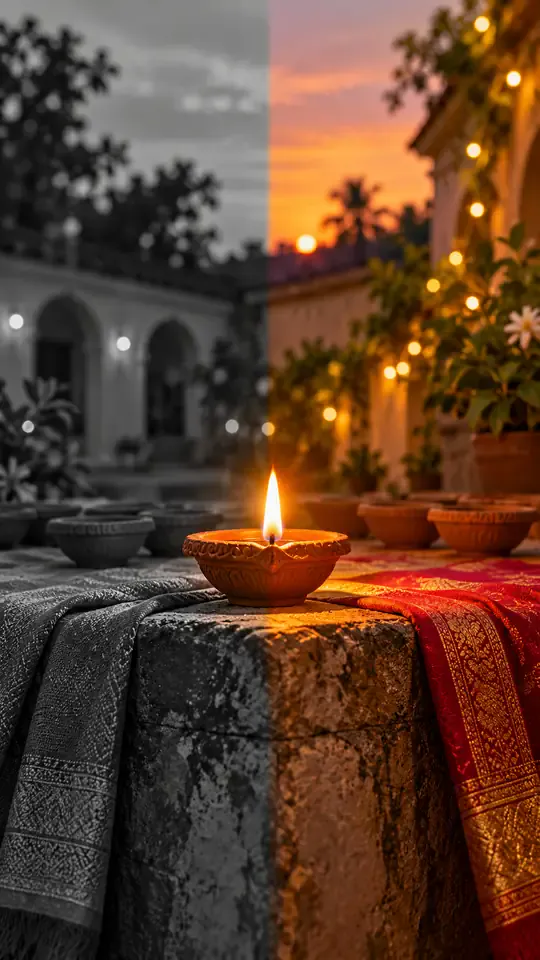
Turn one photo into a Diwali black-and-white to color reveal
Turn one photo into a midnight fridge raid clip
Turn one photo into the sit-to-recline reel
Turn two photos into a Your Dinner Is Ready clip
Turn two photos into the cliff plank prank
Put your photo in the lead spot of the schoolyard dance
Turn one photo into a convertible city-cruise clip
Put your photo in the party walk, bread bite and stare
Turn one or two photos into the slow mo dance entrance
Turn one photo into a walk-away fireball clip
Turn one photo into a living doll outfit change
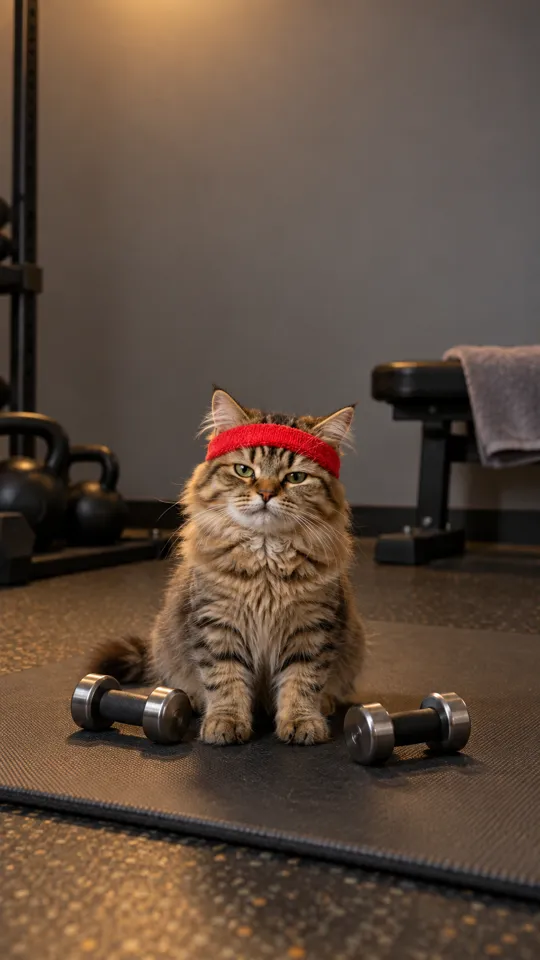
Turn your pet into a gym one-more-rep clip
Put your photo in the arms-up street routine
Put your photo in the two-pose dance meme
One photo, the singing car meme
Baby sips, sways and points from one photo
Two pets behind the counter, one pot and one mug
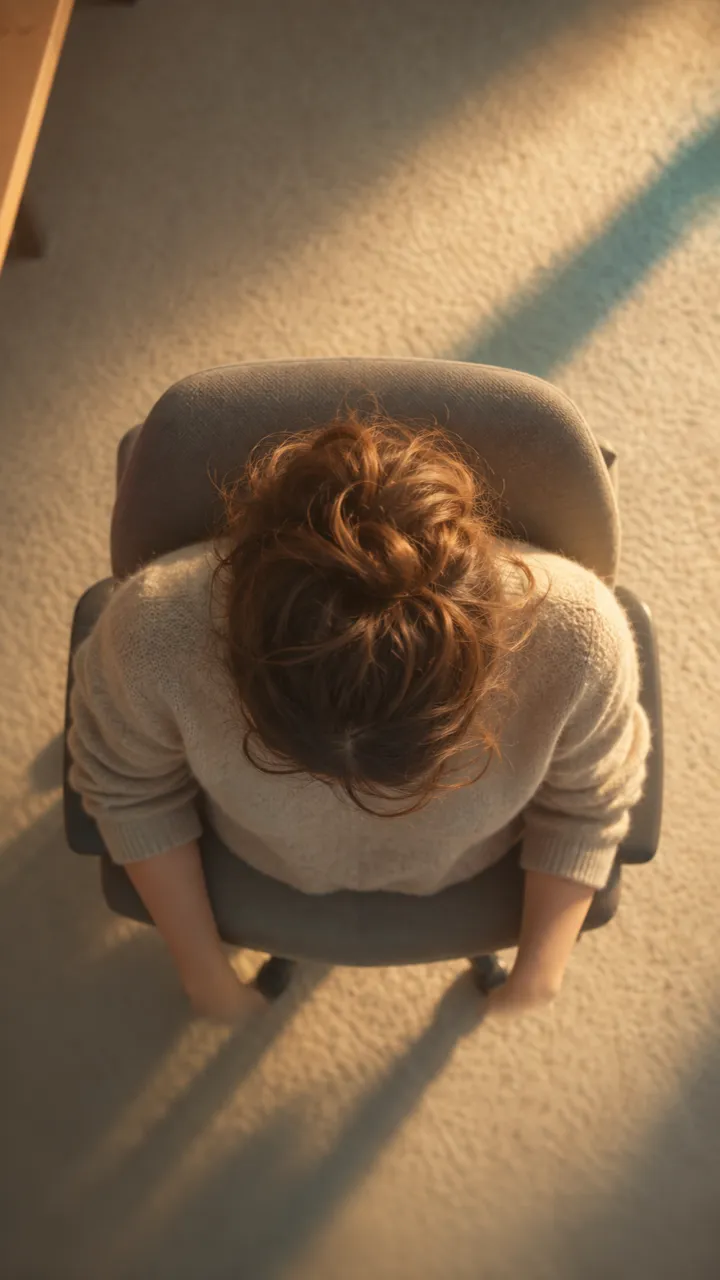
One photo into a slow overhead chair spin
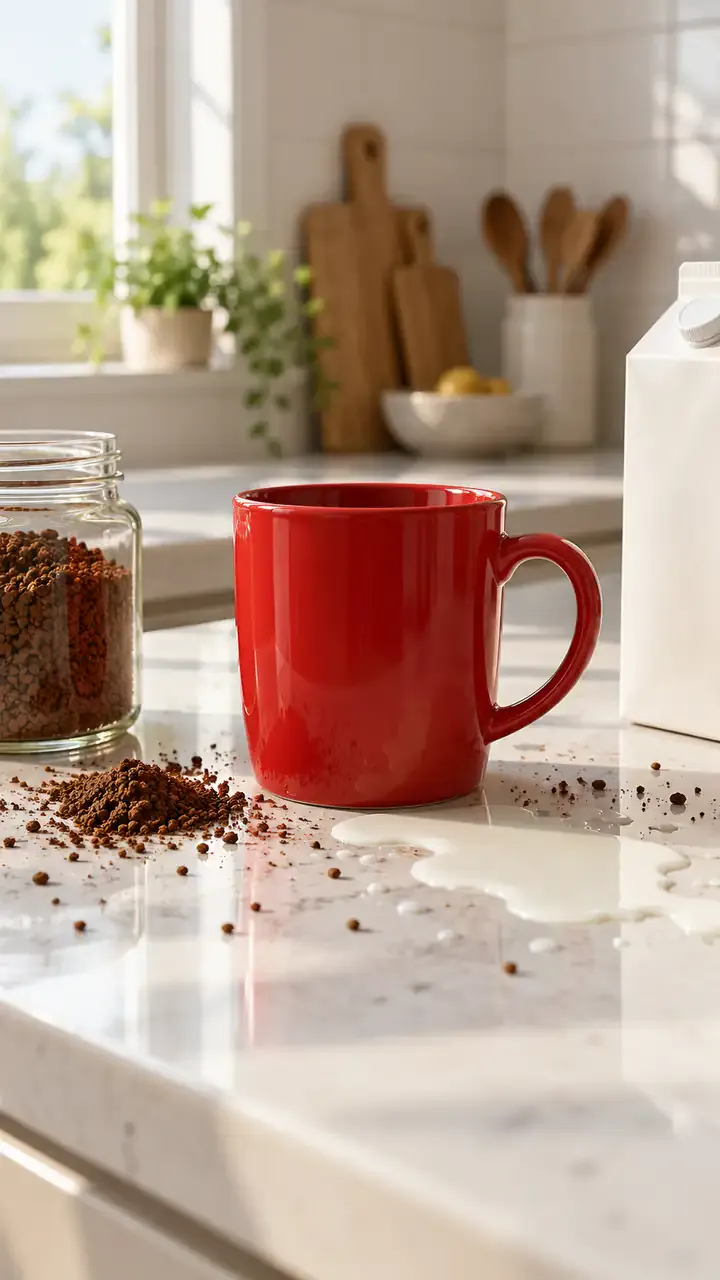
Two people, one spilled coffee, one straight face
Print your profile as a receipt clip
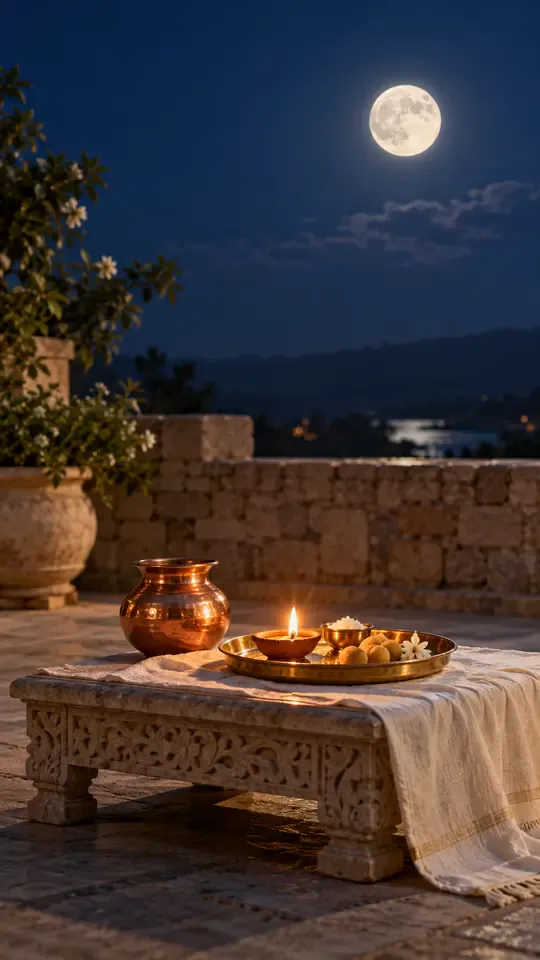
Turn one portrait into a moonrise first-bite clip
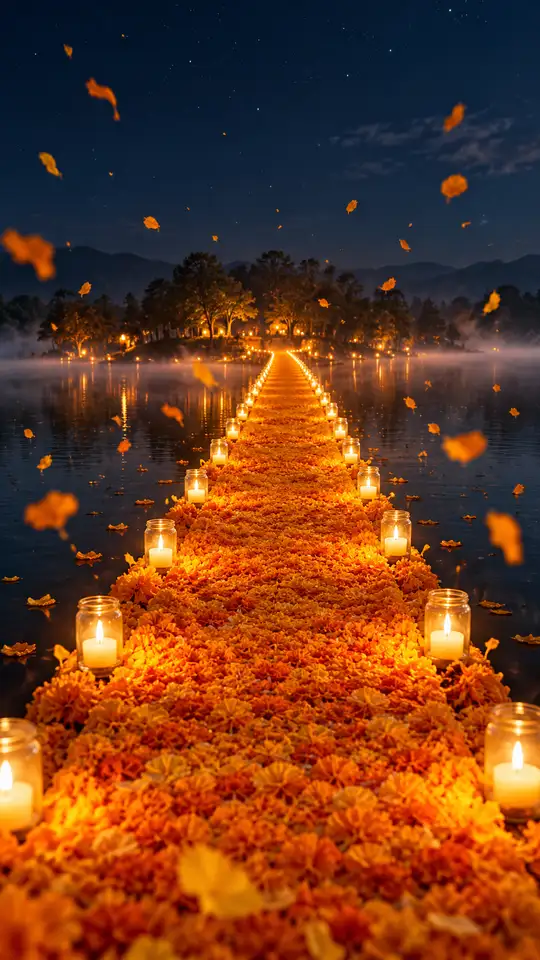
Turn one photo into a walk across a marigold bridge
Turn car photos into a moon-to-headlight night loop
You in a retro chocolate ad, one photo
Turn one pet photo into a barn full of dancing parrots
One photo into the tilting green-chair clip
Take the mic in front of the roar of a stadium crowd
One selfie into the lamp-lit slide-in clip
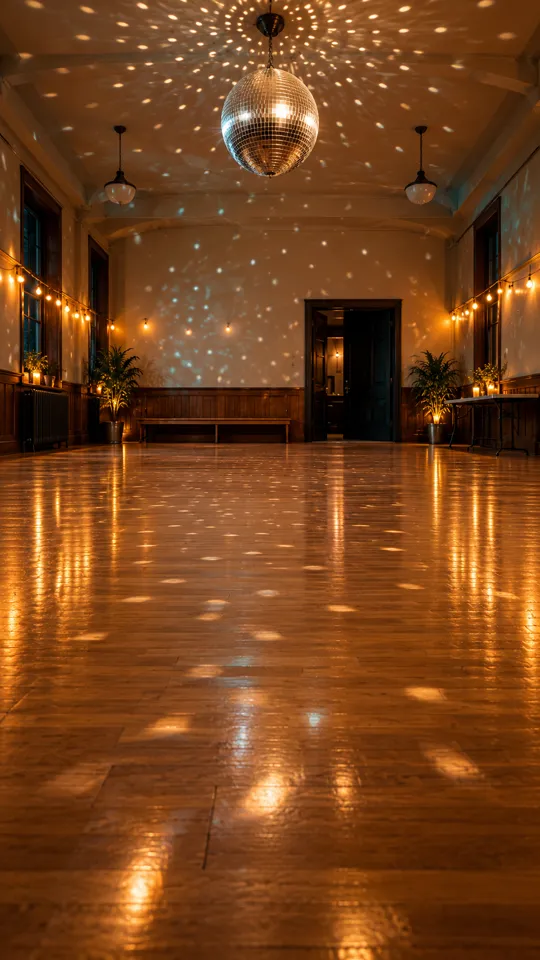
Turn one photo into the 15-second dance routine
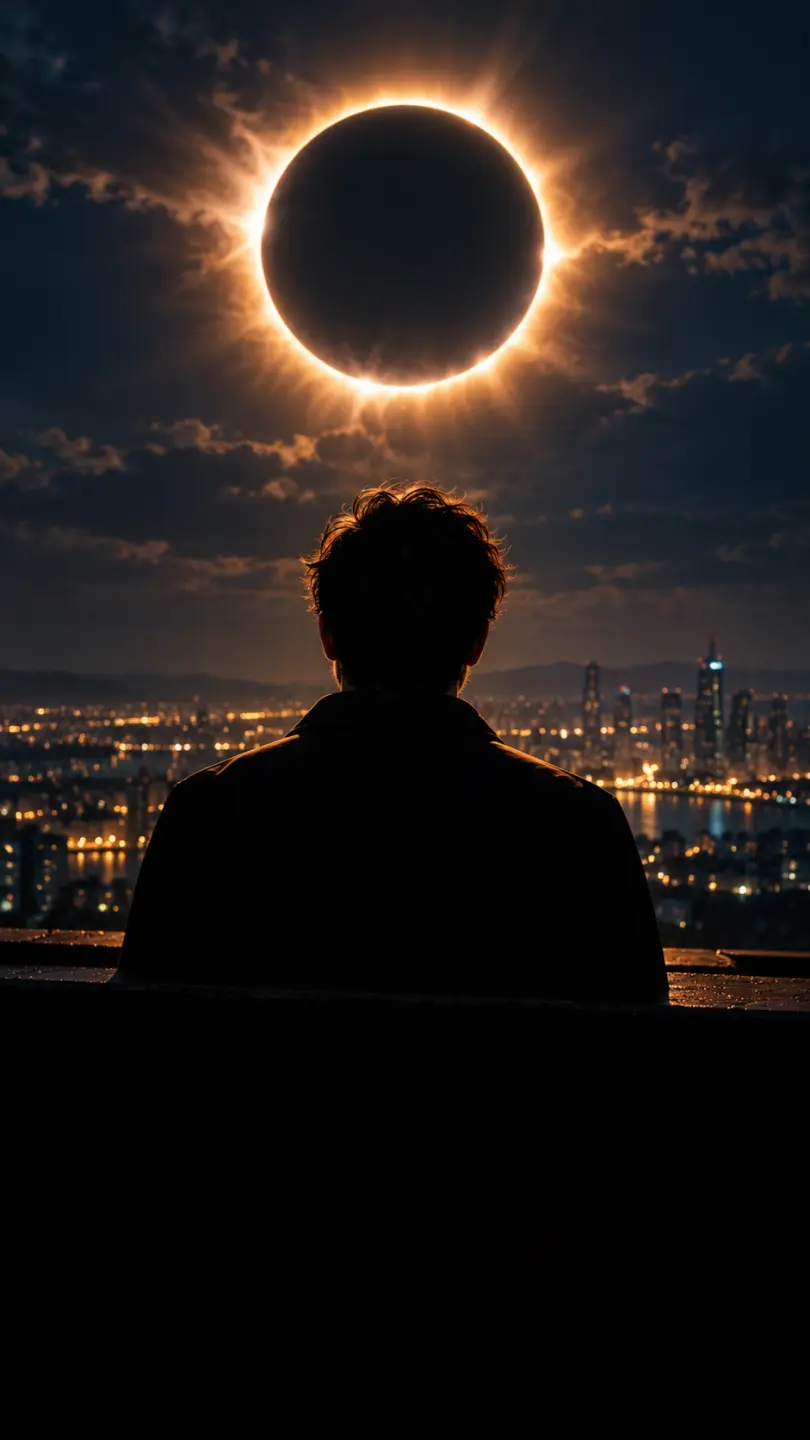
One photo into a dark eclipse music clip
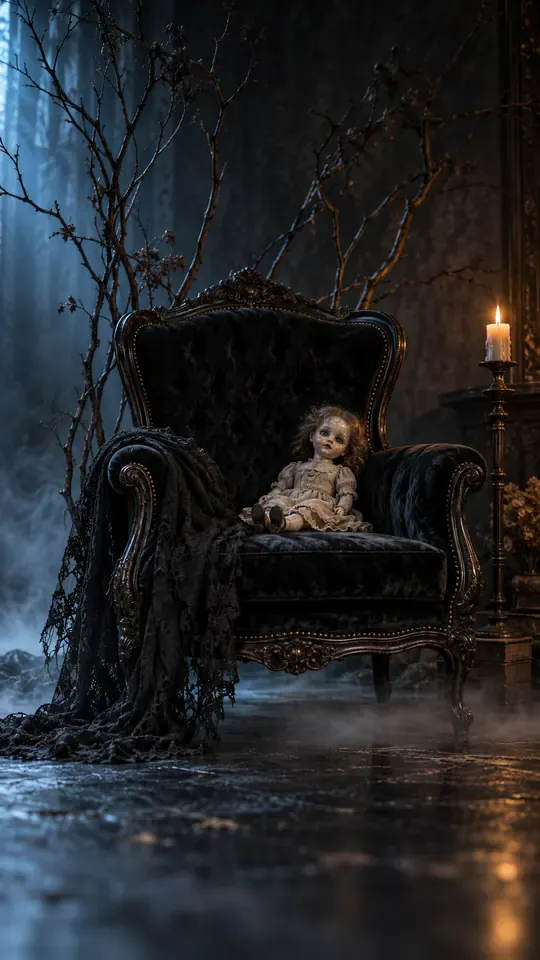
Turn one selfie into a gothic group-portrait clip
Turn two photos into the hide-and-reveal duet
One photo, a staged slap, then tears
Copy the angry dance with your photo
Turn one photo into the phone-flip hotel dance
Copy the full cover routine from one photo
Turn one photo into the salute and spin clip
Turn one photo into the Pick It Up bounce, arms-up and turn
Turn one photo into the cap-and-hood stare clip
Turn one photo into the Tarantino dance cover
Turn one photo into the routine clip
Dance on the platform from one photo
Turn two photos into the hoodie duo dance
Your dog or cat at a studio mic in headphones
Turn one photo into the fuzzy dream dance clip
Turn one photo into the sway clip from the feed
Toddler you, headphones on, at a studio mic
One baby photo, a mustached newborn clip
Grandma at her own party, from one photo
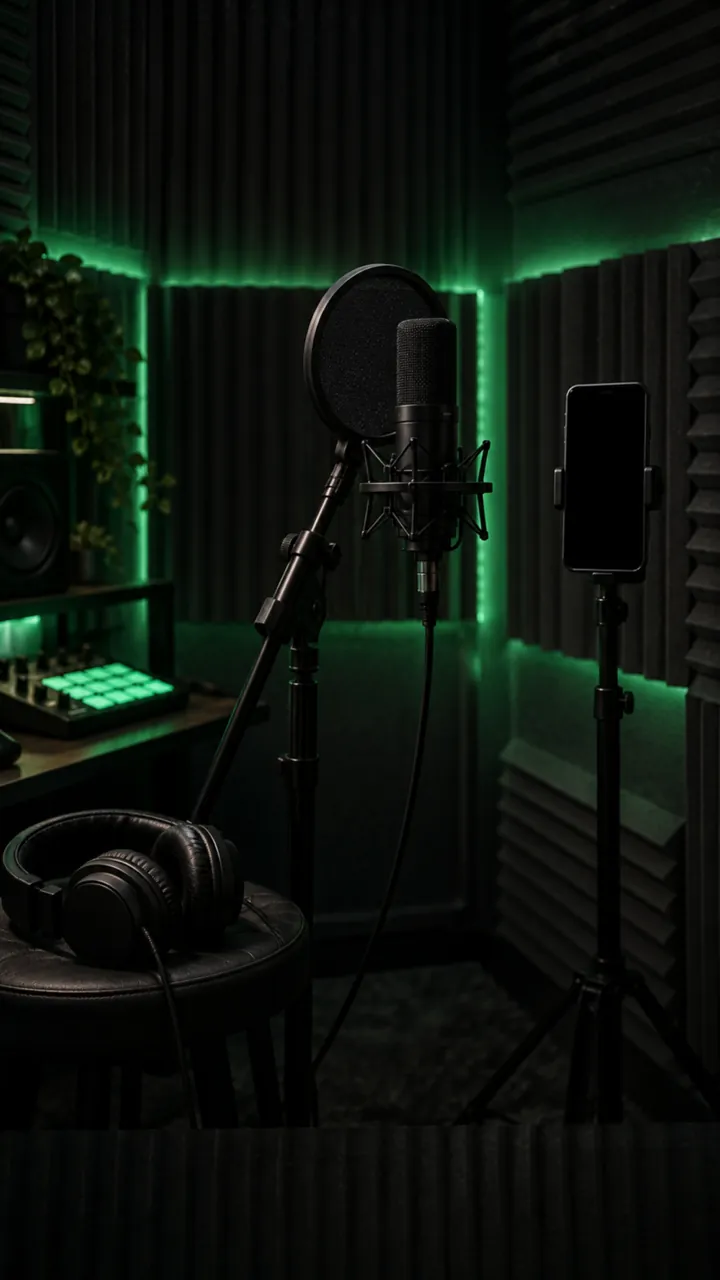
Turn one photo into a rap freestyle clip
Run up a golden stairway through the clouds into a hug with a loved one.
Turn one photo into the Rio charme dance
Turn one photo into the cash-toss video
Turn one photo into the caught-at-the-window clip
Turn two photos into the crying meme
Red eyes and a smirk from one photo
Make a short birthday greeting for Mom from one photo.
Sunglasses off, building on fire, from one photo
Your photo in a 15-second Christmas scene
Moonwalk-style dance from one photo
Your photo bouncing to a Jersey Club beat
Full glam on his photo, step by step
Mouth a love song from one photo
Shiny tears slide down your own selfie
Head bobs and bounces from one photo
Put your photo in the high-kick line
Make a miniature-to-full-size car reveal from one photo.
You screaming on a night rooftop from one photo
One photo, one pink Y2K dancer
One flash puts your photo in a balaclava
Your dog whimpers, then grins
A giant jet sweeps low over you at sunset
Turn one photo into the horse dance video
Turn one photo into their send-off clip
Turn one photo into the slide and arm-point routine
Turn one photo into the concert-stage lead
Turn one photo into the wooden guy's dance
Put one photo of you on the train, eyes shut, on the big note
Make your own cat stand up and clap for you
Your dog's birthday party from one photo
Your cat's birthday party from one photo
Turn into the turkey, or let your pet crash dinner
A video card with you at the dinner table
Line up, swim the arms and dive onto the mat
They threw stones, you build a castle from one photo
Turn one photo into a Christmas clip with Santa
Put the birthday person in a skydive or a lion-back cake ride
Walk your pet home to a candlelit altar
Karate-kick the bottles from one photo
One photo of someone you miss, one gentle 15-second clip
Turn one family photo into dancing Christmas elves
Walk up from the gala and lift the golden ball
Dunk over a defender, then the finger at the camera
Put you two in the kick meme
Do the arm throws and knee lift from one photo
Santa on your own room's night-camera footage
A slow deadpan head shake from one photo
Skeleton dance from one photo, Halloween beat
Do the footwork routine from one photo
Do the club routine from one photo
Street party or tavern dance from one photo
Dance in a white spaceship and wag a finger
Ride a giant pig across the red light
Your pet at the wheel, eyes shut, paw to the ear
Turn one selfie into half black goo and fangs
Kneel on a sunlit path with three haloed shadows beside yours
Rap to the camera in a packed night crowd
Turn one photo into you, rapping at the mic
Mask on, spin, suit up from one photo
Flick a heart at each name from one photo
Walk someone you miss home along a marigold path
Do the horse dance from one photo
One photo of you and your kid, suited up on a rooftop
A black hand, a wipe, a moon witch
Sheet on, shades on, pose and peek
Kick, pitch and leap in the storm
Swagger down the mansion hallway
Your pet takes the mic
Get caught on the big screen
Hold up the red sign and jump
Take the cash, then hit the walk
Walk out to a crowd of fans
A ghost rises right behind them
Walked out by two officers, unbothered
Lean in, arms out, point on the beat
Serious game face, then the toy car
Snap the moon, reveal the witch
Your pet as the dancing cat trio
Float past the red light on a broom
Nod to the bass at the blue wheel
Do the duo intro from two photos
Your baby, a serious face, one photo
The flash step dodge, one photo
Ask the phone how to get rich, hear the answer
Your cat or dog stands up and dances
Wide squat, tiptoes, one-leg freeze
Swagger down the park path, point at the lens
Cup your ears and let the stadium roar
Walk the carpet, stop for the flashes
Bedroom horns, panels shut, night street
Tiny workers wash your truck until it shines
Fake the rabona, leave the defender on the floor
Rocket thrusters fire, your car lifts off
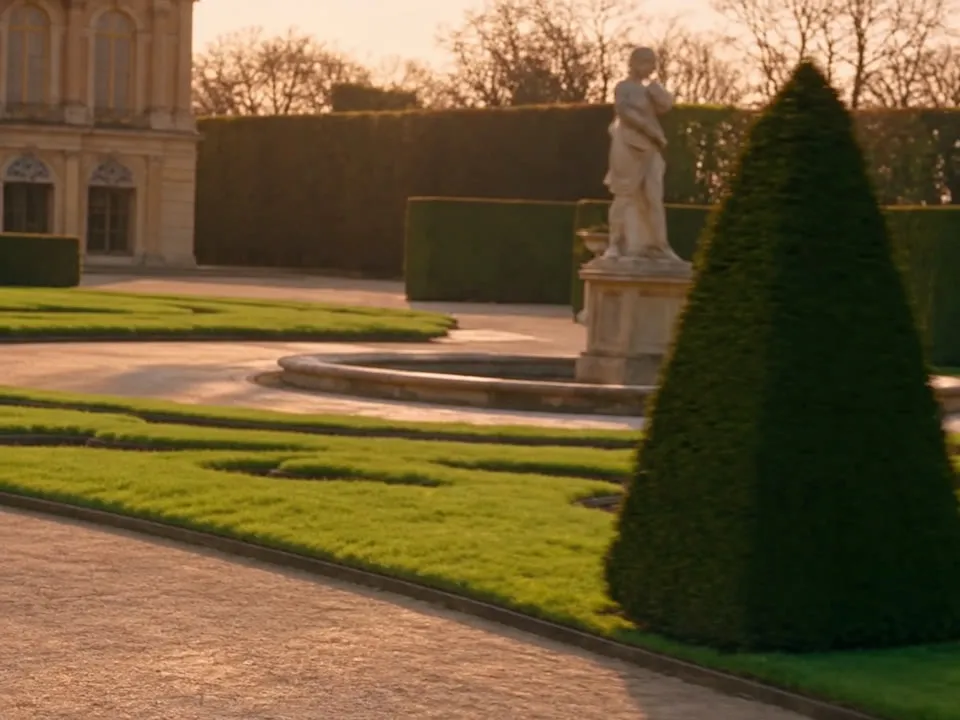
Set up a penny-farthing chase through a palace garden with a golden carriage.
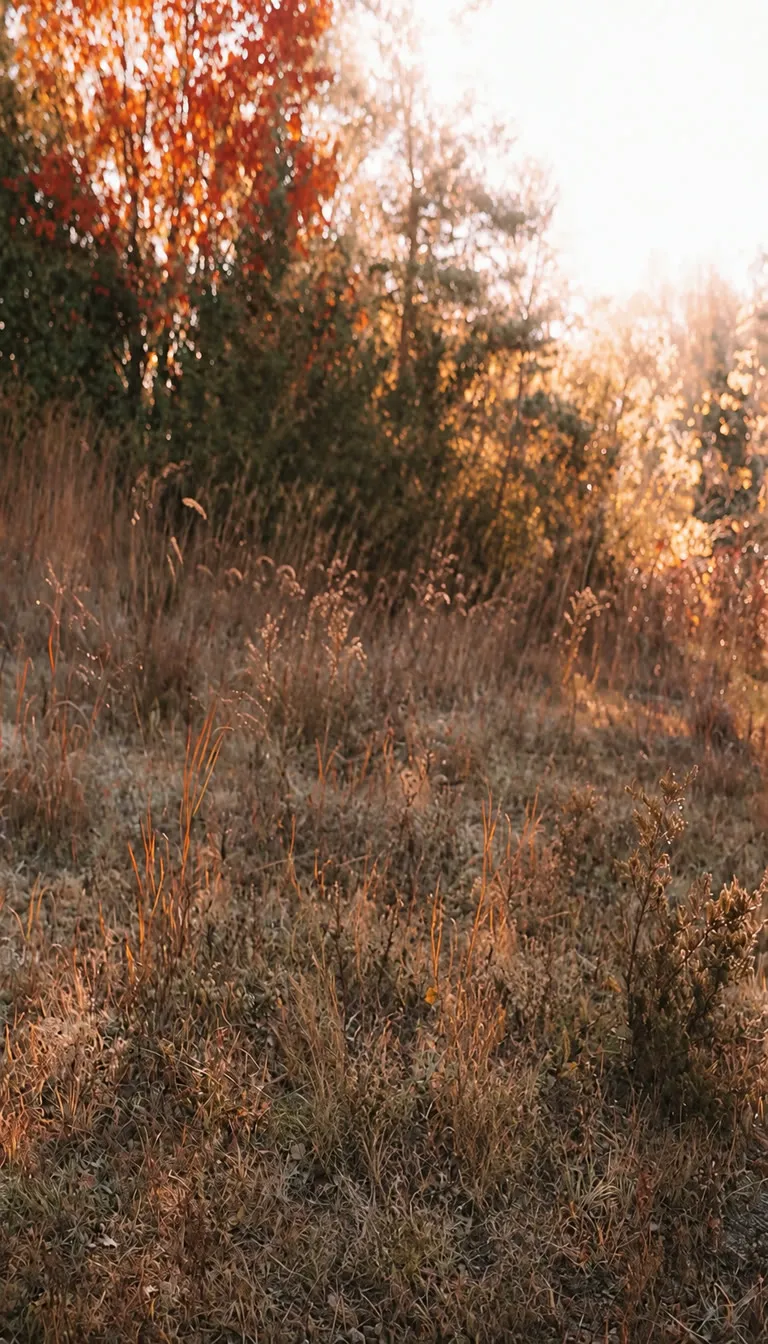
Create a two-person autumn field bounce and finger-point dance.
Turn your photo into the Ozil goal: dribble, strike, turn and celebrate.
Turn photos into phonk head bop trend videos in minutes.
One photo, a camera orbit around your subject
One or two photos into the vertical sidewalk singing clip
Chandelier party video from your selfie photos
Turn any photo into the tiptoe trend
Create scream-and-swap pet dance clips
Turn your selfie into an animatronic jumpscare
Make your photo lead the 1983 zombie dance in 9:16 vertical video.
Turn one adult photo into a trending 9:16 lip-sync clip in seconds.
Turn one group photo into a crew that steps in sync in 9:16 vertical video.
Turn your photo into a 1980s retro dance video with custom themes.
Pop the bottle from one photo and freeze it black and white.
Turn your photo into a Bulin 47 AI doorway clip.
Do the Layoo dance from one photo with two friends behind you.
Turn your photo into the viral lean, swing and low bounce, friend watching.
Black liquid rebuilds your car from its badge
Put your photo on the red stage doing the 2008 electro arm dance.
Sweep the 2 and 4 cards, reveal a car
Deadpan sway clip from one photo
Costume walk clip from one photo.
Make your pet or baby scold the camera
Make viral sneaky tiptoe videos from photos
Walk out with two officers
Two photos turned into a drill rap video clip.
Turn your pet into a tiny knight in a storm
Turn photos into the hop and knock dance
Switch wardrobe under spinning fan blades
Turn portrait photos into video
Make the viral video from two photos
Turn one pet photo into the stage meme
Dusk road-trip clip from your photos
You and a friend trading bars on one mic
Turn their photo into a funny birthday prank video
One photo zooms out to Earth, Moon or galaxy
Laser eyes, car jumps, hugs and more from one photo
Turn one photo into a video with copies of you
Hug the kid you were in a short video
Turn family photos into a short video clip.
Turn your photo into a cinematic video with effects
Share an imagined hug with someone who passed away
Turn one or two photos into a dance video
Two solo photos, one orange booth, one mic
Sit still while a car flies over you
Turn two photos into a hug video
Turn one or two photos into a gentle memorial clip
Make people in old photos smile, wave or hug
One or two photos into the zombie love story video
Two photos into the viral Hotel Lobby video
PixVerse AI คืออะไร ค่าใช้จ่ายที่นี่เท่าไร และทำอย่างไรให้ได้คลิปดีตั้งแต่ครั้งแรก
ลอง PixVerse AI ตอนนี้สมัคร Ricebowl ได้ฟรี ไม่มีค่าใช้จ่าย ไม่ต้องใช้บัตร และได้ 8 เครดิต แต่เครดิตเหล่านั้นไม่พอสำหรับคลิป PixVerse AI หรือวิดีโออื่นใดที่นี่ การเรนเดอร์ PixVerse AI ที่ถูกที่สุด (5 วินาทีที่ 540p หรือ 720p รวมเสียง) ใช้ 115 เครดิต และคลิปที่ถูกที่สุดในตัวสร้าง คือการทดสอบ MiniMax H3 6 วินาที ใช้ 20 เครดิต ซื้อแพ็กเครดิตหรือแพ็กเกจสำหรับการเรนเดอร์ PixVerse AI
PixVerse เป็นแพลตฟอร์มวิดีโอ AI ที่ระบุว่ามีผู้สร้างและธุรกิจกว่า 100 ล้านรายใน 175 ประเทศไว้วางใจ โมเดลเรือธง V6 สร้างวิดีโอจากข้อความหรือภาพพร้อมเสียง และเทมเพลตเอฟเฟกต์คือสิ่งที่ทำให้ PixVerse AI เป็นที่นิยมบนโซเชียลมีเดีย บน Ricebowl คุณใช้ PixVerse AI ควบคู่กับ Kling 3, Seedance, Veo 3.1 และ MiniMax H3 ได้
PixVerse V6 คือโมเดลที่ PixVerse เปิดตัวเมื่อวันที่ 30 มีนาคม 2026 สร้างคลิป 1 ถึง 15 วินาทีที่ความละเอียดสูงสุด 1080p แบ่งพรอมป์ตเดียวออกเป็นหลายช็อต และเรนเดอร์บทสนทนา เอฟเฟกต์เสียง และบรรยากาศไปพร้อมกับภาพ สืบทอดจาก V5.6 ซึ่ง PixVerse ยังให้บริการอยู่แต่จัดเป็นคลิปความยาวคงที่ 5, 8 และ 10 วินาที และได้คะแนน 1076 บน Artificial Analysis text-to-video arena เทียบกับ 952 ของ V5.6
คุณป้อนพรอมป์ต รูปภาพ หรือเลือกเทมเพลตให้ PixVerse AI แล้วโมเดลจะสร้างการเคลื่อนไหว การเคลื่อนกล้อง และเสียงในงานเดียว เทมเพลตจัดหาการเคลื่อนไหวให้ ส่วนพรอมป์ตให้คุณกำกับเอง บน Ricebowl งานทำงานบนคลาวด์ คอมพิวเตอร์ของคุณจึงต้องมีแค่เบราว์เซอร์
บน Ricebowl คุณมีสี่ทางเข้า ได้แก่ text-to-video จากพรอมป์ต, image-to-video จากรูปเดียว, โหมดอ้างอิงด้วยสองภาพ (ตัวแบบและฉากหลัง) และเทมเพลตเอฟเฟกต์ 50 แบบ เหนือสิ่งเหล่านั้นคุณเลือกได้ 5, 10 หรือ 15 วินาที, 540p, 720p หรือ 1080p, แนวนอนหรือแนวตั้ง, เปิดหรือปิดเสียง และเปิดหรือปิด Multi-Clip
PixVerse AI ไม่มีเมนูสไตล์ตายตัว สไตล์มาจากพรอมป์ตของคุณ รองรับภาพคนจริง อะนิเมะ แอนิเมชัน 3D ดินปั้น และลุคฟิล์มได้ดี หากต้องการลุคเฉพาะ ระบุให้ชัดเจน (เช่น 'อะนิเมะวาดมือ ลงเงาแบบเซลนุ่ม') และเพิ่มภาพอ้างอิงหากต้องการคงตัวละครไว้
ตัวสร้างบน Ricebowl มีเทมเพลต PixVerse AI 50 แบบ รวมถึง Thriller Dance Steps, Fluffy Chef, Cyber Armor: Reborn in the Rain, Product Landmark, Summer Postcard, Magma Rise และชุดฉลองฟุตบอลอย่าง Knee Slide และ World Champion Lift ในจำนวนนี้ 49 แบบต้องใช้รูปหนึ่งรูป ส่วน Dive into the deep blue of love ต้องใช้สองรูป
โมเดล V6 ต่อคลิปที่มีอยู่และผสานการอ้างอิงได้บนเว็บไซต์ PixVerse AI ตัวสร้างบน Ricebowl รับข้อความและภาพสำหรับ PixVerse AI ไม่รับวิดีโอที่อัปโหลด ดังนั้นหากต้องการต่อฉากที่นี่ ให้ส่งออกเฟรมสุดท้ายเป็นภาพแล้วใช้เป็นจุดเริ่มต้นของคลิปถัดไป
สูงสุด 15 วินาทีต่อการสร้างหนึ่งครั้ง บน Ricebowl คุณเลือก 5, 10 หรือ 15 วินาที คลิป 15 วินาทีใช้ 340 เครดิตที่ 720p และ 435 ที่ 1080p หากต้องการยาวกว่านั้น ให้สร้างหลายคลิปแล้วต่อเข้าด้วยกัน หรือใช้ Multi-Clip เพื่อใส่หลายช็อตในเรนเดอร์ 15 วินาทีเดียว
สลับทิศทางเป็นแนวตั้งก่อนกดสร้าง PixVerse AI จะจัดองค์ประกอบภาพสำหรับหน้าจอ 9:16 แทนการครอปเฟรมแนวนอน ใบหน้าและสินค้าจึงอยู่กลางจอสำหรับ TikTok, Reels และ Shorts
เริ่มจากตัวอย่างพรอมป์ตบนหน้านี้และสามขั้นตอนด้านบน รีวิว V6 ของ PixVerse เองก็ควรอ่าน คำแนะนำหลักคือให้บรรยายสิ่งที่มองเห็นและได้ยิน เช่น ตัวแบบ เส้นทางกล้อง แสง และเสียง แทนที่จะเรียงคำคุณศัพท์ซ้อนกัน
Ricebowl เพราะคุณไม่ต้องออกจาก PixVerse AI เพื่อเข้าถึงทางเลือกอื่น ตัวสร้างเดียวกันรัน PixVerse AI พร้อมกับ Kling 3 สำหรับการเคลื่อนไหวที่นิ่งกว่า, Seedance 2.0 สำหรับความสมจริงแบบหลายการอ้างอิง และ MiniMax H3 ซึ่งอยู่อันดับสี่บน Artificial Analysis text-to-video arena (นำหน้าโมเดลอื่นทุกตัวบนหน้านี้) และเริ่มที่ 20 เครดิต เรนเดอร์พรอมป์ตเดียวบนสองโมเดล เก็บคลิปที่ดีกว่า และจ่ายจากยอดเครดิตเดียว
ที่เกี่ยวข้อง
โมเดลเพิ่มเติม
บน Ricebowl
สมัครฟรีและรับเพิ่ม 8 เครดิต คลิป PixVerse V6 เริ่มที่ 115 เครดิต เทมเพลตเอฟเฟกต์ 50 แบบ เสียงในทุกการเรนเดอร์ ฉากแบบ Multi-Clip และความยาวสูงสุด 15 วินาทีที่ 1080p ควบคู่กับโมเดลวิดีโอชั้นนำอื่น ๆ
ลอง PixVerse AI ตอนนี้สมัครฟรี · คลิปเริ่มที่ 115 เครดิต · 50 เทมเพลต · รวมเสียง
ลอง PixVerse ฟรี
ลอง PixVerse AI ตอนนี้