One Photo In
One clear photo is enough. The faces, hair and clothes in the photo are the faces, hair and clothes in the clip.
Upload one photo. This AI Christmas video generator puts you, your kids, your family or your pet in a Christmas scene with the tree lit, snow falling and Santa at the door. A 15-second vertical clip, no editing app and nothing to film.
1Ajoutez votre photo
2Qualité et durée768p · 15s · 9:1660 credits
Sans abonnement · Prêt en environ 3 minutes · Aucun frais en cas d'échec
Only upload photos of yourself, your pet or people who said yes.
From the Feed
Every AI Christmas video keeps the same beats: the room, the tree, then the moment.
Make Our Christmas VideoThree Steps
Faces to the camera, good light, everyone in frame. A family photo in Santa hats works better than a cropped profile picture. A pet photo works too.
The AI Christmas video generator starts with the present by the tree. Or pick Santa at the door, the snowy window, the candy cane set or the pets scene. Every Christmas video from one photo is 15 seconds in 9:16.
Press the button and in a few minutes your clip from the AI Christmas video generator is ready to download as an MP4 with no watermark. Add the carol you want when you post it, and send it on the day.
Straight Answers
Most Christmas videos are stock clips or photos sliding past a song. The AI Christmas video generator here moves the people in your own photo. This is what you get and where the limits are.
The Christmas Card That Moves
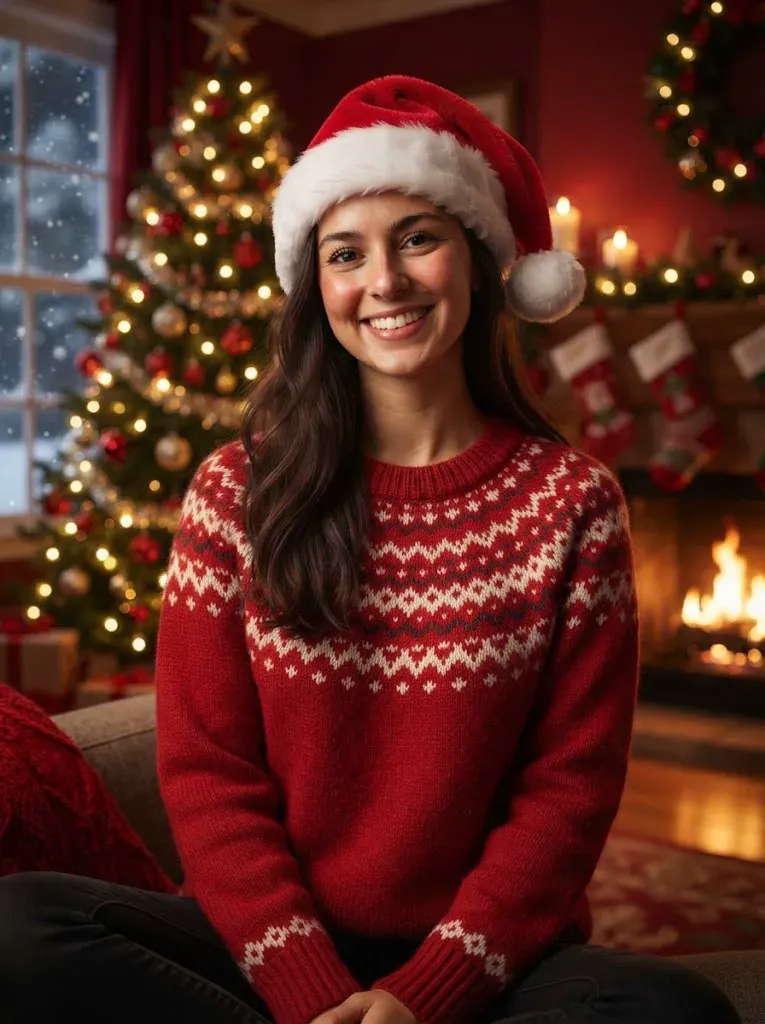
The AI Christmas video generator turns one photo of you, your kids or the whole family into a 15-second vertical clip inside a Christmas scene: the tree lit up, snow at the window, Santa coming through the door. As a Christmas video maker it does what most AI Christmas videos cannot, because they are stock footage with a name on top. This one makes your own people move, laugh and open the present. Send it on WhatsApp the same night, or post it to Stories for everyone on your list.
One clear photo is enough. The faces, hair and clothes in the photo are the faces, hair and clothes in the clip.
The AI Christmas video generator writes the room, the tree, the snow and the moment around your photo, so you do not write a prompt.
You get a vertical clip with its own Christmas bells, ready to send to the family chat or post as a greeting.
Quick answers about the AI Christmas video generator: the photo to use, the price, the watermark and the sound before you make your first clip.
Make Our Christmas VideoUpload one photo of the family, pick a scene and press the button. The AI Christmas video generator returns a 15-second vertical clip of the people in your photo by the tree, at the window or opening the door to Santa. Last year's group photo works, and faces toward the camera give the best result. There is nothing to film and no prompt to write.
No, each clip is paid. One 15-second Christmas video costs 60 credits, or you can pay once with no subscription: 1 video for $9.99, 3 videos for $19.99 or 5 videos for $29.99. The one-time packs suit a family that wants one clip for each person on the list. If a run fails, the credits come back to your balance automatically.
No. This Christmas video maker adds no watermark. The clip you pay for downloads clean as an MP4 in 9:16 vertical, so it is ready to send in a family chat or post to Stories and Reels the same night. Nothing is stamped on the corner, and nothing has to be removed before you share it with the people on your list.
It takes a few minutes for a 15-second clip, so make it the night before and it is ready well before the 25th. The finished clip stays in your account, and a failed run returns its credits to your balance. If the first scene is not the one you wanted, run the AI Christmas video generator again with another scene from the same photo.
Your photo is the reference for the people in it, and every prompt asks for the same faces, hair and build as in the photo. A clear, well-lit photo facing the camera gives the closest match, and a group photo with everyone in frame works best. Details can shift between runs, so run the AI Christmas video generator again if the first clip does not feel right.
Yes. Upload the family photo and pick the snowy window scene: everyone turns to the camera and waves while snow falls outside and the tree glows behind them. Send this Christmas greeting video in place of a printed card, or next to one. It plays on a phone straight from the chat, so grandparents far away can watch it at once.
Yes. Upload one clear photo of your pet and pick the pets scene. The pet sits by the tree, puts on a small Santa hat and turns to the camera. The AI Christmas video generator keeps the pet from your photo and adds no other animals, so a dog, a cat or a bunny stays the one you know, in a room made for Christmas.
Each clip has its own sound: soft bells and strings, with no lyrics and no spoken lines. The sound cannot be turned off, and the video model cannot sync a mouth to speech, so nobody talks in the clip. Add the carol you want in Reels, Stories or TikTok when you post the clip from the AI Christmas video generator, or send a short note of your own next to it.
Yes. The clip is a vertical 9:16 MP4, the right shape for WhatsApp Status, Stories and Reels, and it plays in a group chat as it is. Say in your message that the scene is AI-generated, so nobody takes it for a real recording. The same clip works as a Christmas greeting video for a group chat, a story or a direct message.
Read the guide to doing the AI trend for caption, timing and AI label tips that work for every video made from one photo. It also shows how a one-time video pack stretches across several clips, which helps when you want a Christmas video for each person on your list.
Explore More
AI Christmas Video Generator
One photo, one button and a scene that is already set. Make your clip well before the 25th.
Make Our Christmas VideoNo watermark • 9:16 MP4 • Christmas bells built in
Send Christmas Morning With an
Make Our Christmas Video